163
Press +
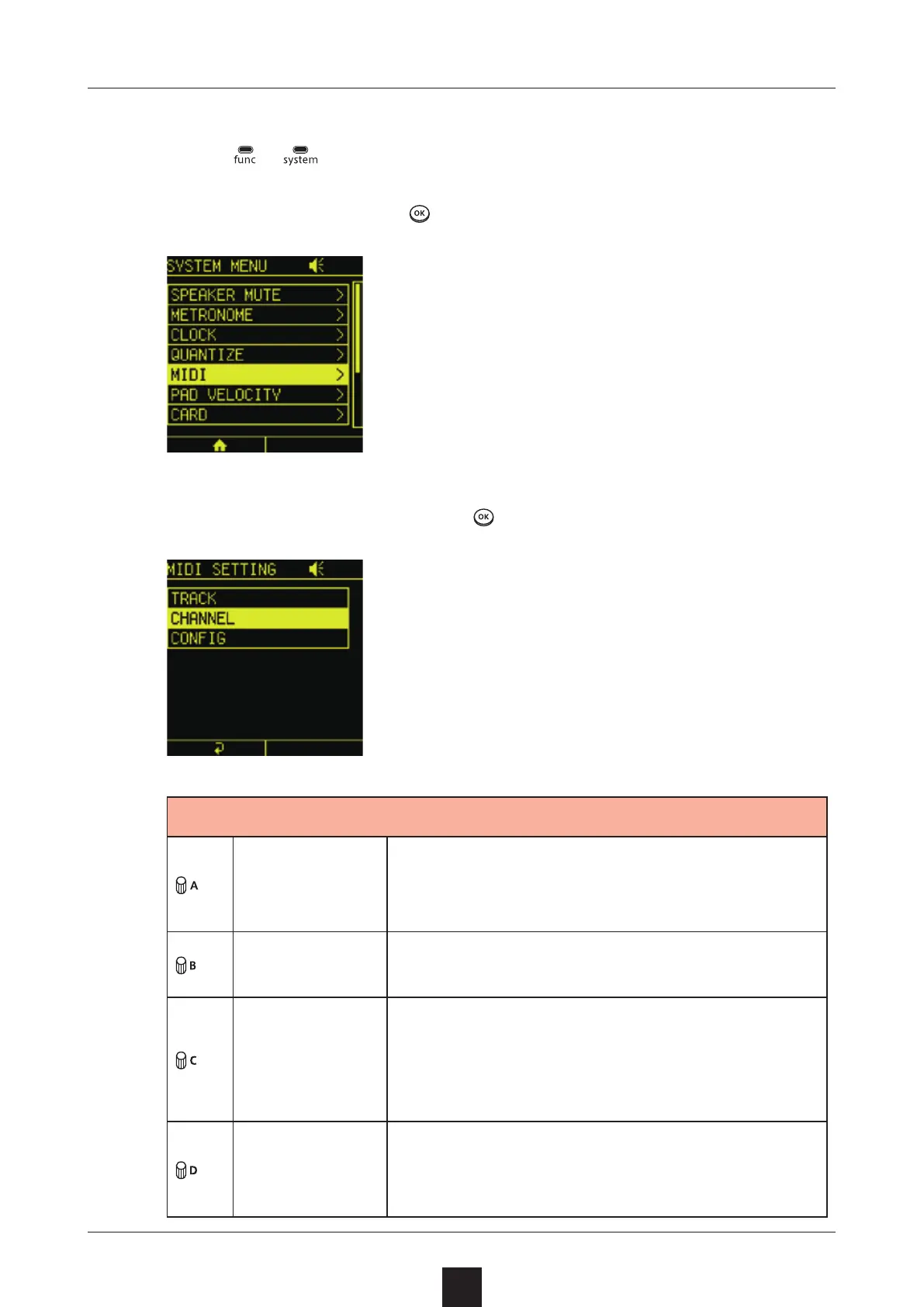
to open the SYSTEM MENU Screen.
Select , and press to open the MIDI SETTING Screen.
Select , and press
.
PROJECT
CHANNEL
This channel is for receiving project level
MIDI and other parameters related to the
project
AUTO
CHANNEL
This is the channel number used when
the OUTPUT CHANNEL is set to
OUTPUT
CHANNEL
Channel used for output
: Use the AUTO CHANNEL number
: Use channel numbers set for
each track
PC
CHANNEL
This channel is for sending and receiving
program changes Switching scenes is
done with program changes



 To Next Page