158
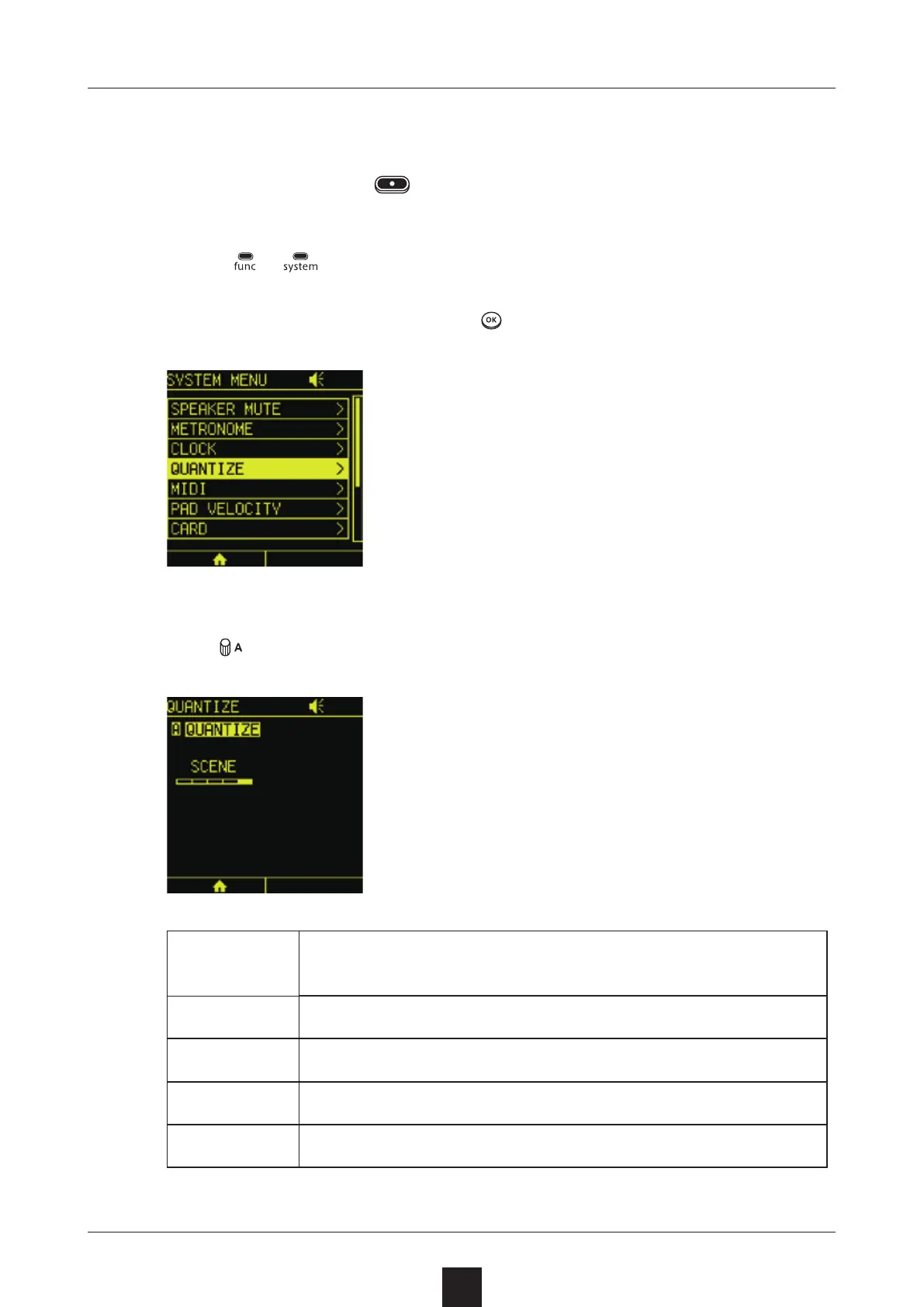
This quantization sets the start timing of track playback and record-
ing when LED pads and
are pressed.
Press +
to open the SYSTEM MENU Screen.
Select , and press .
Turn to set it.
1/4 BAR
Playback and recording start with quarter-note
timing
1/2 BAR Playback and recording start with half-note timing
1 BAR Playback and recording start with 1-bar timing
2 BAR Playback and recording start with 2-bar timing
SCENE Playback and recording start with scene timing



 To Next Page