EasyManua.ls Logo

Sonicware SmplTrek - GLOBAL Tracks - Adjusting Region Levels

Sonicware SmplTrek
174 pages
Print Icon
To Next Page IconTo Next Page
To Previous Page IconTo Previous Page
Loading...

94

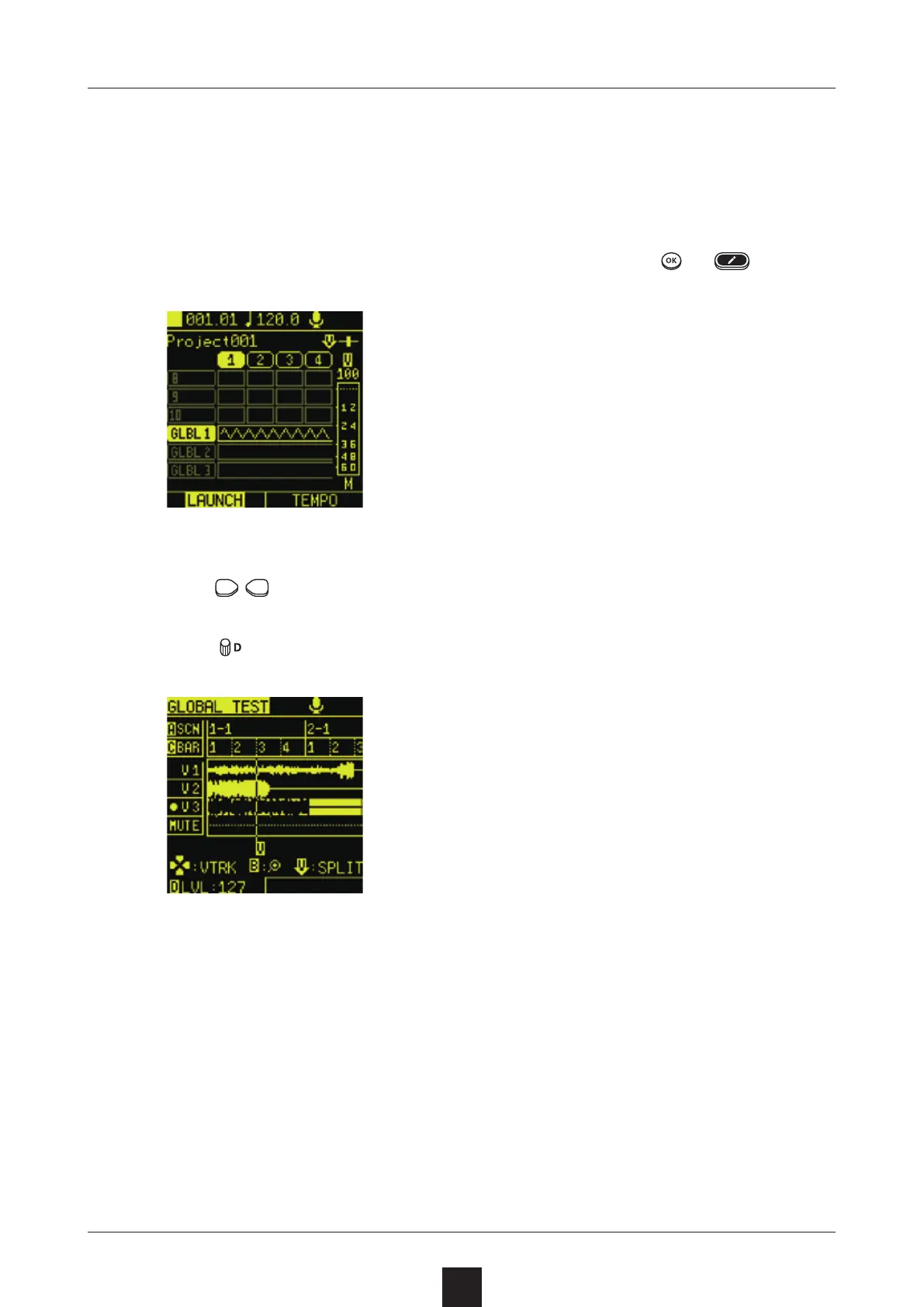
In addition to switching V take assignments, splitting regions en-
ables precise level adjustments for each region.
Select the GLOBAL track clip to edit, and press or .
Use to select a region to adjust.
Turn to adjust the level.


Table of Contents

Other manuals for Sonicware SmplTrek