59
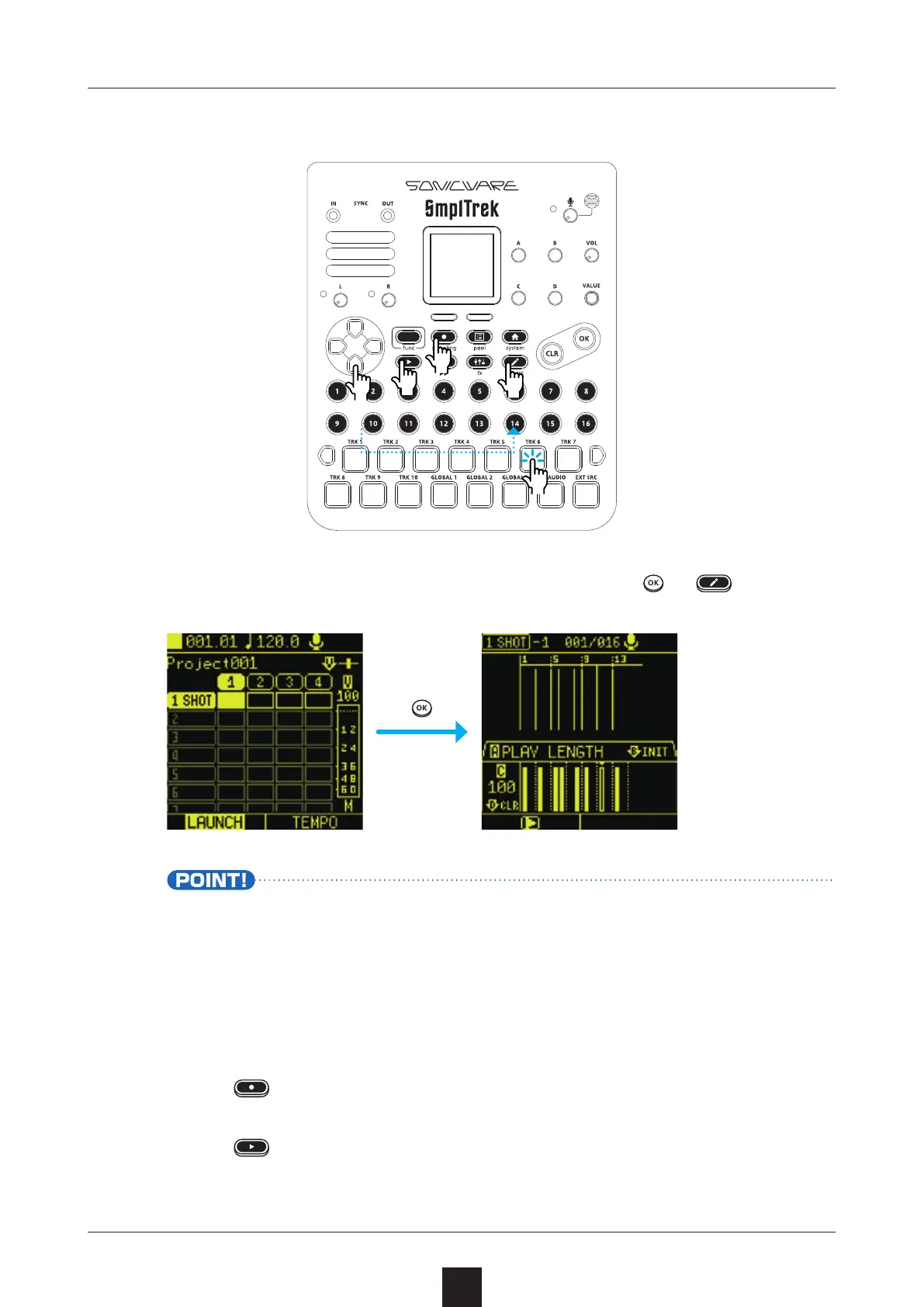
Select the clip to use for recording, and press
or .
• This shows visibly the steps where audio starts.
• Changing pages will move 16 steps at a time. If steps 1–32
are shown, changing pages will show steps 17–48.
Press to start recording standby.
Press to start recording.



 To Next Page