62
Using this function, multiple SHOT tracks can be used to perform,
creating sequences on each track.
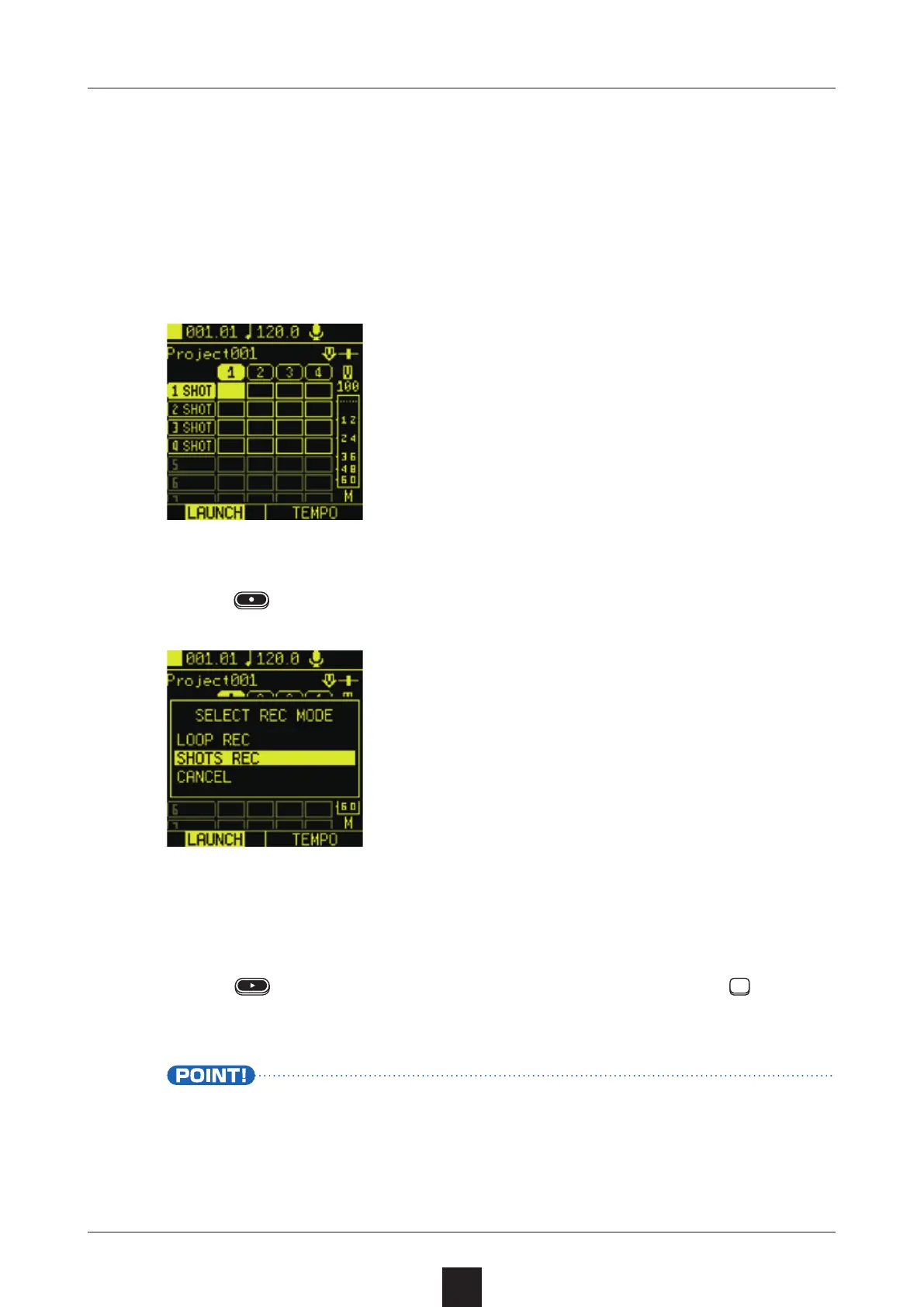
Prepare SHOT tracks with samples assigned to them before-
hand, and select the scene to record.
Press , and select .
This puts the unit into recording standby.
Press
to start recording, and use the SHOT track pads to
perform.
• Multiple SHOT track sequences can be input simultaneously.
Each clip will loop according to its own length. Set the lengths
of clips beforehand. ( →P.38)



 To Next Page