EasyManua.ls Logo

Sonicware SmplTrek - Basic Clip Operation - Clip Length

Sonicware SmplTrek
174 pages
Print Icon
To Next Page IconTo Next Page
To Previous Page IconTo Previous Page
Loading...

38


The length (time) of a clip is determined by 
.
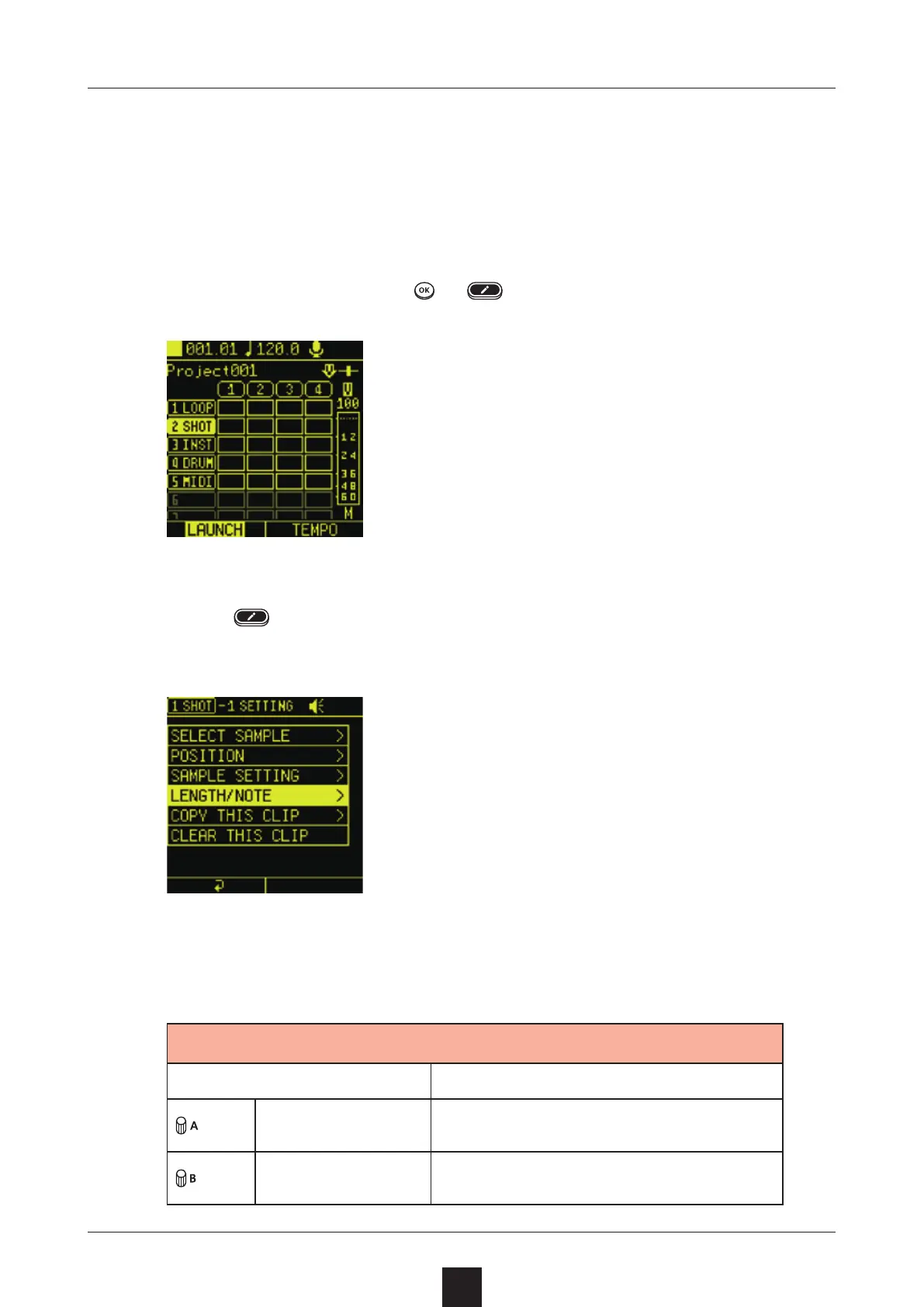
Select a clip, and press or to open the Editing Screen.
Press
again to open the SETTING Screen,
  and select .
Adjust the
 and  settings.

Item Explanation
LENGTH Number of steps
NOTE Length of 1 step

Table of Contents

Other manuals for Sonicware SmplTrek