EasyManua.ls Logo

Sonicware SmplTrek - LOOP Tracks - Looper Recording

Sonicware SmplTrek
174 pages
Print Icon
To Next Page IconTo Next Page
To Previous Page IconTo Previous Page
Loading...

49


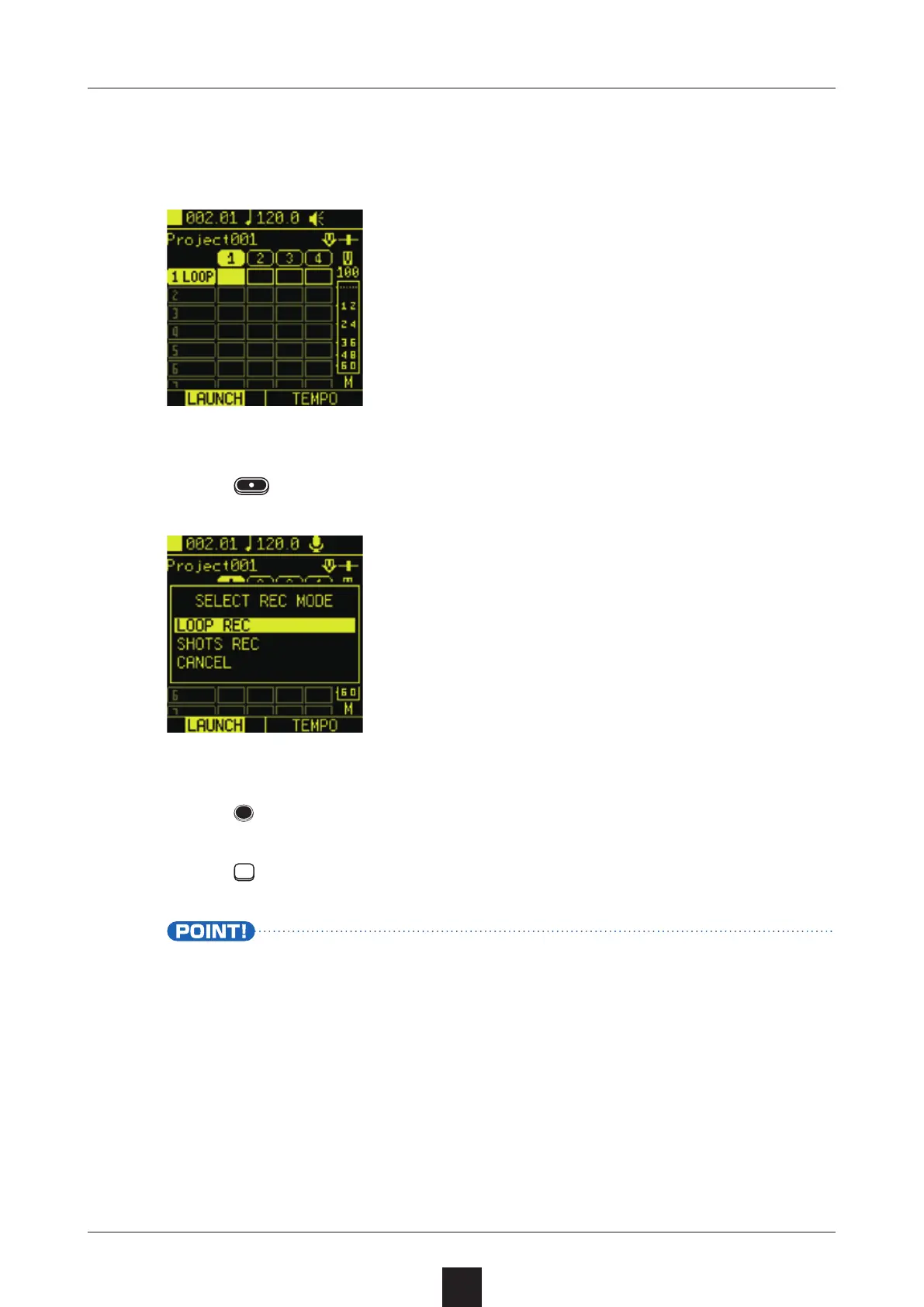
Set the type to  to use a clip for looper recording.
Press , and select .
Press to start playback.
Press
for the LOOP track to start recording.
Setting multiple tracks to LOOP type in advance enables per-
forming with looper recording on one track after another.


Table of Contents

Other manuals for Sonicware SmplTrek