EasyManua.ls Logo

Sonicware SmplTrek - Sampling - Saving Samples

Sonicware SmplTrek
174 pages
Print Icon
To Next Page IconTo Next Page
To Previous Page IconTo Previous Page
Loading...

22
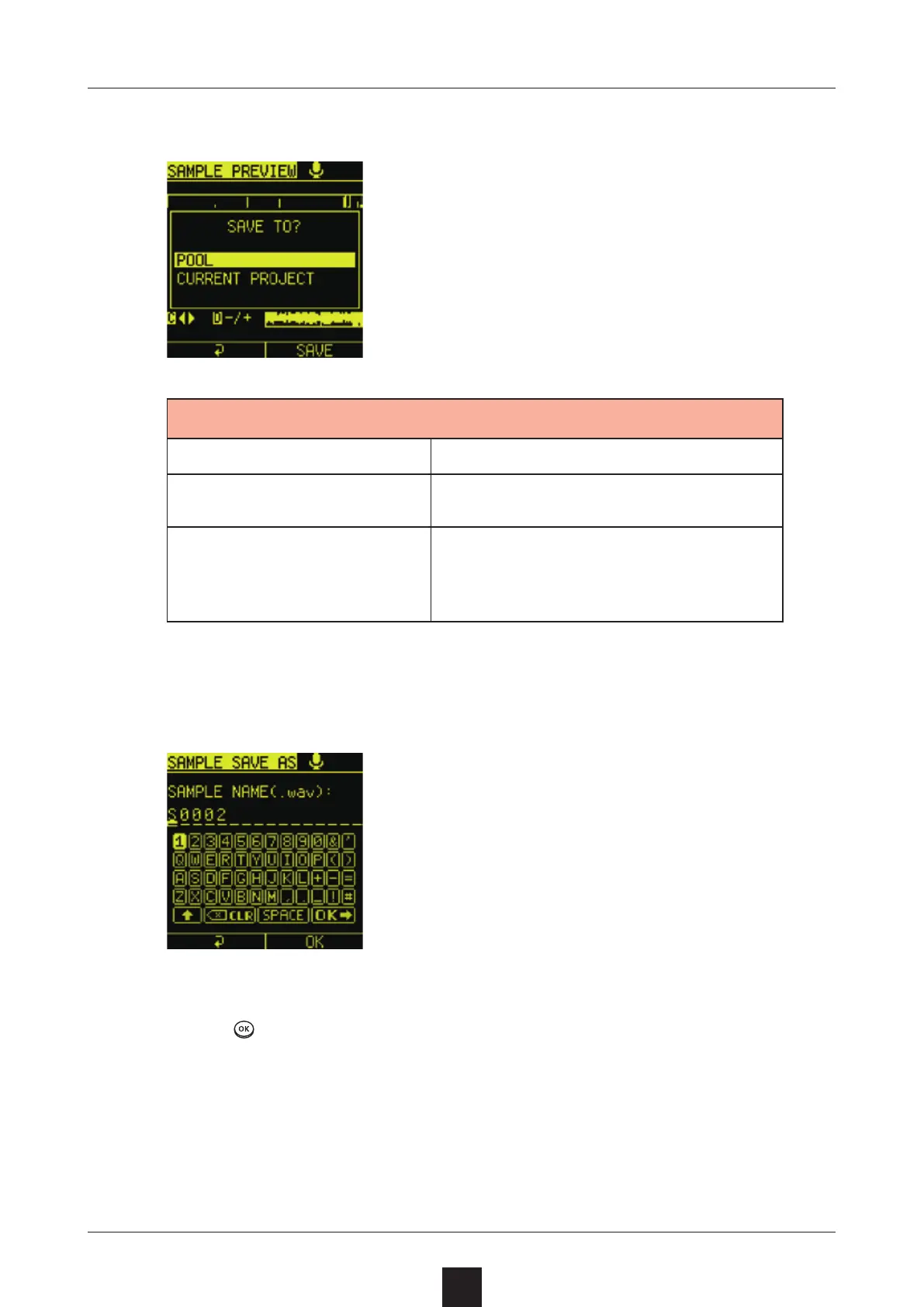
Select the save destination.

Option Explanation
POOL This saves to the sample pool.
CURRENT PROJECT
This saves to the current proj-
ect folder. After saving, it can be
assigned directly to a track.
Input the name.
Press
.
Select .
See P.122. to use the  function.

Table of Contents

Other manuals for Sonicware SmplTrek