127
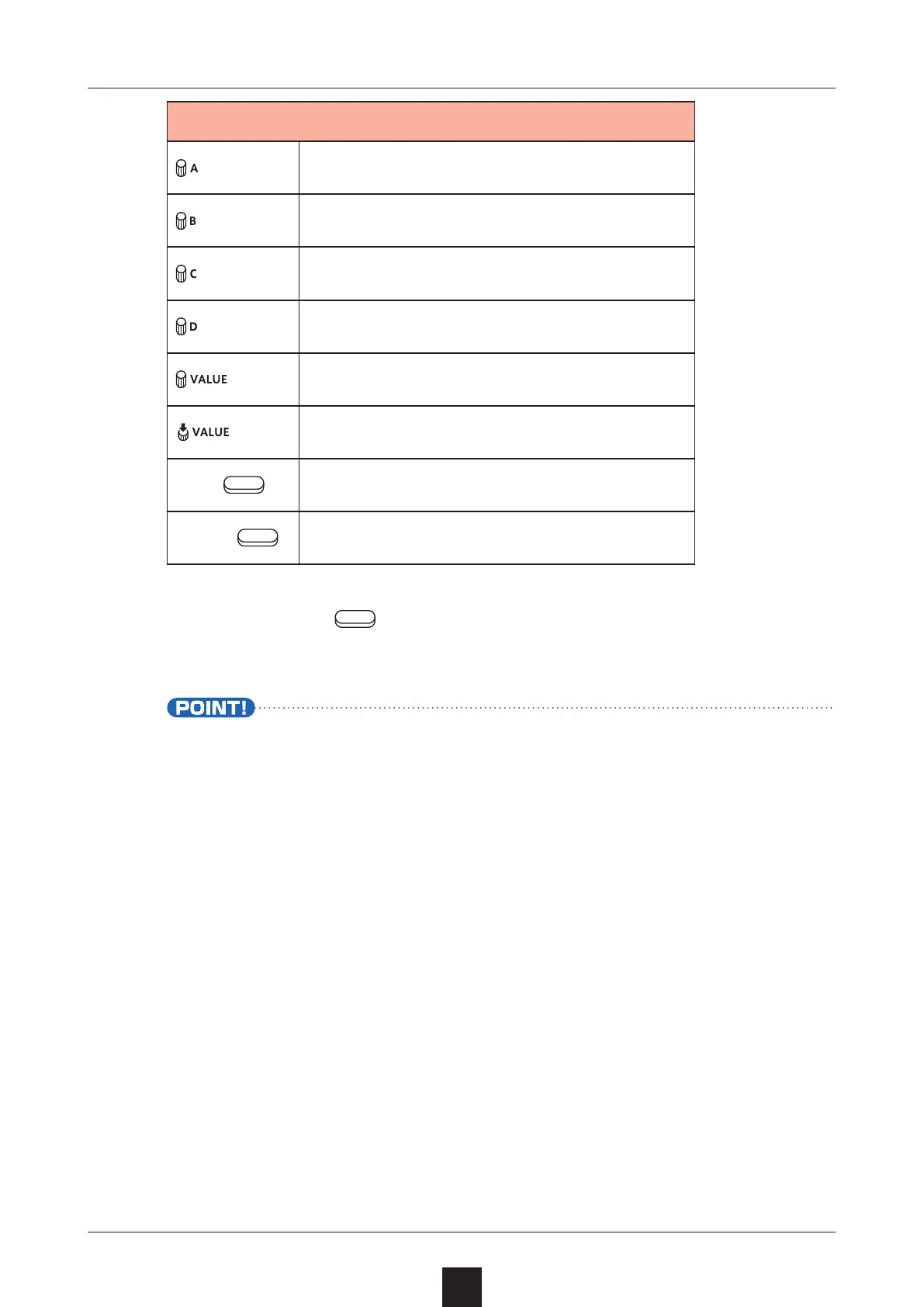
Start point in sample
End point in sample (AB POINT)
Move zoomed waveform display
Zoom waveform display
Select/change BPM items
Conrm BPM item selection
Left
Quit
Right
Open next menu page
Press the right
button to execute the changes.
The
SAMPLE POOL Screen will reopen.
• Executing will save a le named “original le name”.
The original le will not be overwritten.



 To Next Page