44
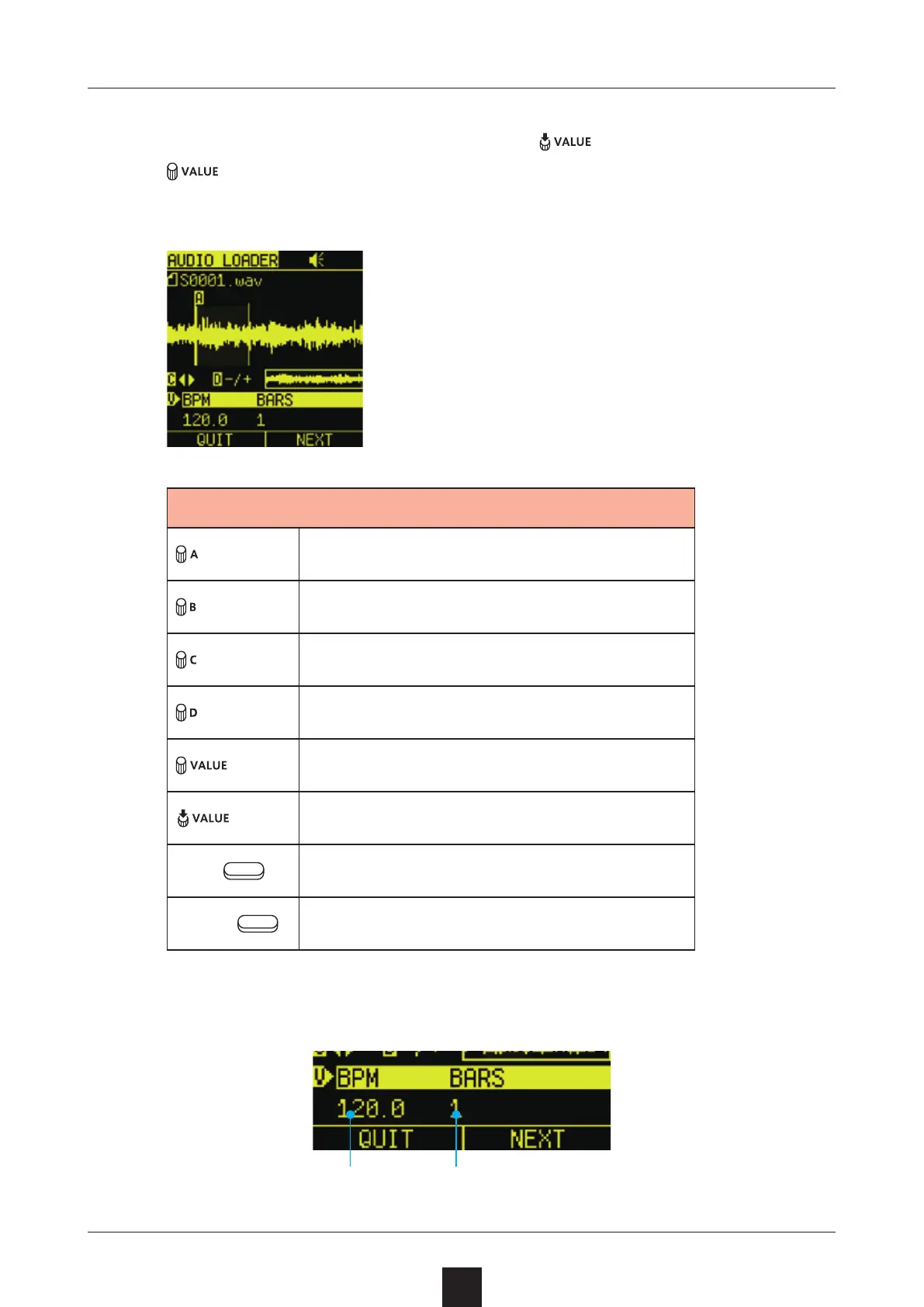
Set the interval used for the sample.
At the BPM BARS position, press
to select it. Then, turn
to change the interval setting method (
).
Start point in sample
End point in sample (AB POINT)
Move zoomed waveform display
Zoom waveform display
Select/change BPM items
Conrm BPM item selection
Left
Quit
Right
Open next menu page
• Determining interval by tempo and bars
Tempo Number of bars



 To Next Page