46
After setting the interval, press the right
button to
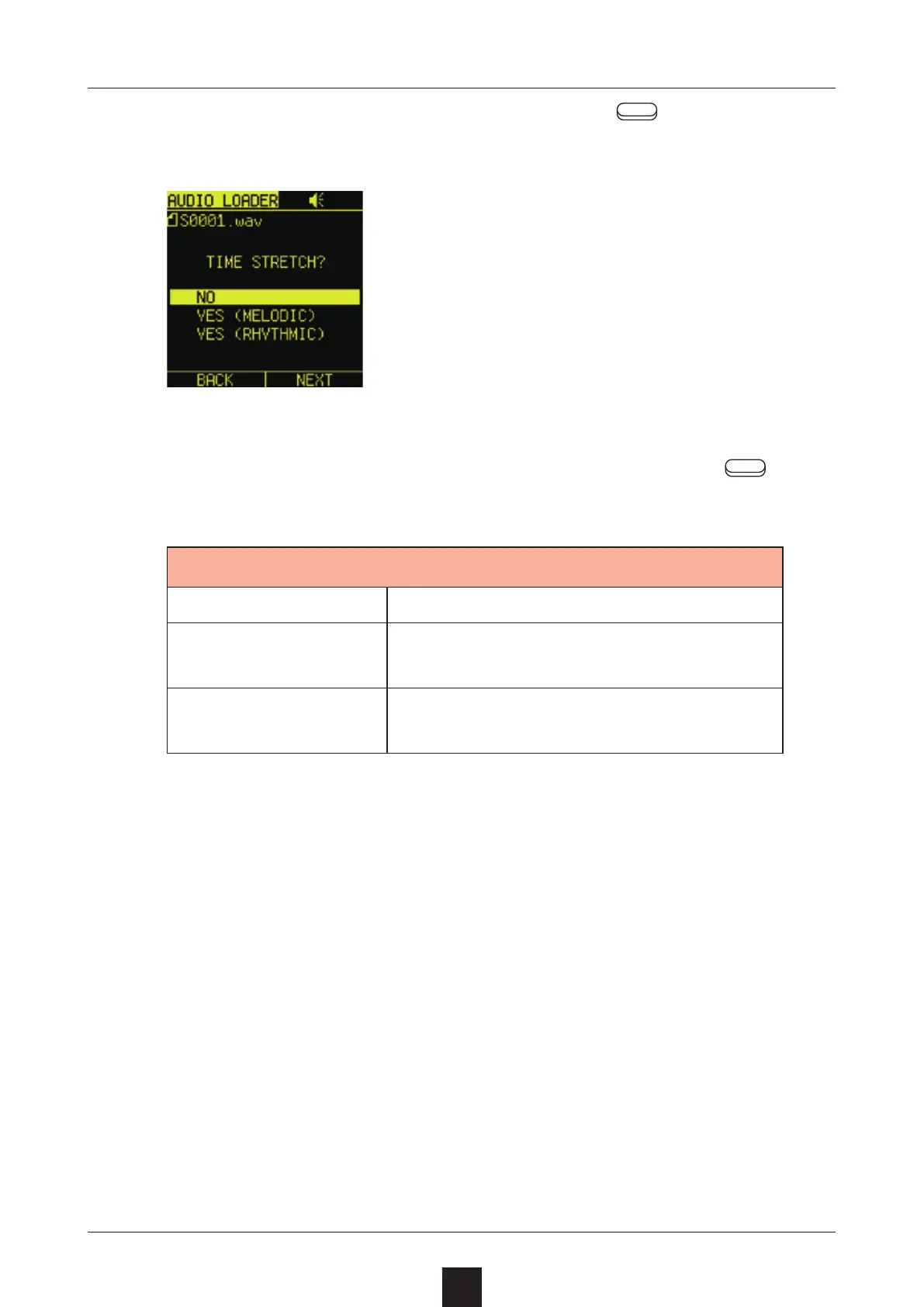
open the TIME STRETCH Screen.
To leave it unchanged, select , and press the right
button.
NO Do not time stretch
YES (MELODIC)
Use time stretching suitable for me-
lodic content
YES (RHYTHMIC)
Use time stretching suitable for
rhythmic content



 To Next Page