26
Chapter 2 Menu
ADDRESS Menu
In addition to the menus displayed on the menu list, the
ADDRESS menu is provided. This ADDRESS menu is
used to select the monitor or the monitor group by
assigning the address number or group address
number, so that when several monitors are connected
together via serial remote ports, the control panel can
select which monitor to control.
To display or exit the ADDRESS menu, press the
ADDRESS button. The method of choosing menu
items and changing settings is the same as with the
other menus.
For information about the ADDRESS menu, see “Selecting
the Monitor to Control —ADDRESS Menu” on page 60.
Basic Menu Operations
27
Chapter 2 Menu
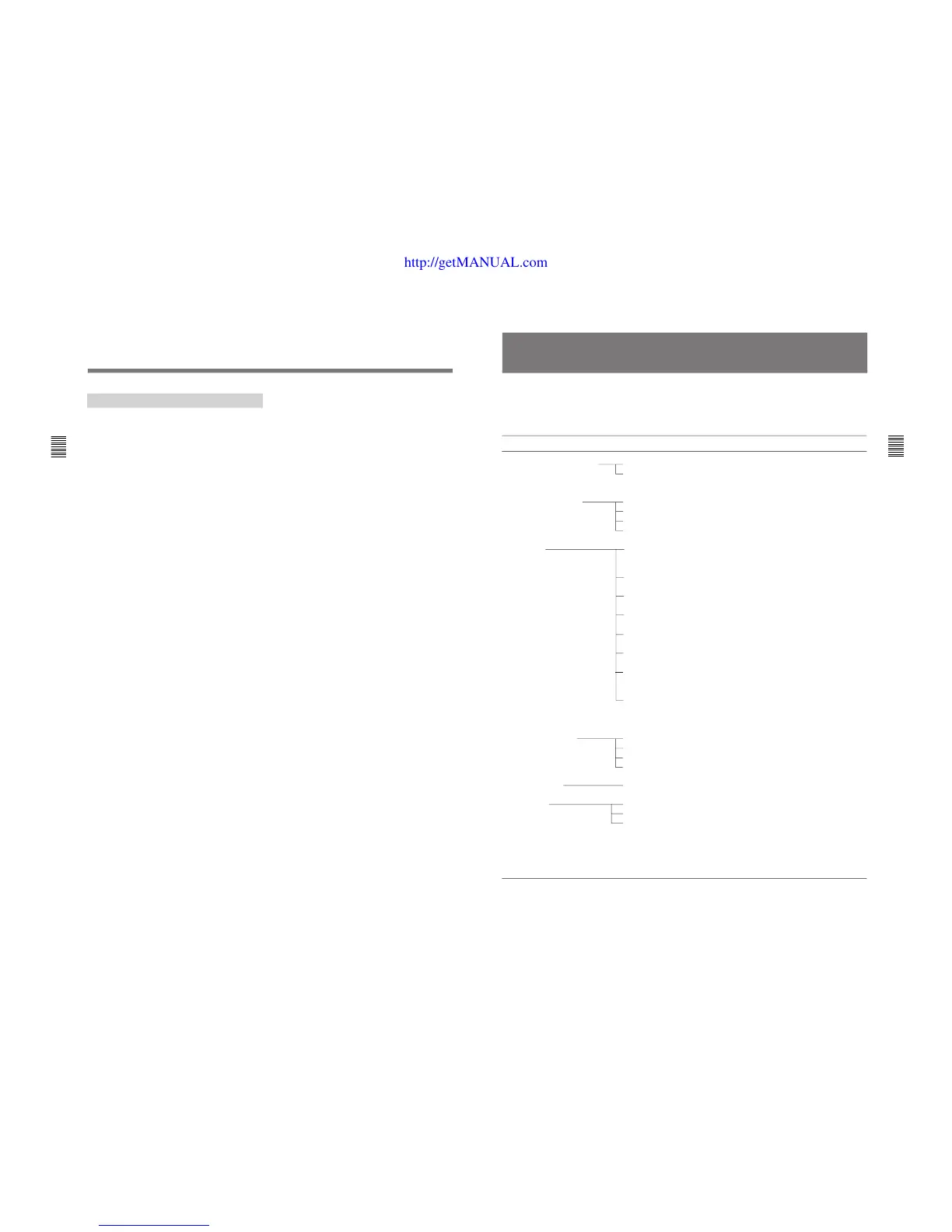
Menu Structure
Menus consist of two to six levels. The Main Menus
displayed on the Menu List and Level 1 are shown
below.
Detailed information on the levels of menus is
described at the top of explanation of each menu.
Main Menu Level 1 Functions
CONTROL PRESET ADJ A PRESET [A1]
CH SET [A1]
COLOR TEMP ADJ B STD [B1]
COL1 [B2]
COL2 [B3]
CH SET [B4]
SET UP C INPUT CONFIGURATION [C1]
REMOTE [C2]
PASSWORD [C3]
SYSTEM CONFIGURATION [C4]
ON SCREEN SET [C5]
ALIGNMENT [C6]
WHITE UNIFORMITY [C7]
EXTEND MENU [C8]
MEMORY CARD D SAVE [D1]
LOAD [D2]
DELETE [D3]
FORMAT [D4]
COPY FROM E MONITOR ADDRESS [E1]
STATUS F STATUS (1/3) [F1]
STATUS (2/3) [F2]
STATUS (3/3) [F3]
KEY PROTECT G
Sets the preset values for the input signal
contrast, brightness, chroma, and phase.
(page 28)
Sets the color temperature. (page 30)
A menu group for performing monitor setup,
consisting of the following.
Sets the input channel. (page 35)
Sets the remote control functionality.
(page 40)
Sets passwords for menus. (page 42)
Sets the input channel selection method,
power-up conditions and decoder. (page 44)
Sets data about the screen display. (page 46)
Adjusts the screen convergence, and
geometry. (page 48)
Adjusts the beam landing and color uniformity
of the CRT (BVM-D24E1WU/D24E1WE/
D24E1WA/D32E1WU/D32E1WE/D32E1WA
only). (page 51)
Loads the factory default data for the board
installed. (page 55)
Operates on data in the memory card.
(page 57)
Copies set-up data from other connected
monitors. (page 58)
Displays the information about the monitor or
options installed in the monitor. (page 59)
When set to ON, function buttons on the
control unit (with the exception of menu
operation buttons) will be disable. When set
to OFF, key protection is removed.








 To Next Page