The ON SCREEN SET menu is used to select the type
of information that will be displayed on the screen and
how that information will be displayed.
The types of information that can be set are as follows:
Overview
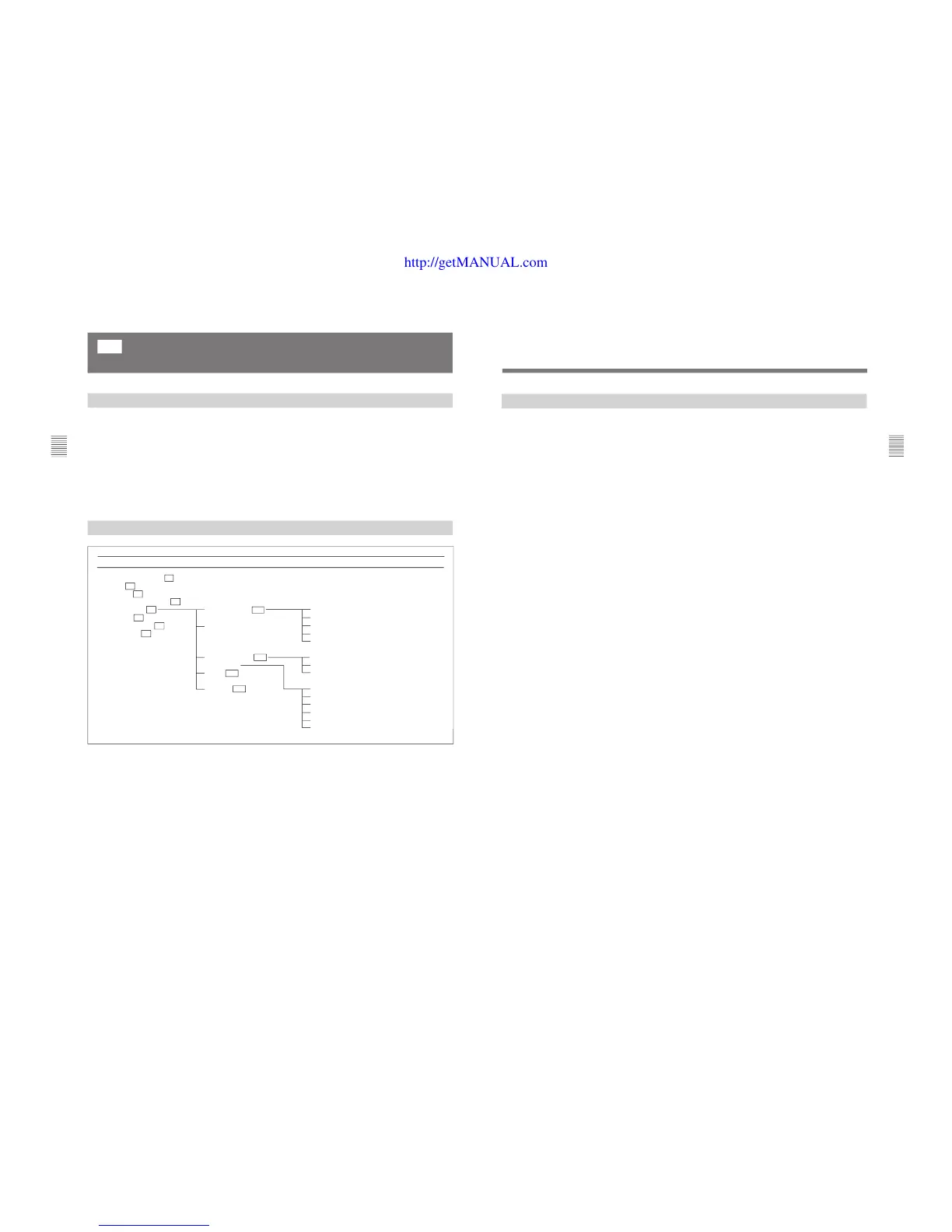
Structure of the ON SCREEN SET Menu
•Caption vision (CAPTION VISION menu)
•SDI signal ancillary data blanking (ANCILLARY
DATA menu) (when the SDI signal is displayed)
•Display mode and position of the signal format
(FORMAT DISPLAY and POSITION menus)
•Display mode and position of the channel number
(CH NO and POSITION menus)
•Display mode and position of the channel name
(CH NAME and POSITION menus)
[C5]
Setting the Screen Display (SET UP 5)
— ON SCREEN SET Menu
Level 1 Level 2 Level 3
47
Chapter 2 Menu
Setting Lists of the ON SCREEN SET Menu
This section explains the setting lists displayed in the
menu.
How to read the setting lists
•For purposes of explanation, each setting list is
preceded by a menu number. These numbers are not
displayed on the screen.
For more information about the menu number, see “About
menu numbers” on page 23.
•The arrow mark (÷) refers you to another setting list
that appears after you make the setting, or to an
operation that is carried out as a result of the setting.
When there is no arrow mark, the menu does not
have any sub-list.
[C5] ON SCREEN SET menu
Select items to be displayed on the screen.
CAPTION VISION... : Select the caption display
mode. ÷[C51]
ANCILLARY DATA: Select whether or not to
display the ancillary data in the serial digital signal
(OFF or ON).
FORMAT DISPLAY: Select the display mode of the
signal format. ÷[C52]
FORMAT DISPLAY POSITION: Select the display
position for the signal format. ÷[C52]
CH NO : Select the display mode of the channel
number. ÷[C53]
CH NO POSITION : Select the display position for
the channel number. ÷[C53]
CH NAME : Select the display mode of the channel
name. ÷[C54]
CH NAME POSITION : Select the display position
for the channel name. ÷[C54]
[C51] CAPTION VISION menu
Select the caption display mode.
OFF: Not displayed
CAPTION 1: Displayed in CAPTION 1 mode.
CAPTION 2: Displayed in CAPTION 2 mode.
TEXT 1: Displayed in TEXT 1 mode.
TEXT 2: Displayed in TEXT 2 mode.
[C52] FORMAT DISPLAY and POSITION menus
FORMAT DISPLAY menu
Select the display mode of the signal format.
AUTO: Disappears after displayed for a while.
ON: Displayed.
OFF: Not displayed.
One of the following signal formats is displayed on the
screen.
1035/60I, 1080/60I, 1080/50I, 1080/48I, 480/60P, 480/
60I, 575/50P, 575/50I, 720/60P, NO SYNC
POSITION menu
Select the display position.
TOP LEFT, TOP CENTER, TOP RIGHT,
BOTTOM LEFT (factory setting),
BOTTOM CENTER, BOTTOM RIGHT
[C53] CH NO and POSITION menus
CH NO menu
Select the display mode of the channel number.
AUTO: Disappears after displayed for a while.
ON: Displayed
OFF: Not displayed.
POSITION menu
Select the display position.
TOP LEFT, TOP CENTER, TOP RIGHT (factory
setting), BOTTOM LEFT, BOTTOM CENTER,
BOTTOM RIGHT
[C54] CH NAME and POSITION menus
CH NAME menu
Select the display mode of the channel number.
AUTO: Disappears after displayed for a while.
ON: Displayed
OFF: Not displayed.
POSITION menu
Select the display position.
TOP LEFT (factory setting), TOP CENTER,
TOP RIGHT, BOTTOM LEFT, BOTTOM
CENTER, BOTTOM RIGHT








 To Next Page