1-43
BVM-D32E1WA/D32E1WE/D32E1WU
V G CONV
Turn the PHASE knob.
V CONV
Turn the CHROMA knob.
H G CONV
Turn the BRIGHT knob.
INPUT CONFIGURATION
REMOTE
PASSWORD
SYSTEM CONFIGURATION
ON SCREEN SET
ALIGNMENT
WHITE UNIFORMITY
EXTEND MENU
CAPTION VISION
ANCILLARY DATA
FORMAT DISPLAY
POSITION
CH NO
POSITION
CH NAME
POSITION
OFF
CAPTION 1
CAPTION 2
TEXT 1
TEXT 2
AUTO
ON
OFF
TOP LEFT
TOP CENTER
TOP RIGHT
BOTTOM LEFT
BOTTOM CENTER
BOTTOM RIGHT
Available Signal Formats
575/50I(PAL*) 625 575 25 2:1 interlace 16:9/4:3 ITU 601
480/60I(NTSC*) 525 483 30 2:1 interlace 16:9/4:3 ITU 601
575/50P 625 575 50 Progressive 16:9/4:3 —
480/60P 525 483 60 Progressive 16:9/4:3 SMPTE 293M
1080/48I 1125 1080 24 2:1 interlace 16:9 —
1080/50I 1125 1080 25 2:1 interlace 16:9 SMPTE 274M
1035/60I 1125 1035 30 2:1 interlace 16:9 BTA S-001B
1080/60I 1125 1080 30 2:1 interlace 16:9
SMPTE 274M/BTA S-001B
720/60P 750 720 60 Progressive 16:9 SMPTE 296M
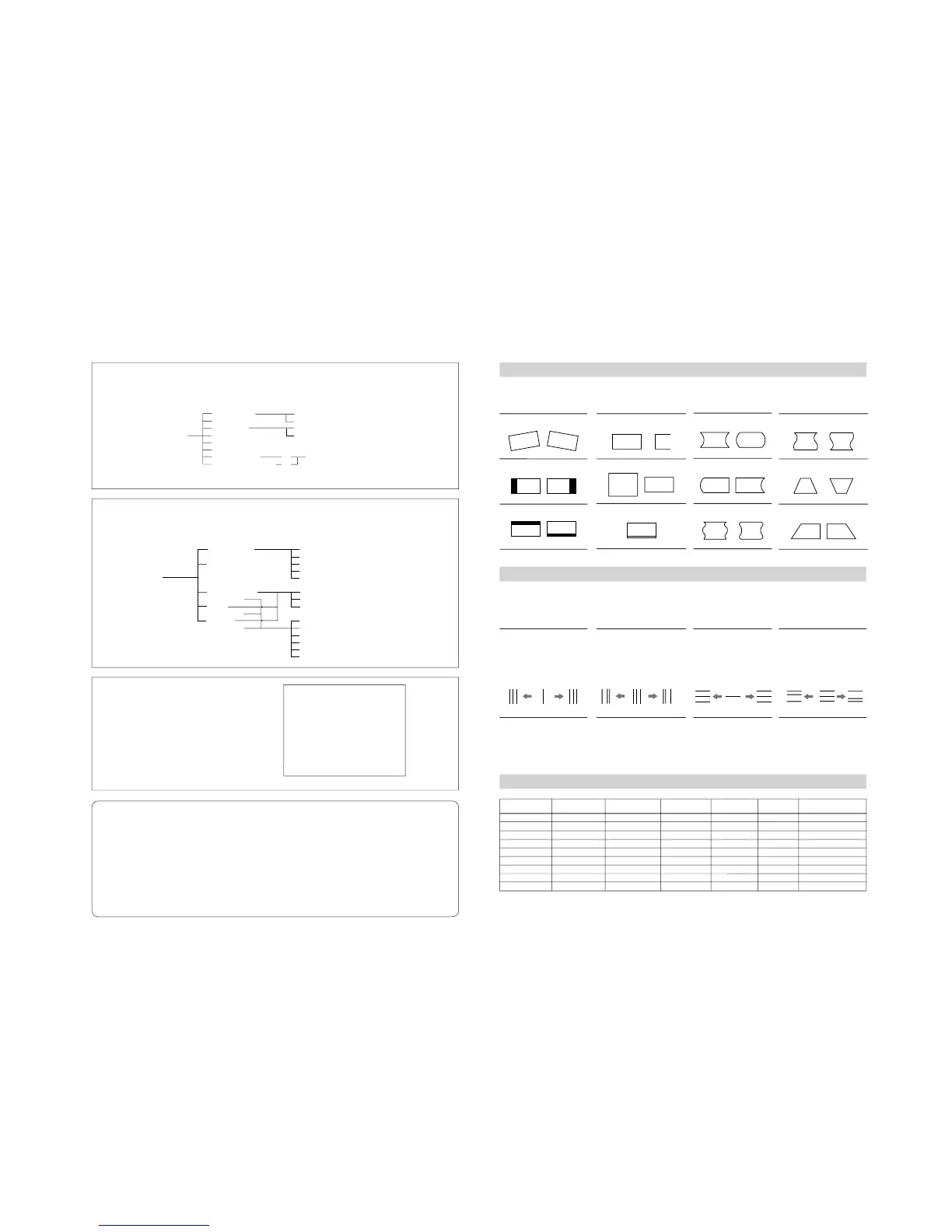
Geometry and Convergence Adjustments
The following illustrations show the geometry and convergence adjustments using the ALIGNMENT menu (1/3).
H PIN
H PIN BAL
H CORNER PIN
System
Active lines per frame
Frame rate
**
(Hz)
Scanning format
Total lines per frame
Aspect ratio Standard
E
SYSTEM CONFIGURATION
Settings of the channel selection method, power-up conditions and decoder
F
ON SCREEN SET
On screen display settings such as input channel number, the frequency of the current input signal, etc.
ADDRESS
Selects the monitor to be controlled.
INPUT CONFIGURATION
REMOTE
PASSWORD
SYSTEM CONFIGURATION
ON SCREEN SET
ALIGNMENT
WHITE UNIFORMITY
EXTEND MENU
INPUT SELECT
STANDBY MODE
DEFAULT CH
DEGAUSS DELAY
RESIDUAL SC SW
ACC SW
CONT/BRT HOLD
COL TEMP SHORT-CUT
DIRECT MODE
10KEY MODE
LAST
CH
ON/OFF
1)
2)
Address Short-cut Function
Selects the monitor(s) to be controlled using the buttons
only.
SINGLE mode: Press the ADDRESS button, then
input the address number of the target monitor using
the numeric keypad.
GROUP mode: Press the ADDRESS button and F1
button, then input the group address number of the
target monitor using the numeric keypad.
ALL mode: Press the ADDRESS button and F2 button.
* PAL and NTSC color systems are active when an optional decoder is attached.
** Frame rate is also compatible with 1/1.001.
1) Contrast and brightness settings for
white balance adjustment
2) Assignment of short-cuts for white
balance menu (assignment to the F2
button.)
DISPLAY GROUP ADDRESS
- - -
ADDRESS
SINGLE ***
GROUP***
ALL
ALL POWER ON
ALL POWER OFF
DISPLAY MONITOR ADDRESS
ROTATION
H PHASE
V CENTER
H SIZE
V SIZE
VITS BLK
H CORNER S
H KEY
H KEY BAL
Convergence Adjustments for the BVM-D32E1W series
Adjust the convergence at the cursor position using the CONV FINE ADJUST menu in the ALIGNMENT menu (3/3).
H CONV
Turn the CONTRAST knob.
counter-
clockwise
clockwise clockwise clockwise clockwise
R G B B G R
B GR B G R BG R
B
G
R
R
G
B
RGB
R
G
B
R
G
B
R
G
B
R
G
B
counter-
clockwise
counter-
clockwise
counter-
clockwise
To reset to the condition before adjustment: Press the
corresponding MANUAL button.
To finish the adjustment: Press the ENTER button.
To cancel the adjusted data: Press the MENU button.








 To Next Page