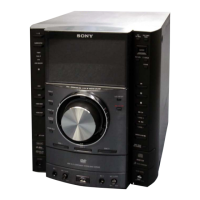
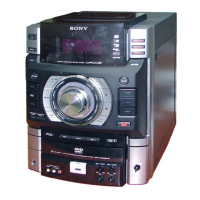
HCD-GT3D
22
[HISTORY MODE]
This mode is used to check important data stored in the system when PROTECTOR happened.
Procedure:
1. During demo mode, press [] button and [S2 +] button for 5 seconds to mode into history mode.
2.
Press the [S4 TUNING +
>
] button or [S3 TUNING –
.
] button to check history data stored.
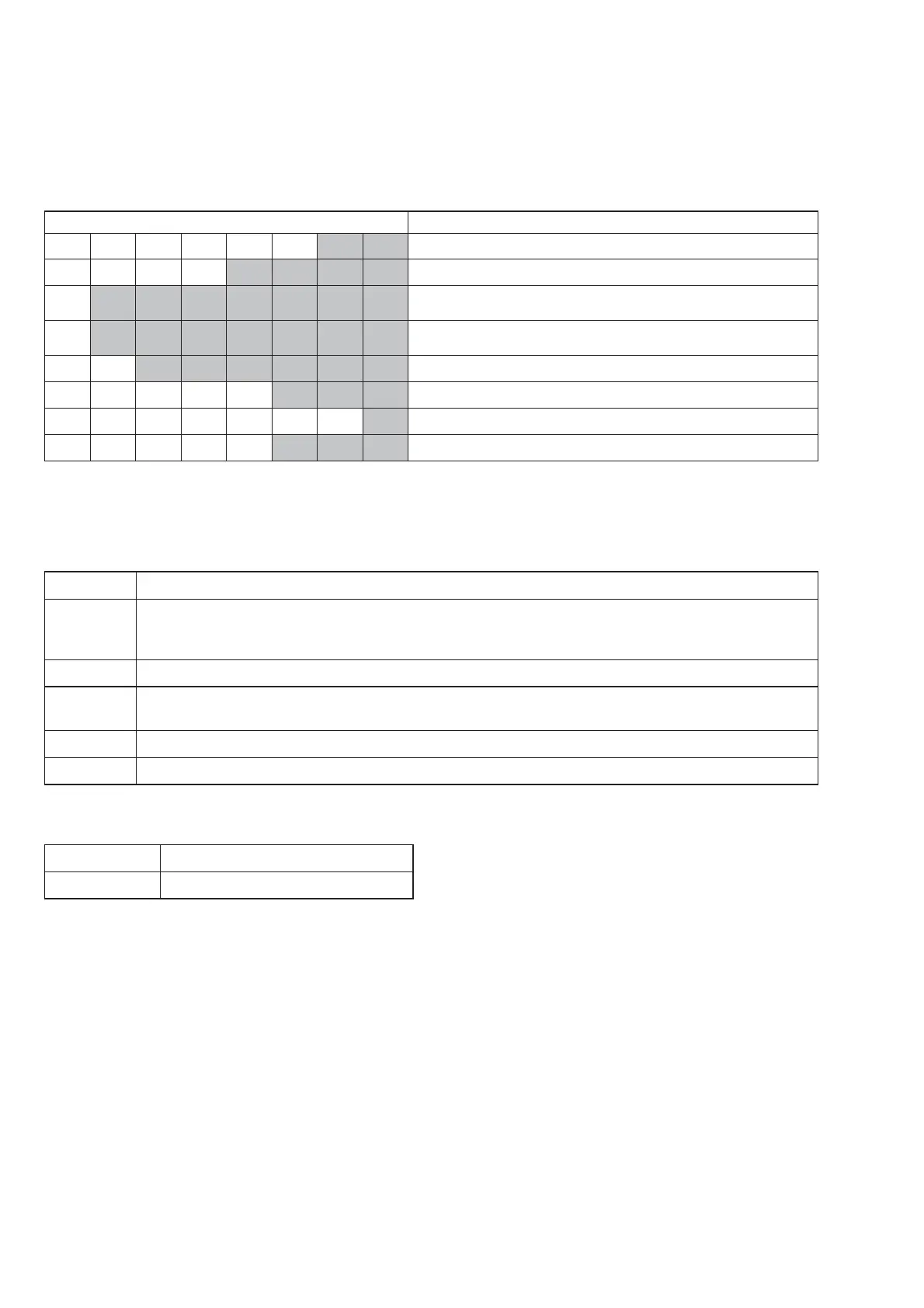
Display on fl uorescent indicator tube Description
PCOUNT
※※
No. of time protector happened (0 ~ 99)
PT
※※※※
Refer to protect type description
1 *h*h*h*h*h*m*m
Single Power On Time until protector happened (0~99999 hours,
0~99 minutes)
2 *h*h*h*h*h*m*m
Total Power On Time [ no consider protector happened ]
(0~99999 hours, 0~99 minutes)
F
※※※※※※
Input Function during protector happened
VOL
※※※
Volume setting (MIN / 1 - 50 / MAX)
SW
※
Subwoofer setting (0 ~ 4)
BASS
※※※
MEGA BASS setting (OFF / ON)
To release from History Mode.
To release from this mode, press [
\/1] button.
Protect Type Description:
Error Code Description
01 The over current condition to MOSFET occurs by defect of MOSFET or defect of PS output line.
or
Unusual heat up of MOSFET by improper assembly of heat sink, destruction of MOSFET etc.
02 Defect of thermistor IC or charging circuit used by SPM (Sound Pressure Management) system.
03 Defect of power supply circuit to AMP. There is possibility of unusual power supply of any of the AMP IC or Pre-
amplifi er.
04 DC appears in SP terminal by defect of AMP IC and MOSFET.
06 Defect of DC FAN and DC FAN driver circuit.
If speaker does not have output even if the set status is not in PROTECT mode, the following defect might be possible:
Defects Possible cause
RESET defect Reset signal status from micom is not ‘H’.



 To Next Page