152
English
• To enter the settings
5. Set the required linear compensation and press
ENTER
.
The 1st axis linear compensation is set.
• To interrupt the settings
5. Press
RESET
.
Interrupts the linear compensation settings.
(Previous setting contents remain.)
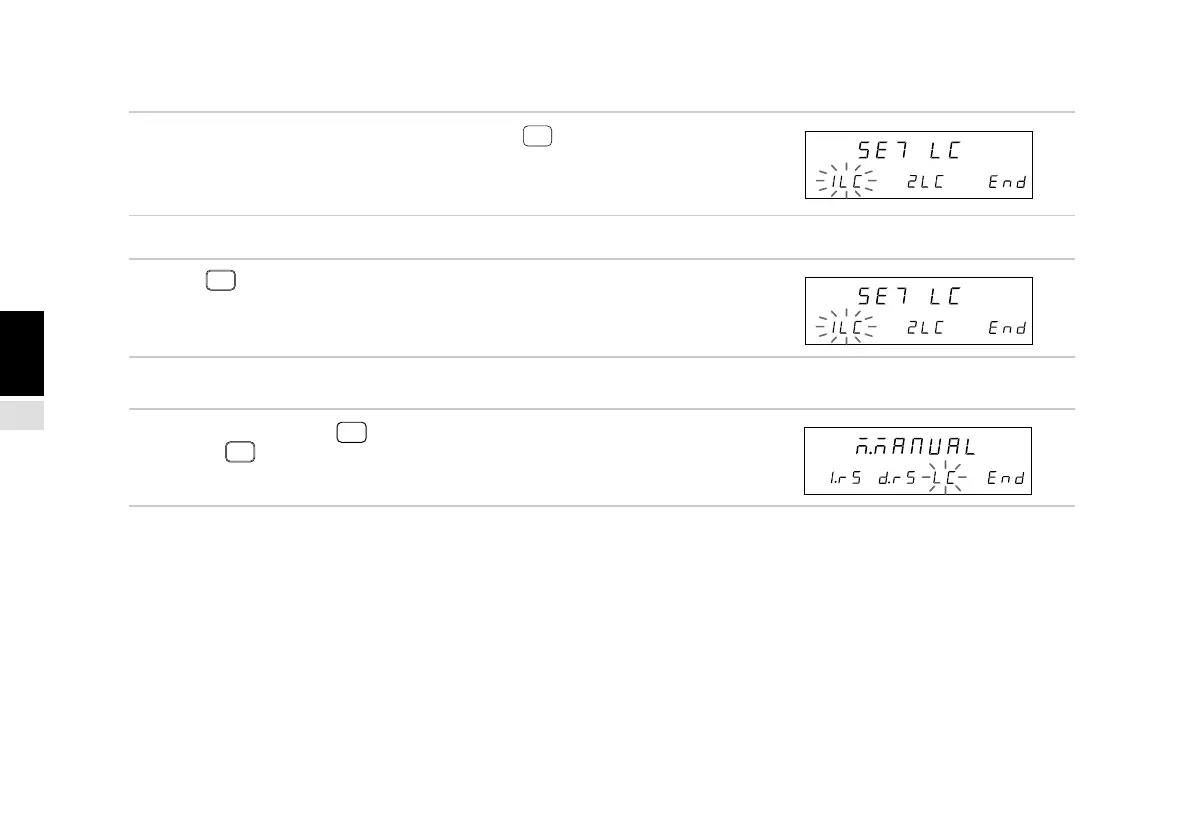
(2) End settings (Continued from P.151.)
3. Select “End” and press
ENTER
or press
RESET
.
Ends the linear compensation settings.
Main display
Sub-display
Main display
Sub-display
Main display
Sub-display



 To Next Page