155
English
4-6-10. Universal output signal setting
When the universal output is set to zero point output, the output signal goes “H” for the 100 ms when the zero point is passed.
(Continued from 4-6-1 (2).) (P.133)
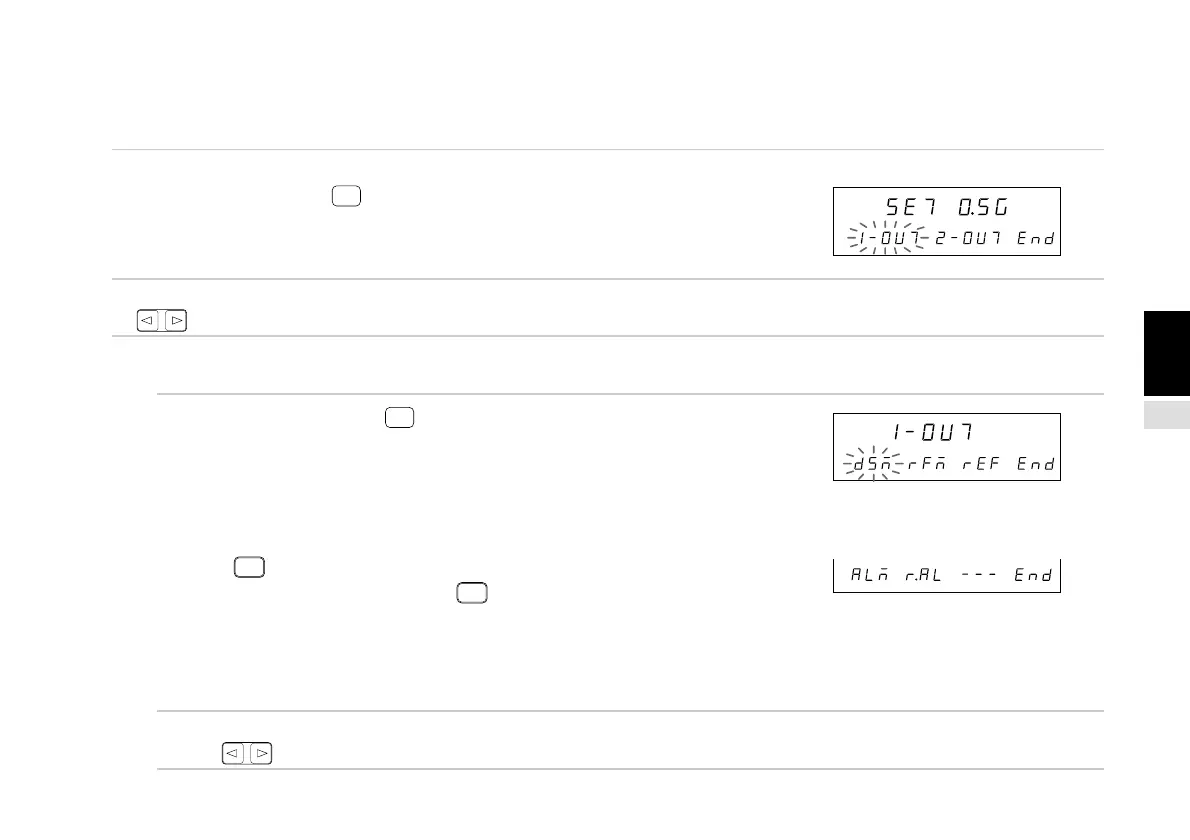
1. Select “O.SG” and press
ENTER
.
Sets the universal output signal.
The selected item flashes.
2. Select the desired item with the cursor movement keys
.
(1) Output signal 1 (output signal 2) setting
3. Select “1-OUT” and press
ENTER
.
(Select “2-OUT” for output signal 2.)
Sets the universal output signal 1.
“dSM”: Display mode (“H” output during peak display)
“rFM” : Zero point reference mode
(“H” output in reference mode)
“rEF” : Zero point (“H” output during zero point input)
Press
F
.
The item menu is switched using
F
.
“ALM”: Alarm (“H” output when an alarm occurs)
“r.AL” : Zero point alarm (“H” output when an alarm occurs)
The selected item flashes.
The initial setting is display mode (dSM).
(The initial setting for output signal 2 is alarm (ALM).)
4. Select the desired item with the cursor movement
keys .
Main display
Sub-display
Sub-display
Main display
Sub-display



 To Next Page