153
English
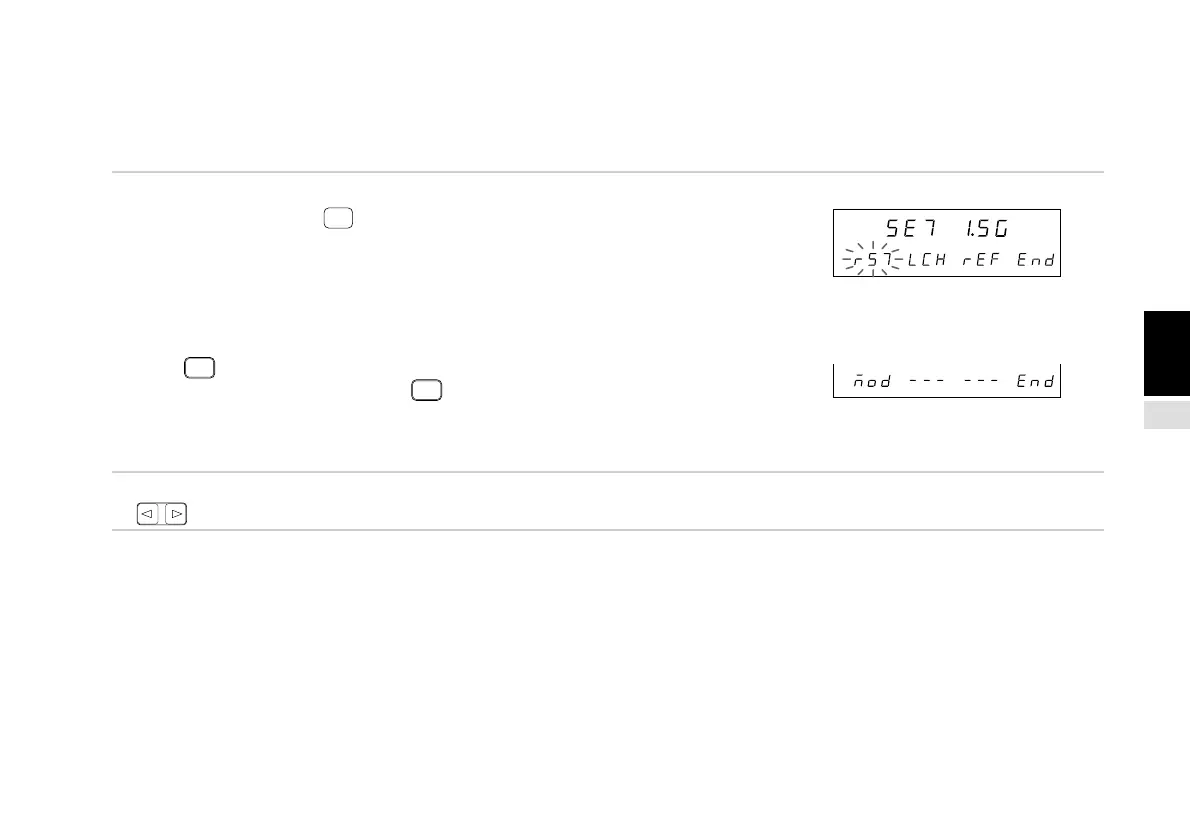
4-6-9. Universal input signal setting
The setting changes when the RS-232C unit LZ51-C (option) is connected. In this case, see the instruction manual of the
RS-232C unit.
(Continued from 4-6-1 (2).) (P.133)
1. Select “I.SG” and press
ENTER
.
Selects the universal input signal.
“rST” : External restart (peak value restart)
“LCH” : External latch (Display latch)
“rEF” : External zero point (When using a contact point
switch as a zero point, the zero point is detected at
the falling edge of this signal.)
Press
F
.
The item menu is switched using
F
.
“Mod” : Mode switching
The selected item flashes.
The initial setting is external restart (rST).
2. Select the desired item with the cursor movement keys
.
Main display
Sub-display
Sub-display



 To Next Page