173
English
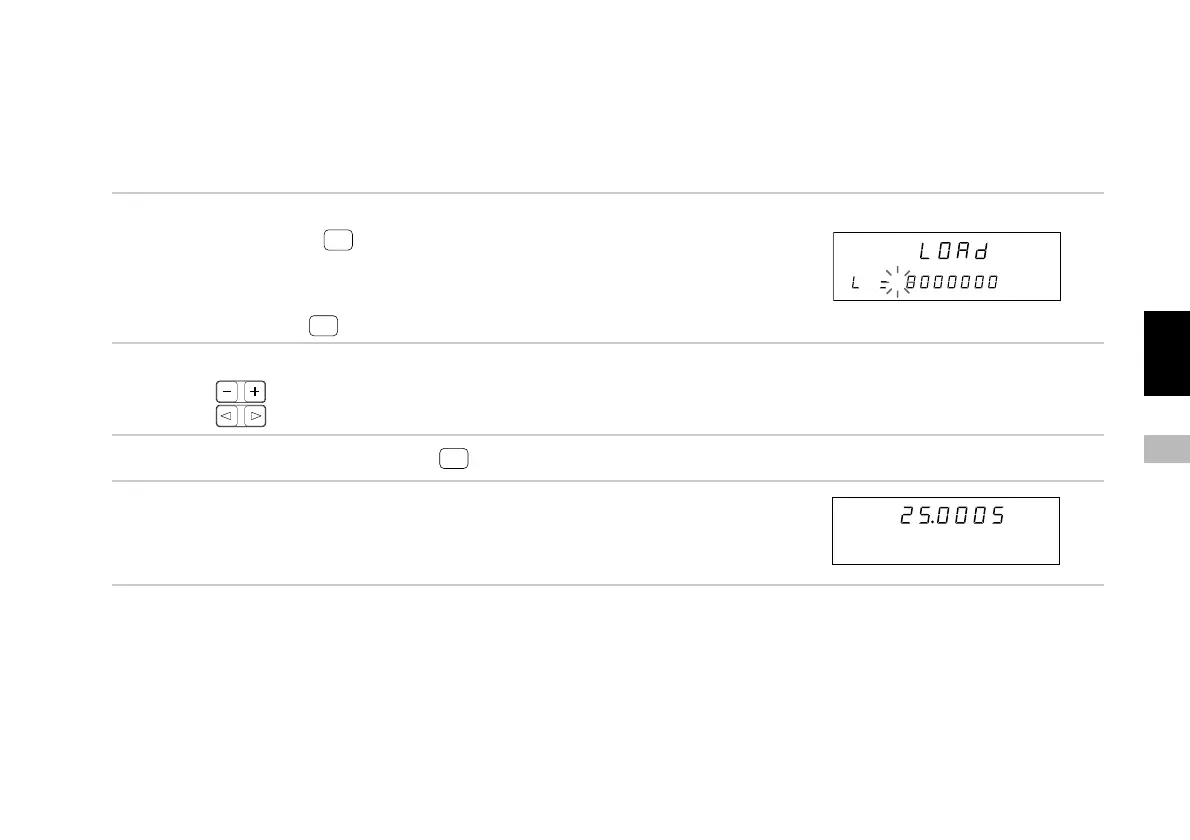
7-2-4. Zero point offset load
This starts the counting from the set value at the point when the zero point is passed. The maximum, minimum and peak-to-
peak values restart from the set value.
When the zero point is loaded during the zero point reference mode, the zero point reference mode is canceled.
(Continued from 7-2-1.) (P.171)
1. Select “OFL” and press
ENTER
.
The unit is placed in the zero point load wait status.
The REF LED flashes.
You can interrupt the operation by moving the cursor to
“End” and pressing
ENTER
.
2. Input the offset value.
Press to change the number.
Press to change the digit.
3. Set the required offset value and press
ENTER
.
4. (Zero point passed)
The REF LED goes off and counting starts.
Main display
Sub-display
Main display
Sub-display



 To Next Page