139
English
Deutsch
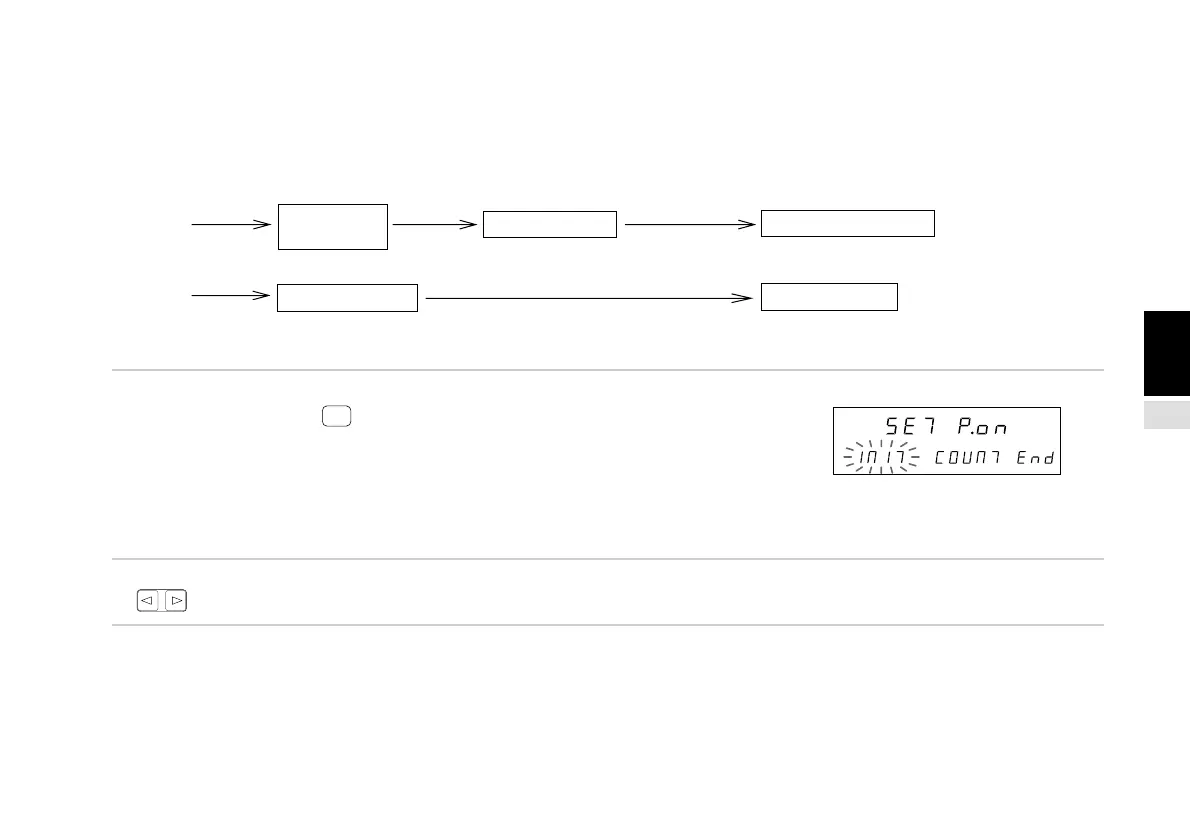
4-6-3. Power-on display mode setting
By setting the display mode when the power is turned on in the initial settings, this can be used as an alarm for when a
momentary power failure occurs.
(Continued from 4-6-1 (2).) (P.133)
1. Select “P.on” and press
ENTER
.
The power-on display mode can be selected from the initial
setting mode (INIT) or the counter mode (COUNT).
The selected item flashes.
“INIT” : initial setting mode
“COUNT” : counter mode
The initial value is the initial setting mode (INIT).
2. Select the desired item with the cursor movement keys
.
Power ON Counter display Initial setting display
Power ON Counter display Counter display
This can be recognized as an alarm.
No indication of momentary power failure.
Momentary power failure
Initial setting
display
RESET
Momentary
power failure
Main display
Sub-display



 To Next Page