169
English
7-1. Resetting
The current value and error display can be reset using the
RESET
key or external reset input.
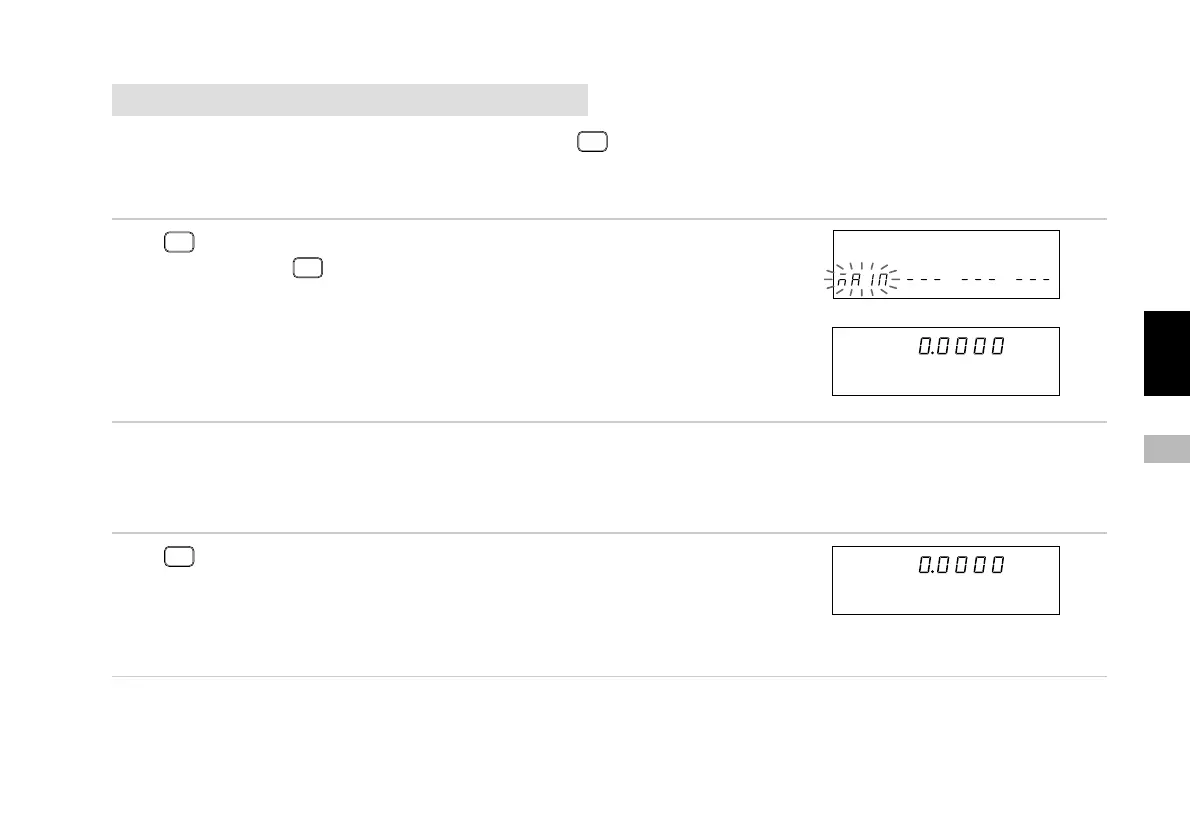
7-1-1. Ending the initial settings
Press
RESET
.
When you press
RESET
while the first initial setting menu is
displayed, the initial settings are ended and the count
display appears.
7-1-2. Resetting the current value
This sets the current value to “0”. It also clears the maximum, minimum and peak-to-peak values and sets them to “0”, allowing
the operation to be restarted from the beginning.
Press
RESET
or
input the external reset.
Clears the maximum, minimum and peak-to-peak values
and sets them to “0”.
When waiting for a zero point, the zero point wait status is
also canceled.
Main display
Sub-display
Main display
Sub-display
Main display
Sub-display
↓



 To Next Page