135
English
Deutsch
4-6-2. Collective automatic setting
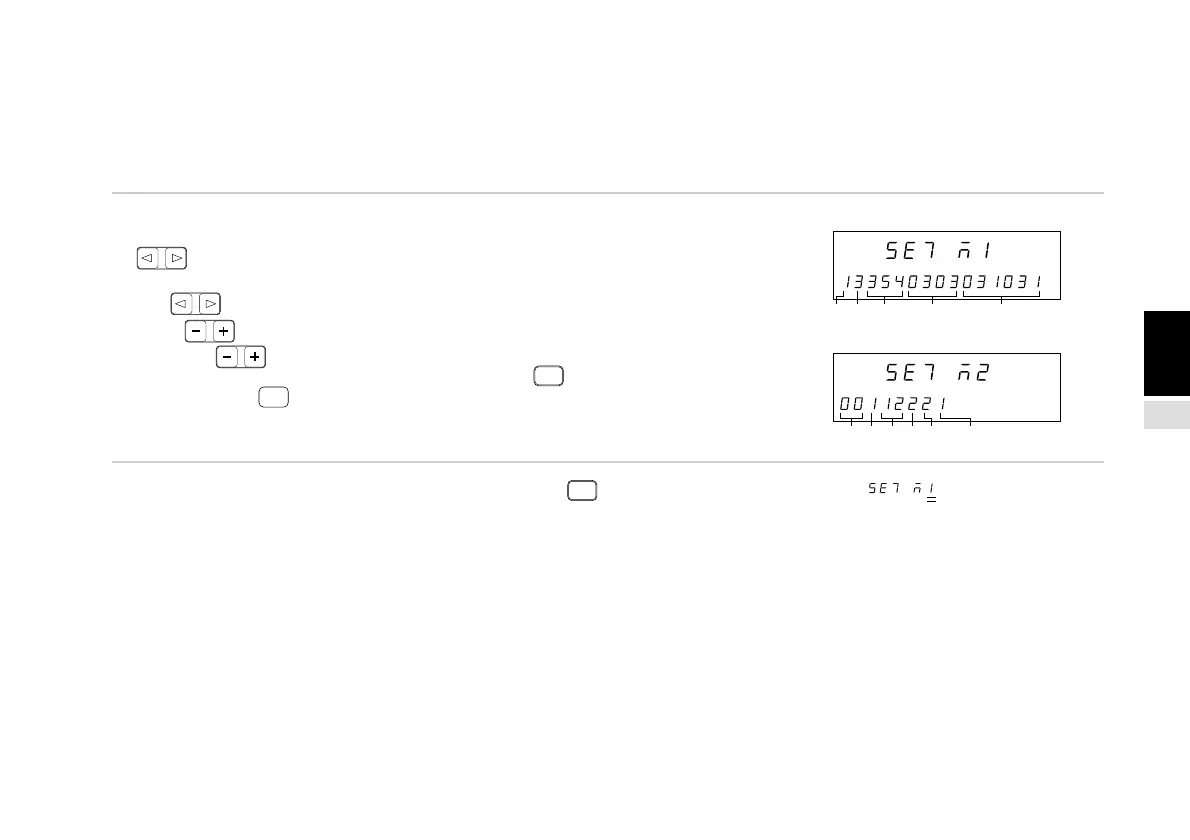
The initial setting items can be set at once using code input.
This section describes the method for setting various items at once using code input. See the individual item descriptions below
for a detailed description of each item.
(Continued from 4-6-1 (1).) (P.132)
1. Select the desired item with the cursor movement keys
.
Shift the selected digit using the cursor movement keys
.
Press .
Press to change the number.
Switch between code input tables (1) and (2) using
F
.
If you press
ENTER
while code input table (1) is displayed, the
display switches to code input table (2).
Note: To input the display resolution (5) in inches, press
REF
twice before inputting the value. “ ” appears in the main
display to indicate inch input.
Main display
Sub-display
Main display
Sub-display
(2) (3) (4) (5)
(6) (7)(8)(9) (10) (11)
(1)



 To Next Page