134
English
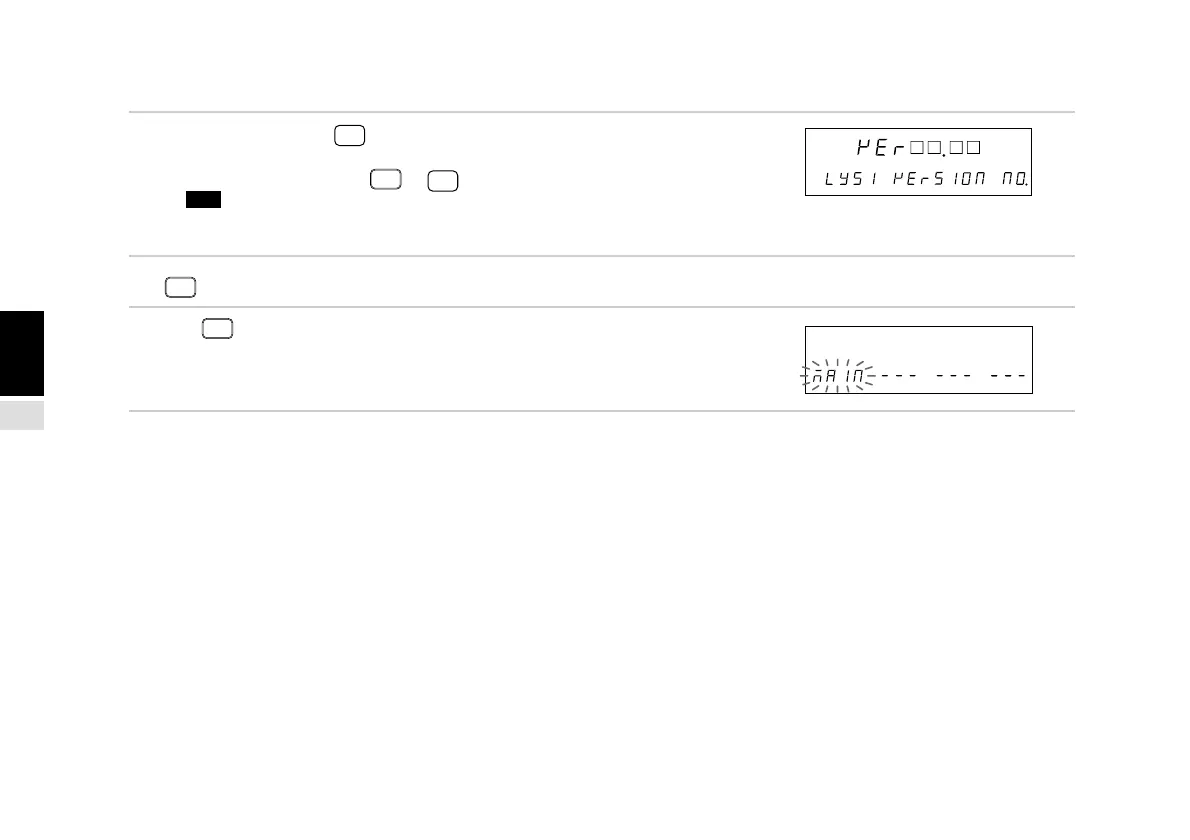
(3) When VEr is selected
5. Select “VEr” and press
ENTER
.
Displays the version.
To quit the display, press
RESET
or
ENTER
.
Note Ver. 01.14 and earlier versions do not have a
version display menu. In these cases, the
“End” display results.
(4) When
RESET
is pressed
5. Press
RESET
.
Ends the LY51 initial settings and returns to the initial
setting menu.
Main display
Sub-display
Main display
Sub-display
[
|
] [
|
] . [
|
] [
|
] : Version No.



 To Next Page