170
English
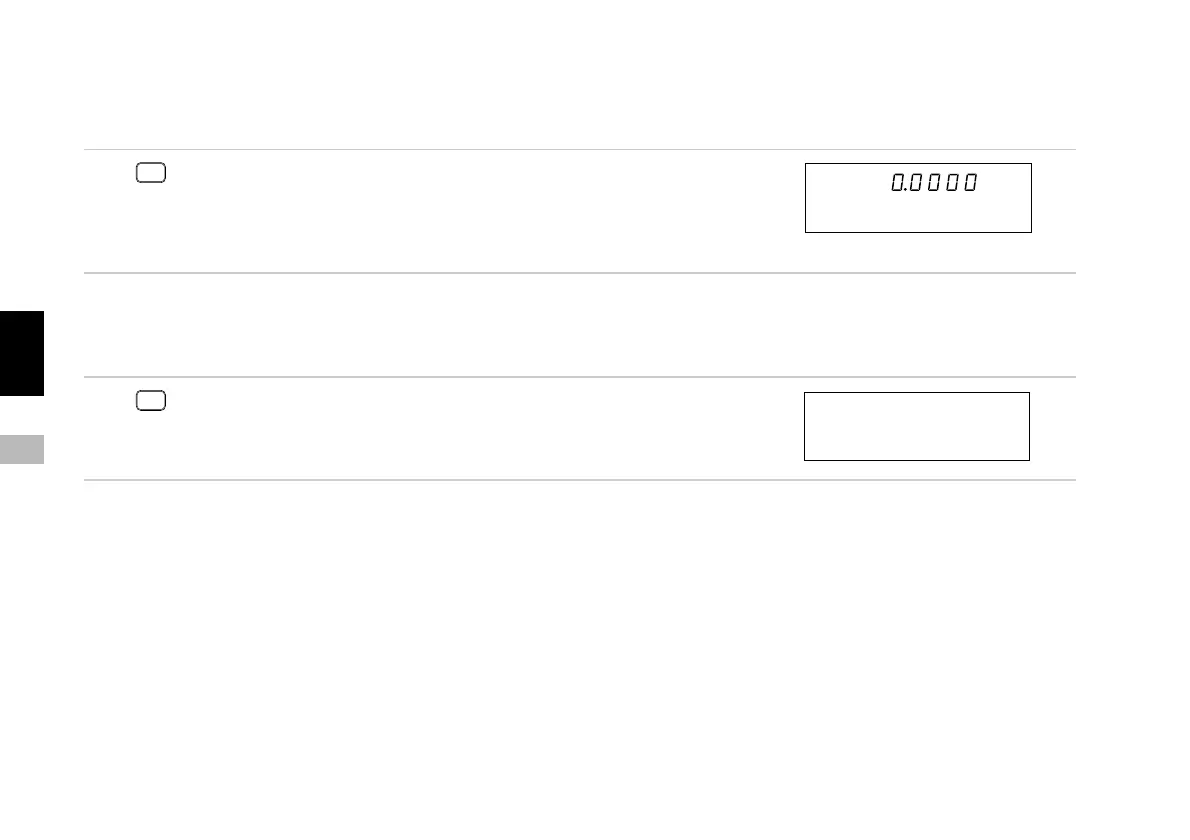
7-1-3. Resetting the error display
This clears the “Error” and “r.Error” displays.
Press
RESET
or
input the external reset.
Clears the maximum, minimum and peak-to-peak values
and sets them to “0”.
The zero point reference mode is also canceled.
7-1-4. Canceling
This cancels the operation part-way through initial setting and function key operations.
Press
RESET
.
Initial setting and function key operations currently
underway are canceled.
Main display
Sub-display
Main display
Sub-display
(Previous display)



 To Next Page