131
English
Deutsch
4-6-1. Menu selection
Notes on storing the initial setting data
Data input by the initial settings is written to a flash memory. The display goes blank and the REF and PEAK lamps flash while
the memory is being written. Absolutely do not turn off the power while the memory is being written. (If the power is turned off,
the memory cannot be written and the settings must be made again.) The memory is written in the following three cases.
a. When the power is turned on.
b. When the menu settings are ended.
c. When RESET key is pressed to end the initial settings and start the count display.
1. Any of operations
11
11
1 to
55
55
5 in “Initial setting mode” on page
123.
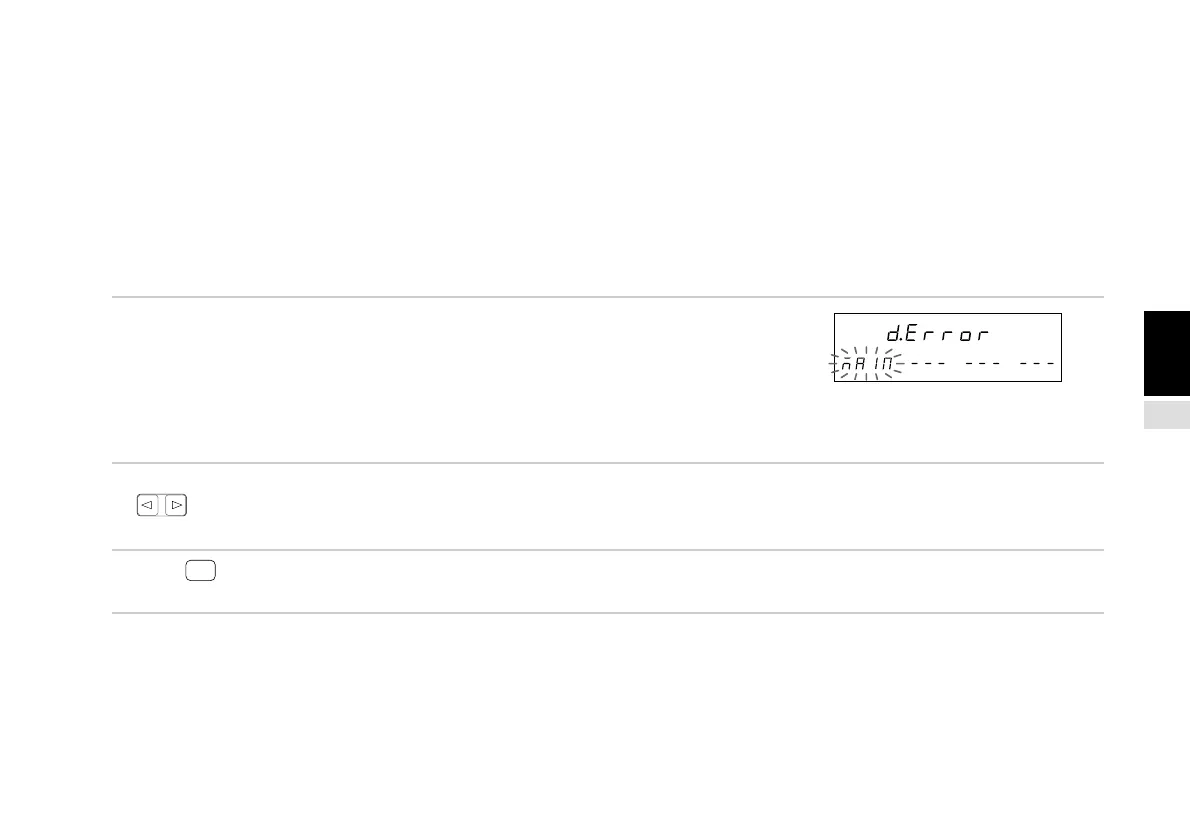
When no initial settings have been input or when the stored
data has been lost, “d.Error” is displayed. In all other cases,
the display is blank.
When an expansion unit is inserted, the unit setting display
appears in the “–” portion.
2. Select the desired item with the cursor movement keys
.
The selected item flashes.
3. Press
ENTER
while “MAIN” is flashing.
The LY51 initial setting screen appears.
Main display
Sub-display



 To Next Page