132
English
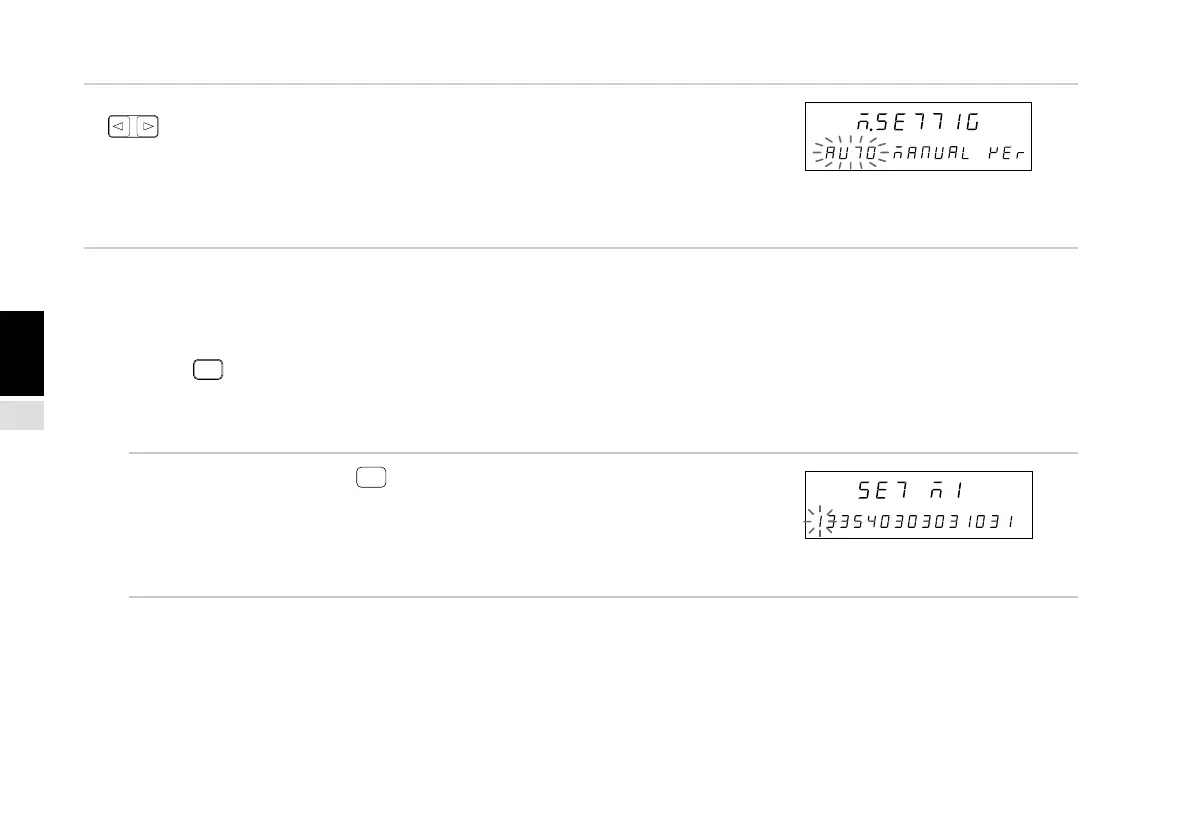
4. Select the desired item with the cursor movement keys
.
The selected item flashes.
(1) “AUTO” : collective automatic setting
(2) “MANUAL” : individual item setting
(3) “VEr” : version display
“End” for Ver. 01.14 and earlier versions instead of “VEr”.
The procedures are divided into cases (1) to (4) below.
(1) When AUTO is selected
(2) When MANUAL is selected
(3) When VEr is selected
(4) When
RESET
is pressed
The operations for each case are described below.
(1) When AUTO is selected
5. Select “AUTO” and press
ENTER
.
The collective automatic setting screen appears.
Perform the settings according to the LY51 collective
automatic setting code table.
See “4-6-2. Collective Automatic Setting” on
page 135.
Main display
Sub-display
Main display
Sub-display
(1) (2) (3)



 To Next Page