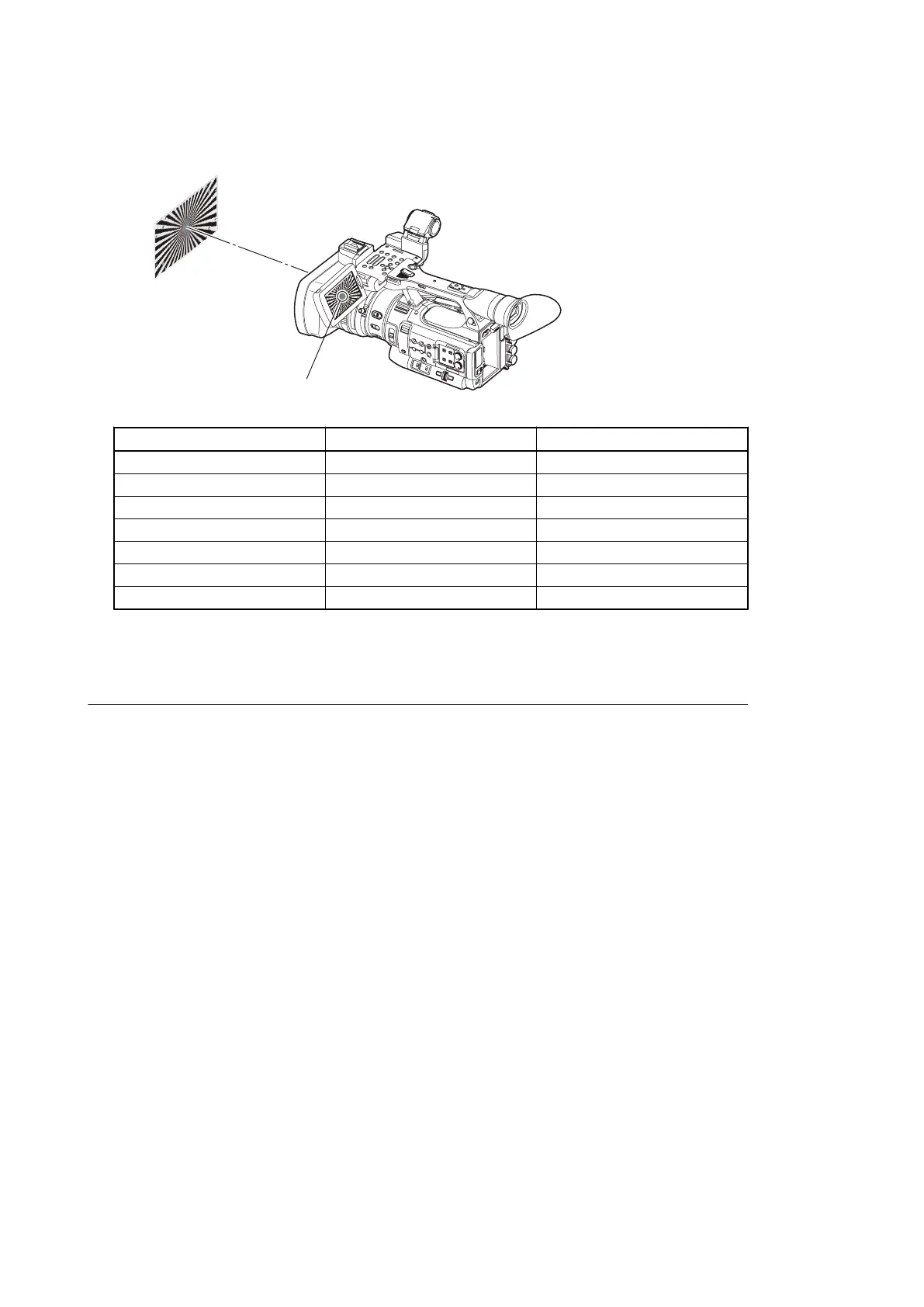
3. Set the zoom to TELE end and adjust the camera position so that the center of the chart nearly matches the screen
center.
Set the chart so that its center comes to the screen center
Item Setting Lens
ZOOM POSITION — TELE
ZOOM SERVO —
FOCUS — FULL MANUAL
IRIS — OPEN
GAIN 0 dB —
WHITE BAL ATB —
FULL AUTO OFF —
4. Select Auto FB Adjust from the MAINTENANCE menu and execute it.
5. After the automatic flange back adjustment is completed, restart the camera.
Check after Adjustment
1. Set the lens iris to OPEN, set the zoom to TELE end, and adjust the focus.
2. Move the zoom to WIDE end, and check that the lens stays in focus throughout the travel between TELE end to
WIDE end.
PMW-200/PMW-EX280
4-7



 To Next Page