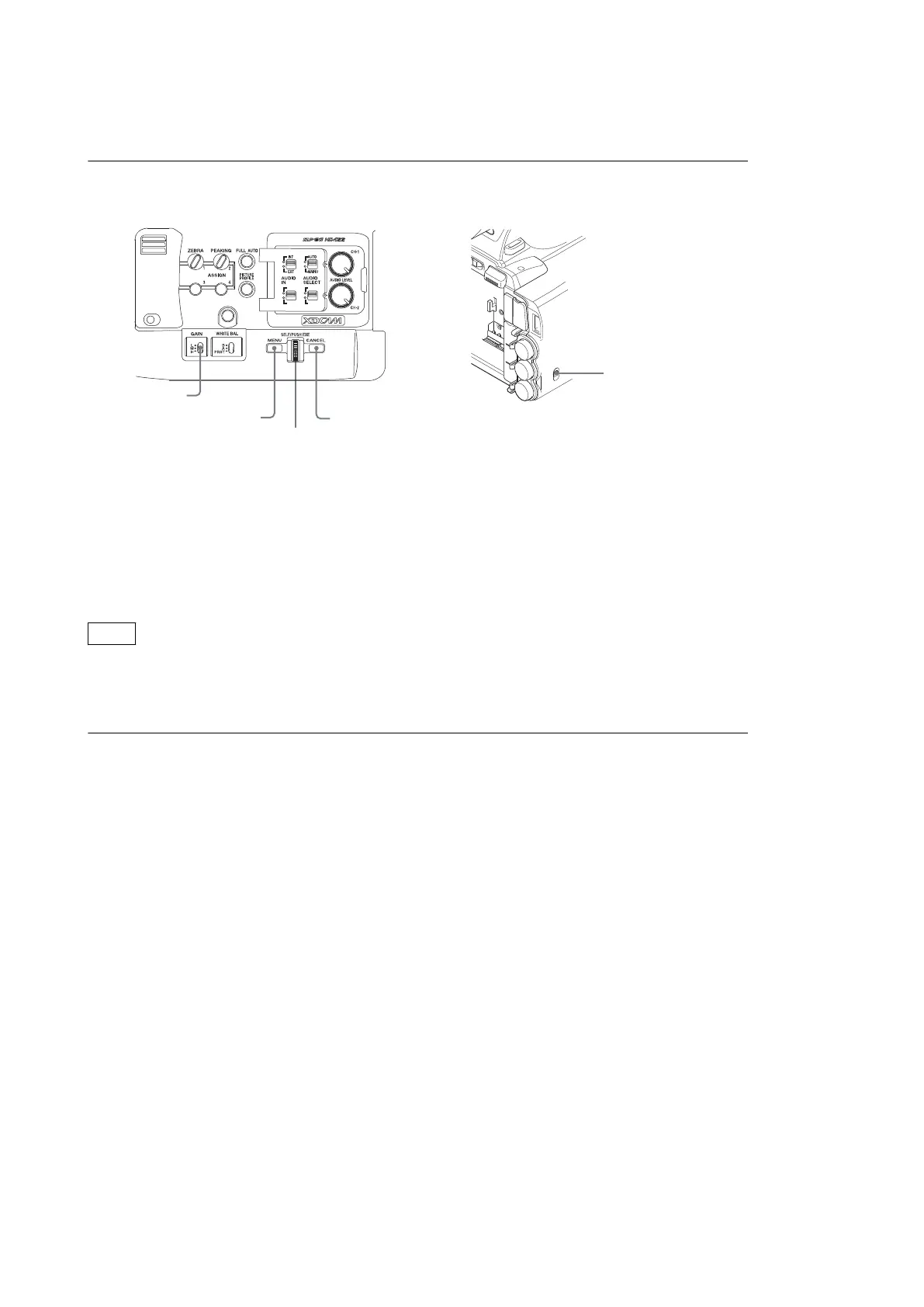
3-1-3. Display/Hide the SERVICE Menu
To Display the SERVICE Menu
1. Set the GAIN switch on the side operation panel to the "H" position.
GAIN switch
MENU button
CANCEL button
Jog dial
AUTOINT
MAINU
EXT
IN/OUT switch
2. Set the IN/OUT (input/output switching) switch in the rear connector section to "IN."
3. Press the MENU button to display the menu.
4. Close the LCD monitor.
5. Press the MENU button, the CANCEL button, and the jog dial (SEL/PUSH EXE dial) on the side operation panel
simultaneously.
6. Open the LCD monitor.
The SERVICE menu is displayed on the LCD monitor.
Note
Once the SERVICE menu is displayed, it is displayed instead of the ordinary setup menus by pressing the MENU button,
unless the power is turned off.
To Exit the SERVICE Menu Display
1. Press the MENU button again.
The display of the SERVICE menu is finished.
PMW-200/PMW-EX280
3-2



 To Next Page