2-12. DCP-56 Board
Preparation
1. Remove the battery lid. (Refer to “2-2. Lithium Battery”.)
2. Remove the bottom cover. (Refer to “2-3. Bottom Cover and Tripod Washer”.)
3. Remove the inside panel assembly. (Refer to “2-4-1. Inside Panel Assembly”.)
4. Remove the outside panel assembly. (Refer to “2-5-1. Outside Panel Assembly”.)
5. Remove the top panel assembly. (Refer to “2-6. Top Panel Assembly”.)
6. Remove the SxS slot assembly. (Refer to “2-7-1. SxS Slot Assembly”.)
7. Remove the front panel assembly. (Refer to “2-8-1. Front Panel Assembly”.)
8. Remove the rear panel assembly. (Refer to “2-9. Rear Panel Assembly”.)
9. Remove the CN-3540 board. (Refer to “2-10. CN-3540 Board”.)
10. Remove the IO-255 board. (Refer to “2-11. IO-255 Board”.)
Procedure
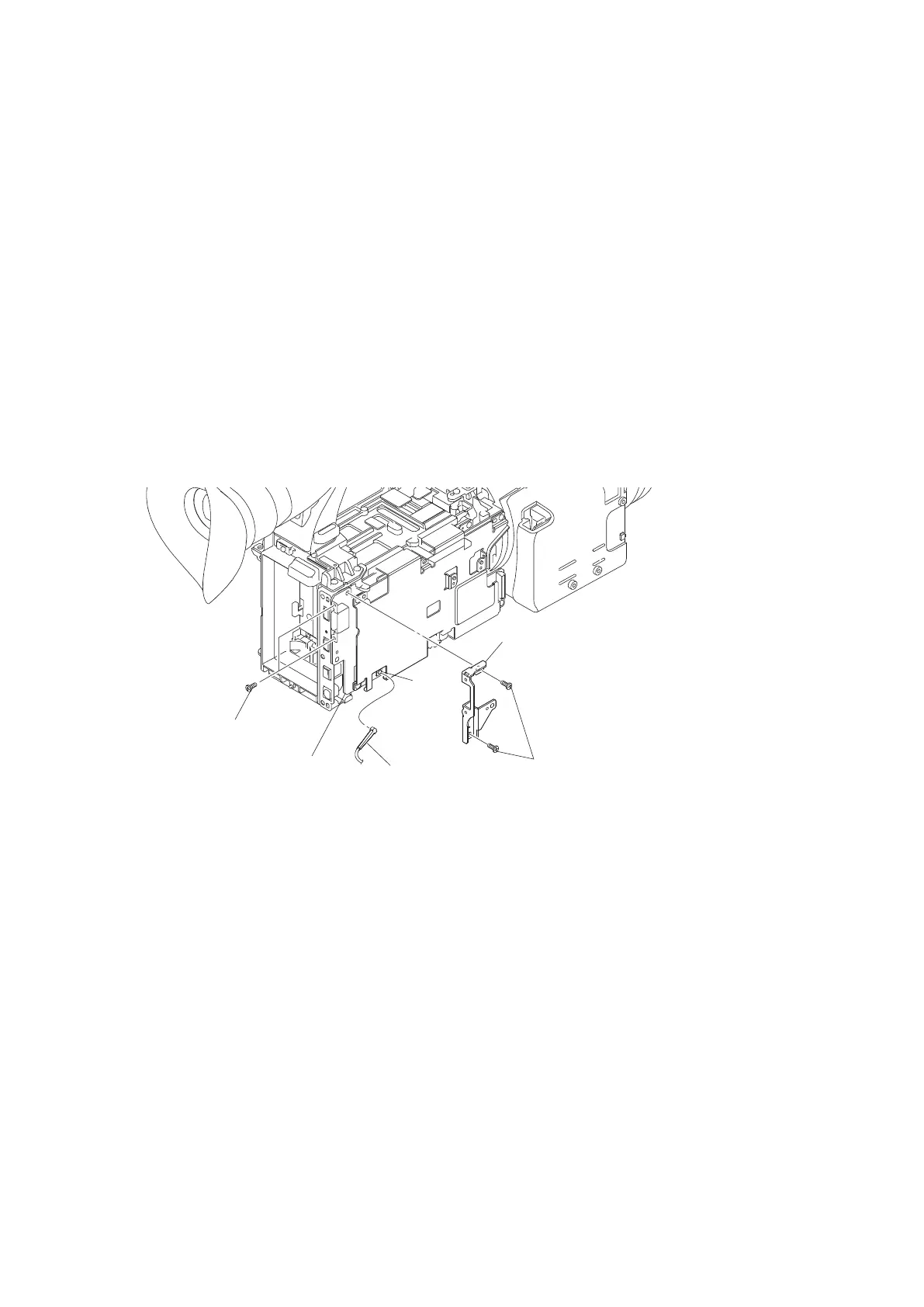
1. Remove the four precision screws (M2 x 4) to detach the HDMI bracket.
2. Disconnect the coaxial cable from the connector CN2200 on the DCP-56 board.
Precision screws
(M2 x 4)
Precision scews
(M2 x 4)
Coaxial cable
DCP-56 board
HDMI bracket
CN2200
3. Remove the six precision screws (M2 x 4) to detach the main heat spreader DCP.
4. Disconnect the harness from the connector CN2301 on the DCP-56 board.
5. Disconnect the HN-387 board from the connector CN2300 on the DCP-56 board.
6. Disconnect the HN-384 board from the connector CN2402 on the DCP-56 board.
7. Disconnect the three fine-wire coaxial cables from the three connectors CN001, CN303 and CN305 on the DCP-56
board.
PMW-200/PMW-EX280
2-22



 To Next Page