Section 4
Electrical Alignment
4-1. Preparation
4-1-1. Notes on Adjustments
• When making electrical adjustment or self-diagnosis, contact your local Sony Sales Office/Service Center.
• When adjusting this unit, use an AC adapter or a fully-charged battery pack.
• When disconnecting the AC adapter or the battery pack after adjustment, turn off the power switch and
wait for at least 10 seconds.
4-1-2. Service Tools and Equipment
Measuring Equipment
Equipment Model name
HD waveform monitor LEADER ELECTRONICS CORP. LV5152DA or equivalent
Color monitor Sony HDM-20E1U/14E1U/14E5U or equivalent
Luminance meter Konica Minolta LS-110 or equivalent
Tools
Tool Part No.
Grayscale chart (reflective type) (16:9) Commercially available
Star chart (reflective type) Commercially available
Grayscale chart (transparent type) (16:9) J-6394-080-A
Pattern box PTB-500 J-6029-140-B
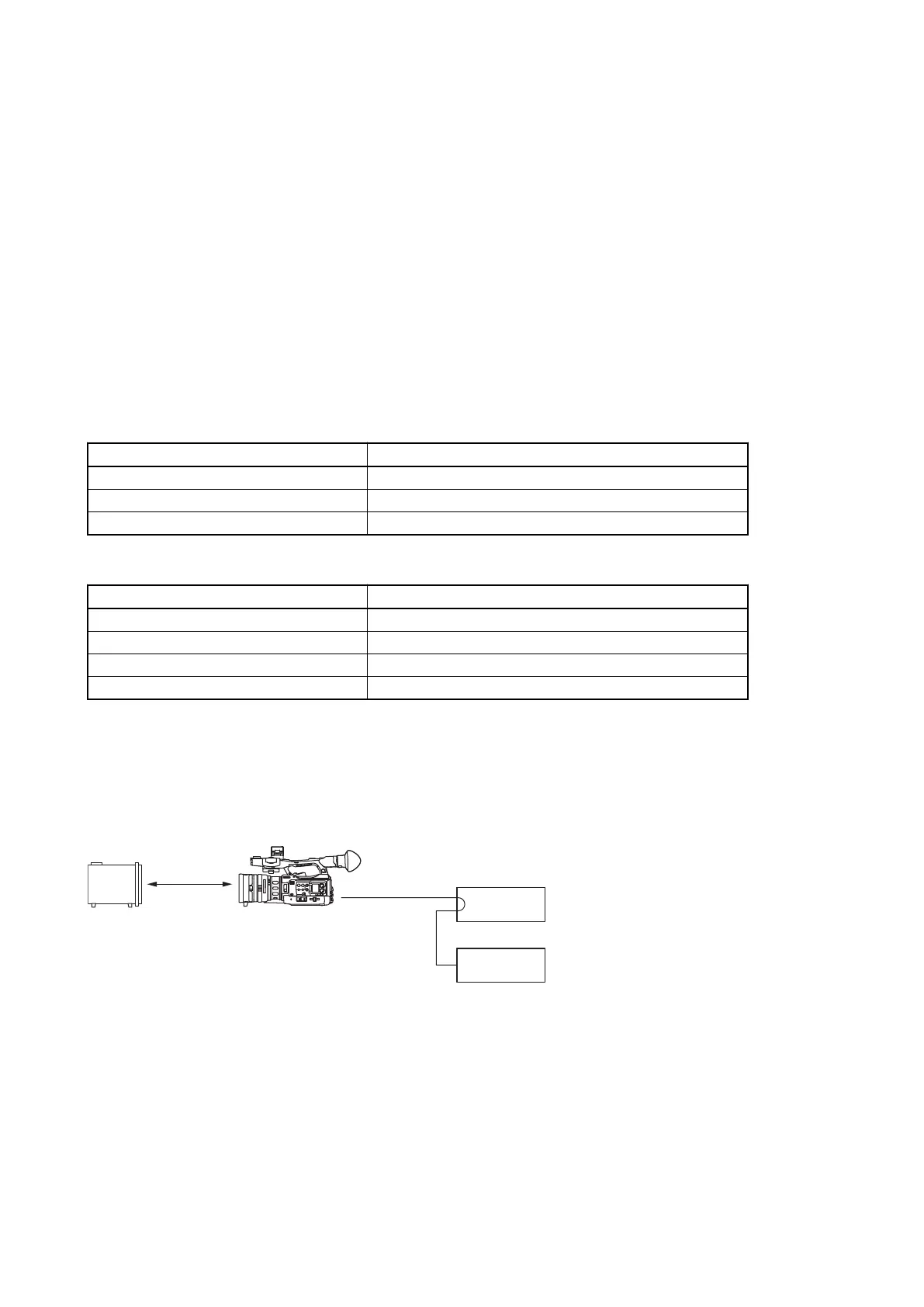
4-1-3. Connection
Connect an HD waveform monitor to the SDI OUT connector of the unit.
HD-SDI
Pattern box
PTB-500
SDI OUT
PMW-200
HD waveform monito
PMW-200/PMW-EX280
4-1



 To Next Page