4 Controlling the unit
206718 rev 9
SOREDEX 33
not ready. During actual exposure, a large radiation
warning symbol will fill the display area.
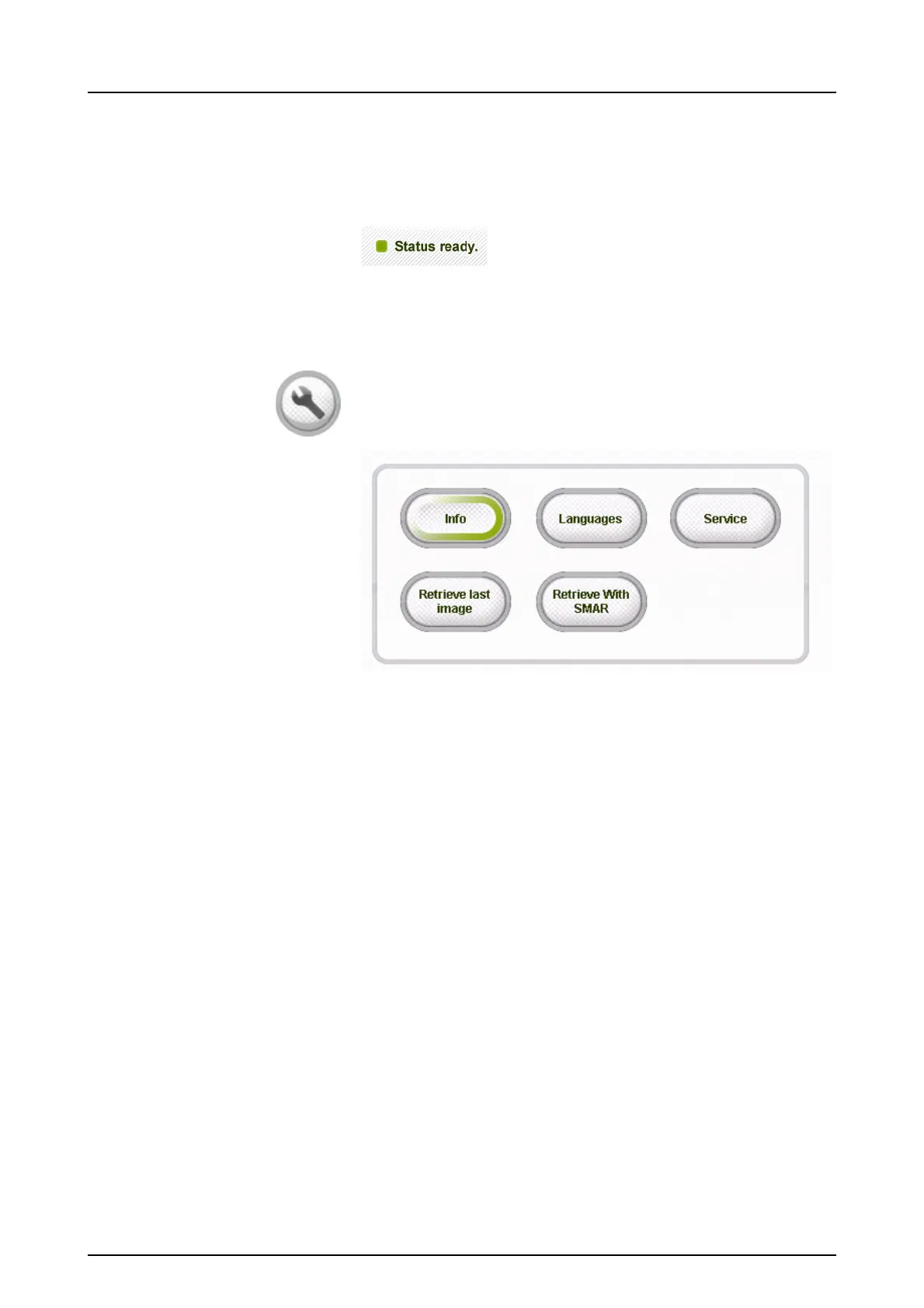
4.5 Other sections
General settings
■ Info
- System IP address and other system related data
■ Retrieve Last Image
- Use this to retrieve the last image from the device
memory e.g. after a system crash
- Please make sure that the retrieved image is as-
sociated with the correct patient
■ Retrieve With SMAR
- After taking a 3D image with SMAR either on or
off, image can be re-reconstructed with different
setting by selecting either “Retrieve last image” or
“Retrieve With SMAR” from the general settings on
the touch screen. If reconstruction with SMAR is
unavailable for the last captured image, e.g. last
taken image is cephalometric, “Retrieve With
SMAR”-button will not be visible.
NOTICE! Only the last taken x-ray image is saved
in the unit until the power is switched off. This im-
age data is used in the retrieve procedure.
■ Languages



 To Next Page