5 Using the unit
58 SOREDEX
206718 rev 9
5.4.2.6 Taking a cephalometric exposure
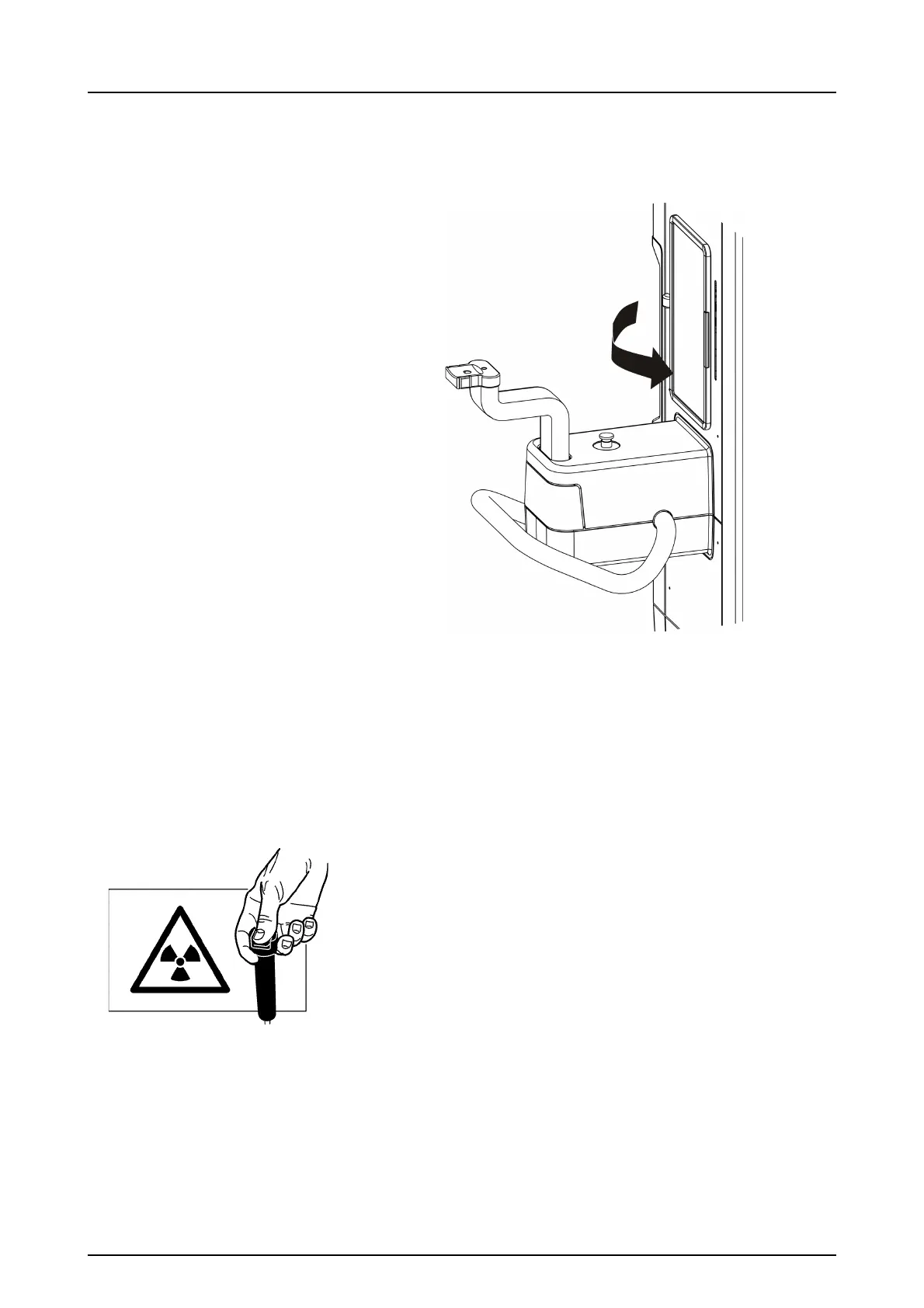
WARNING! Close the patient positioning mirror before
taking any exposures.
1. Ask the patient to remove any spectacles, hearing aids,
removable dentures, jewellery and hair clips and pins.
Place a protective lead apron around the patient’s neck
to protect the patient’s thyroid gland from radiation.
2. Protect yourself from radiation by standing behind a
suitable x-ray radiation shield. Make sure that you can
see and hear the patient during the exposure.
3. Press and hold down the exposure button. During the
exposure you hear an audible signal and the exposure
warning symbol on the ClearTouch™ control panel ap-
pears.
4. Release the ear rods and guide the patient out.
Remove disposable covers and decontaminate the
unit.
5. PC: The image can be examined using the SCANORA
software. See SCANORA user manual.



 To Next Page