5 Using the unit
36 SOREDEX
206718 rev 9
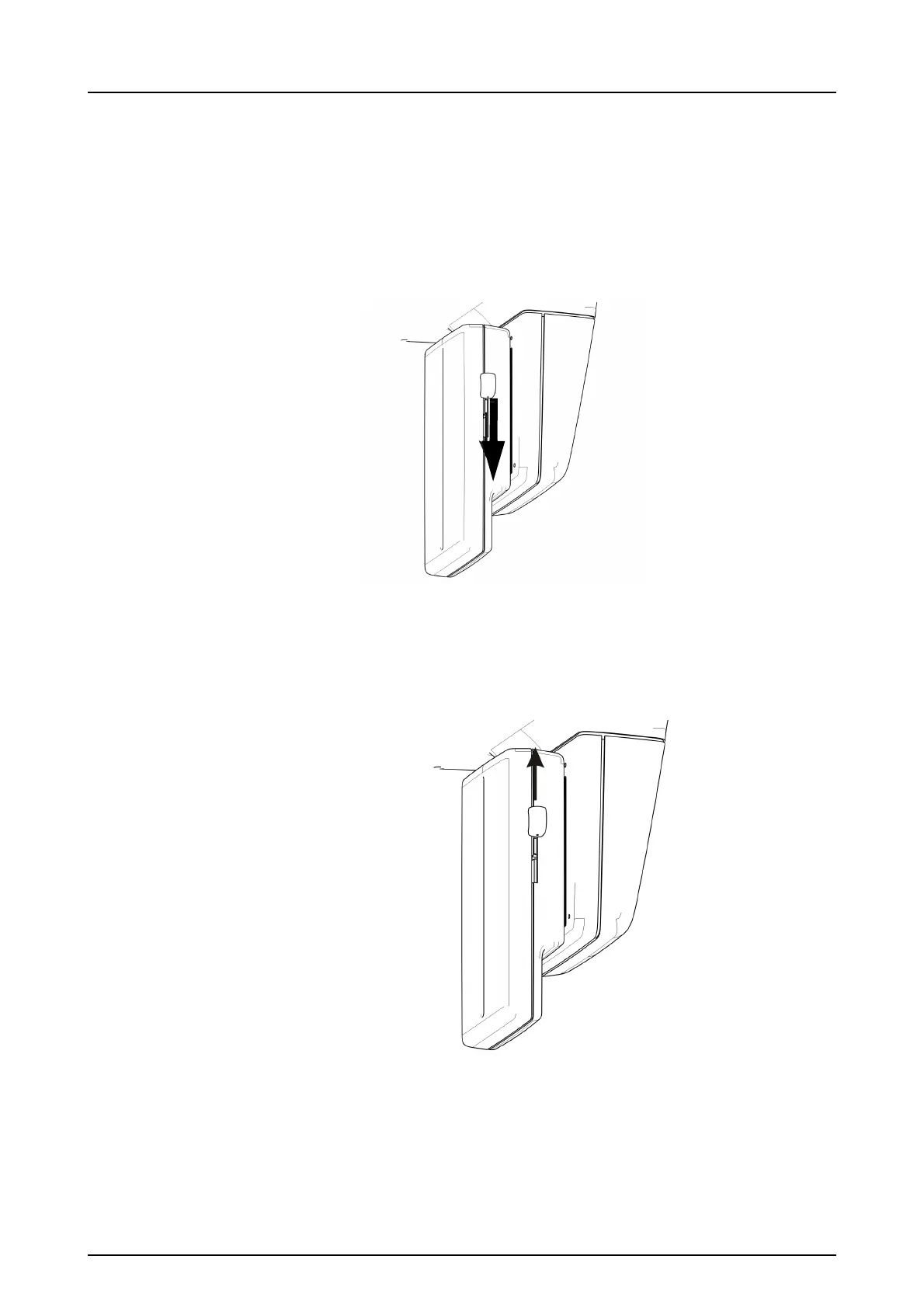
2. Pull the sensor downwards firmly until it stops and then
slide the locking knob down on the side of the sensor to
lock the sensor in position.
NOTICE! Make sure that the sensor is seated properly
before sliding the locking knob down. Forcing the lock-
ing knob down when the sensor is not in correct posi-
tion may damage the sensor connectors!
5.1.2 Removing the sensor
1. Slide the locking knob upwards on the side of the sensor
to unlock the sensor.
2. Slide the sensor up and remove it.



 To Next Page