5 Using the unit
206718 rev 9
SOREDEX 63
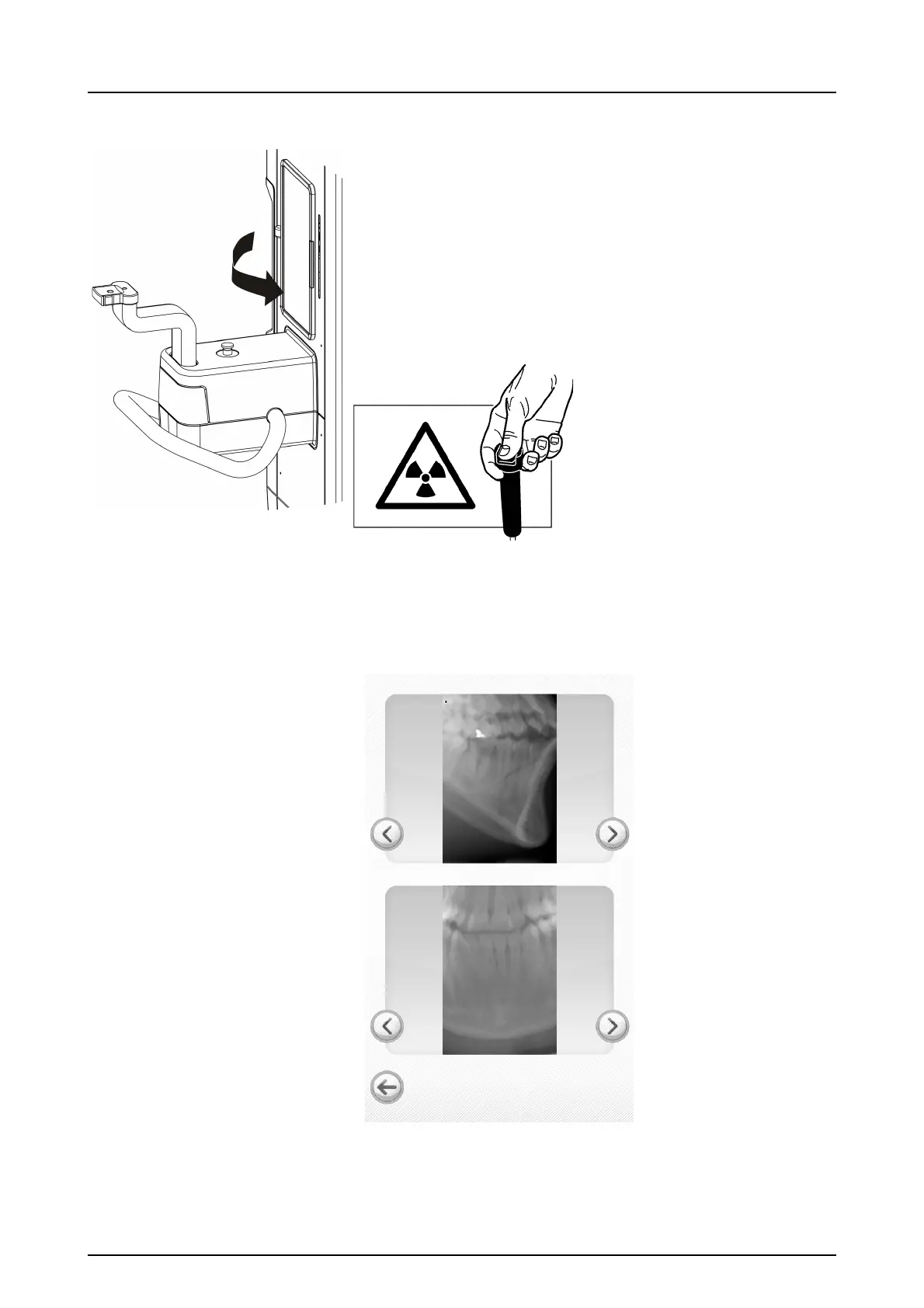
5.5.3 Taking a Scout image
WARNING! Close the patient positioning mirror before
taking any exposures.
1. Press and hold down the exposure button. During the ex-
posure you hear an audible signal and the exposure
warning symbol on the ClearTouch
TM
control panel ap-
pears.
2. Scout preview image appears to the ClearTouch
™
con-
trol panel.
3. Fine adjust scout position using the side arrow keys.
Press the left lower corner icon to continue.



 To Next Page