5 Using the unit
62 SOREDEX
206718 rev 9
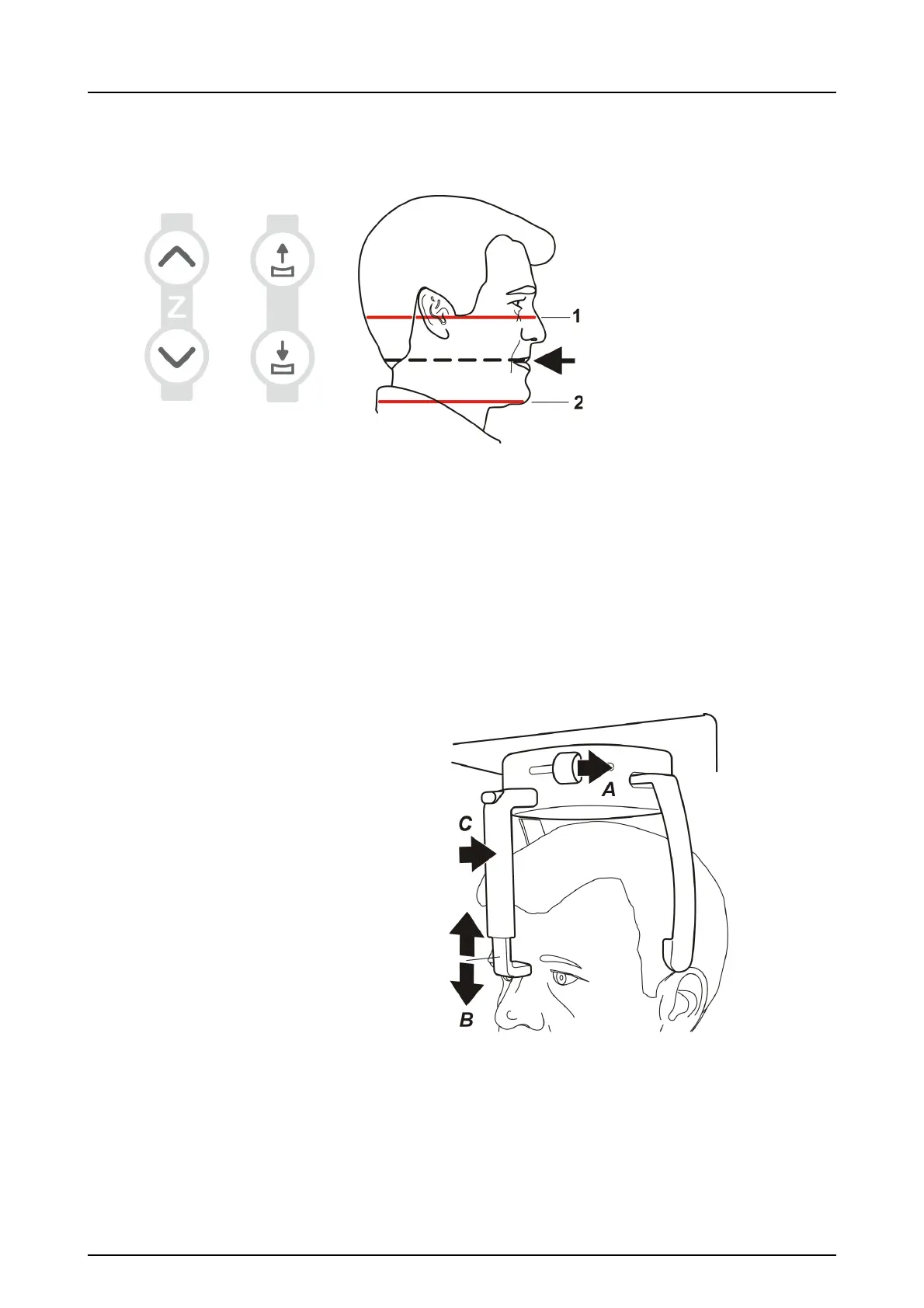
12.Adjust the unit height and chin rest height to get the area
of interest between the top and bottom FOV lights. Posi-
tion the patient so that the occlusal plane is horizontal.
1.Horizontal light, top of FOV
2.Horizontal light, bottom of FOV
NOTICE! Target ROI is always in the middle plane of
positioning lights.
13.Close the temple supports by sliding the temple support
knob to the right (A). Adjust the position of the nasion
support (B) and push the forehead support in until it
touches the patient’s nasion (C).



 To Next Page