8 Calibration and adjustment
84 SOREDEX
206718 rev 9
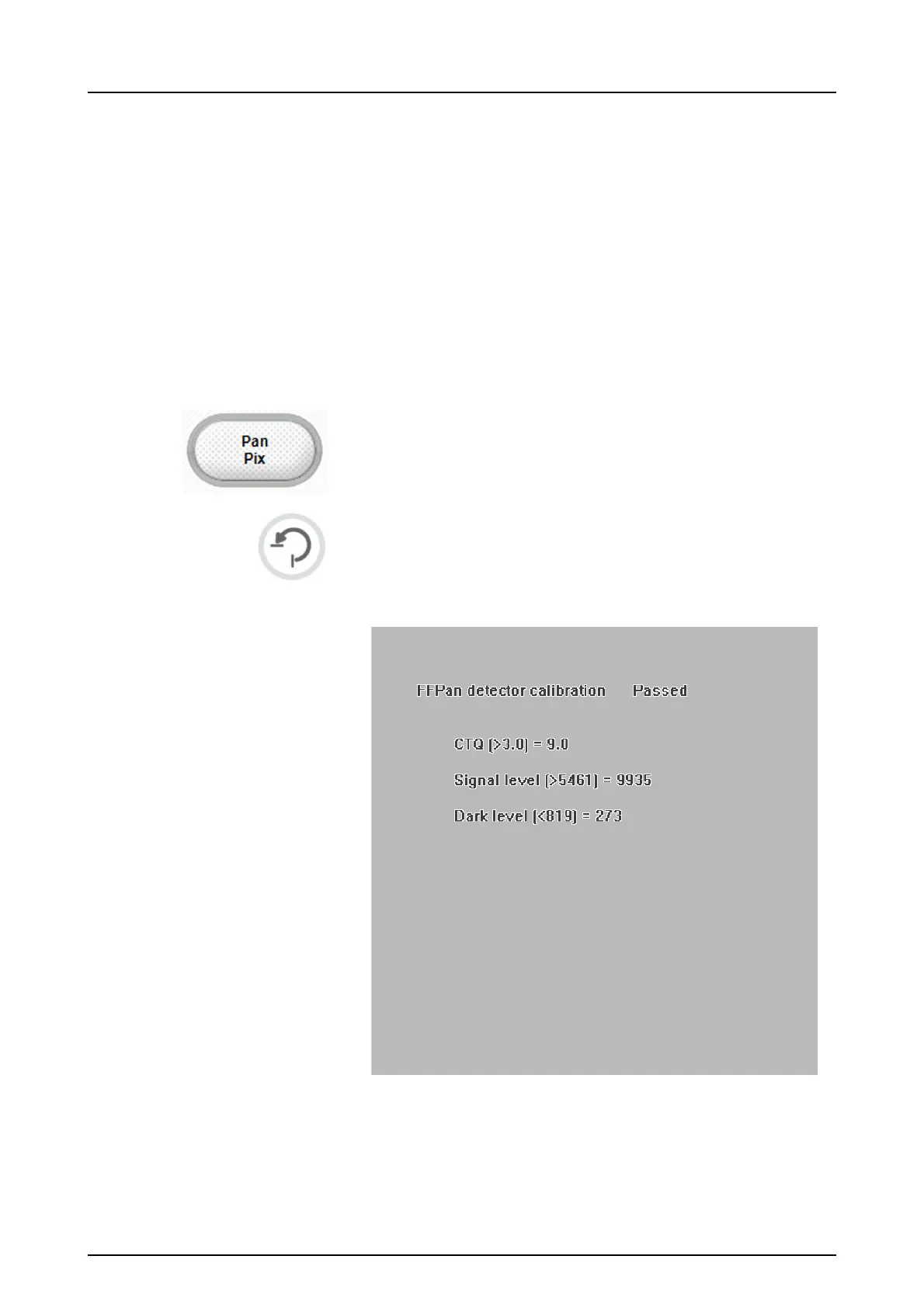
8.3.2 Panoramic pixel calibration
NOTICE! The pixel calibration results are sensor specific.
If the x-ray unit is equipped with separate panoramic and
cephalometric sensors, the cephalometric sensor cannot
be used for panoramic imaging without re-calibration (and
vice versa).
NOTICE! Re-do panoramic pixel calibration, if cephalostat
sensor is moved to panoramic side or the sensor is
changed.
1. Remove the calibration tools.
2. Select the program.
3. Press Return.
4. Take an exposure.



 To Next Page