5 Using the unit
206718 rev 9
SOREDEX 37
5.2 Preparing the system
1. Switch on the unit and the PC.
2. PC: Start SCANORA software (or 3rd party application).
3. PC: Open a new or existing patient or select a patient
from the worklist. See the user’s guide supplied with the
dental imaging software.
5.3 Panoramic exposures
■ Adult panoramic
■ Child panoramic (Reduced width and height)
■ Bitewing
■ Maxillary sinus
■ TMJ, PA/AP projection
■ TMJ, lateral projection (axially corrected)
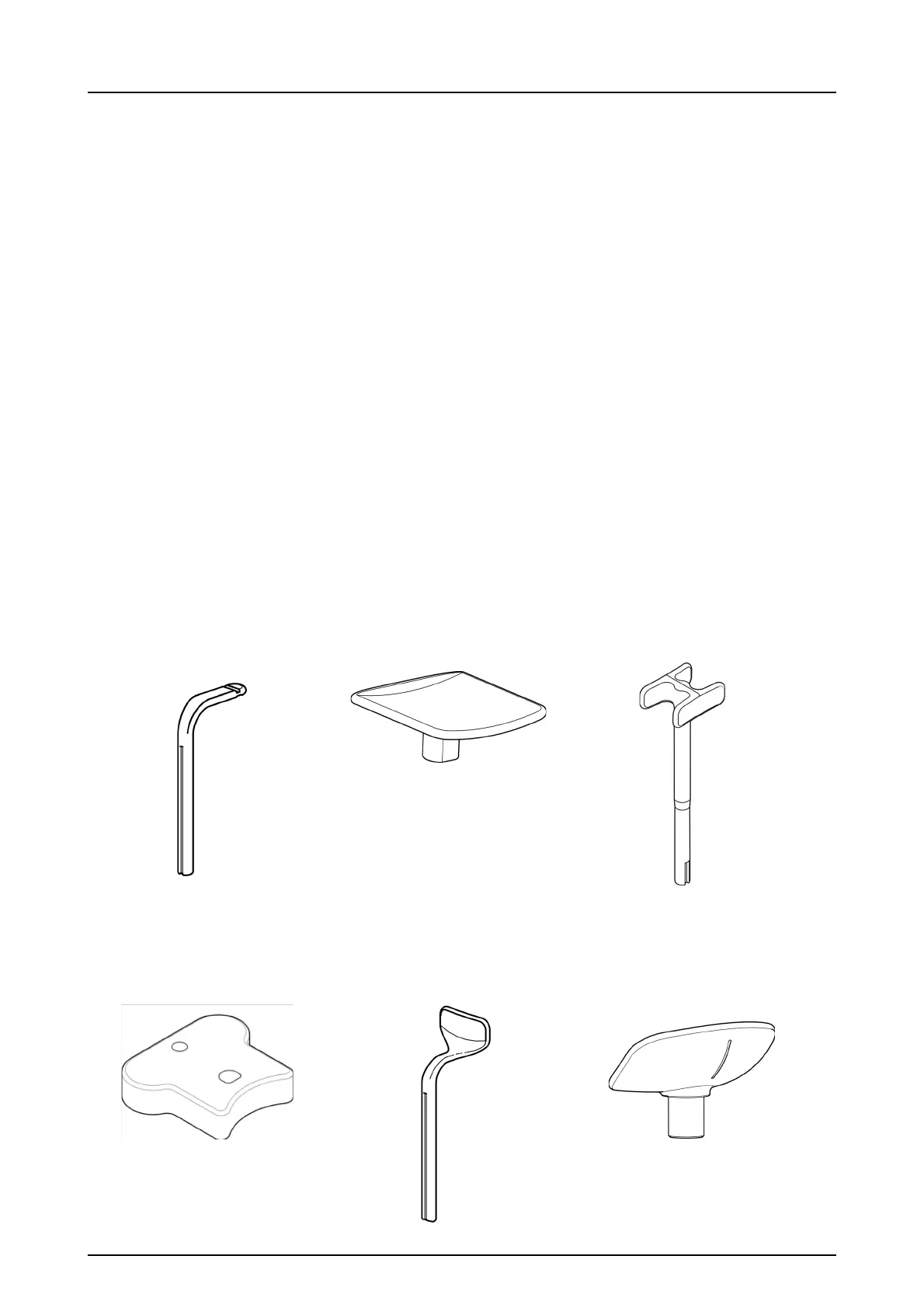
5.3.1 Positioning devices
Bite block
&
Disposable cover for Bite
block
Chin plane TMJ support
Chin rest holder Lip holder for
edentulous patients
Chin cup
&
Disposable cover for Chin cup



 To Next Page