5 Using the unit
206718 rev 9
SOREDEX 57
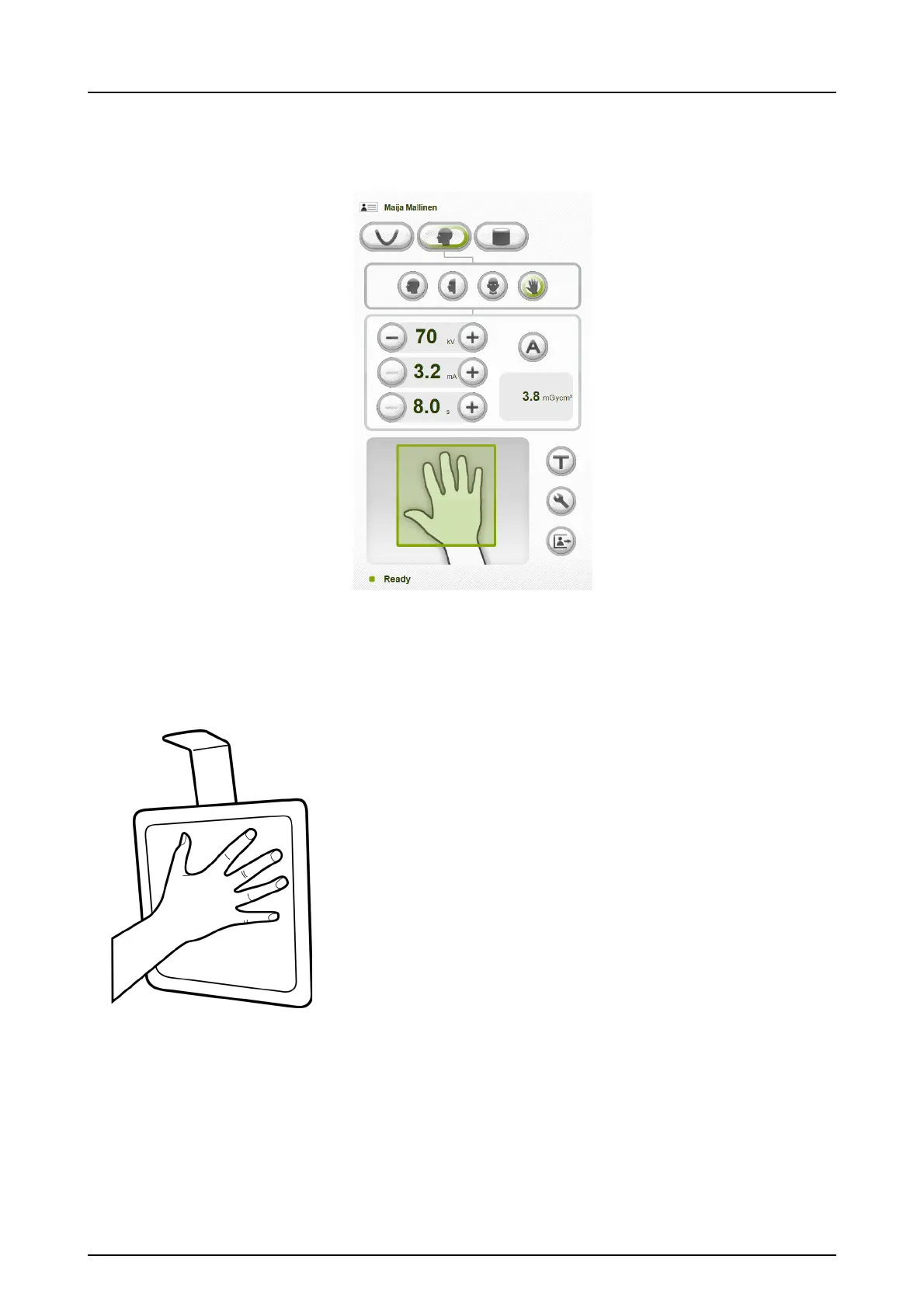
5.4.2.5 Carpus program (optional)
(Not available in USA and Canada)
CAUTION! Before taking Carpus image make sure this
imaging method is approved by local authorities of your
country.
1. Unlock the lever and turn the ear rods to the PA projec-
tion position. Lock the position. Tilt the nasion support
aside. Place the carpus holder to the nasion support
holder.
2. Adjust the unit height if needed.
3. Ask the patient to remove rings and metal objects and
to place hand on the carpus holder.
NOTICE! Carpus holder is a separate accessory. Order
from local distributor.



 To Next Page