5 Using the unit
206718 rev 9
SOREDEX 47
5.3.3.4 Taking a panoramic exposure
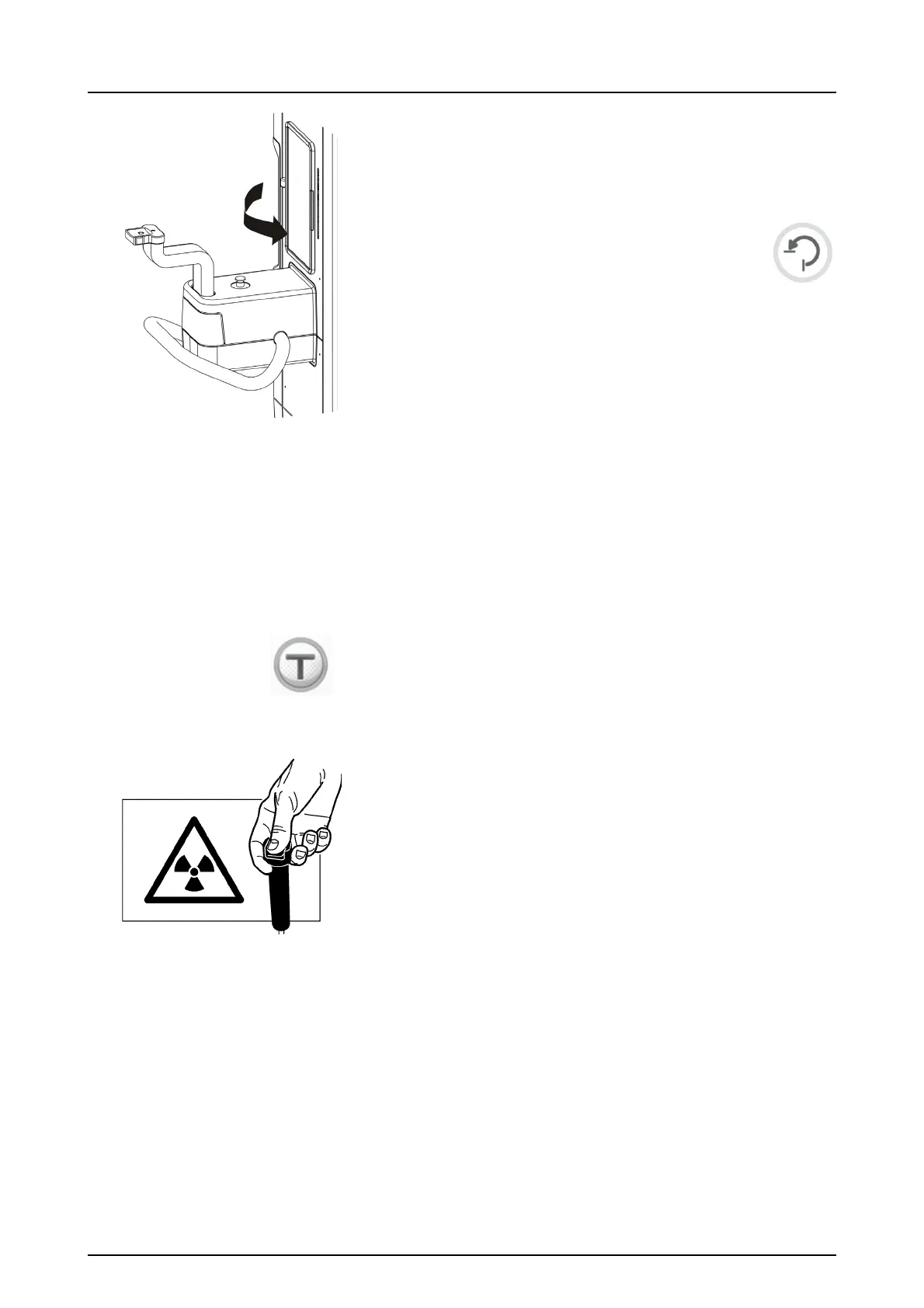
WARNING! Close the patient positioning mirror before
taking any exposures.
1. Press Return. Check the patient positioning.
Protect yourself from radiation by standing be-
hind a suitable x-ray radiation shield. Make
sure that you can see and hear the patient dur-
ing the exposure.
NOTICE! In all examinations the user of the x-ray
equipment should wear protective clothing and ensure the
fulfillment of the local regulations’ requirements. The
operator does not need to be close to the patient during
normal use. The protection against stray radiation can be
achieved by using the hand switch not less than 2 m (6 ft)
from the focal spot and the X-ray beam. Operator should
maintain visible contact with the patient and Technical
factors. This allows immediate termination of radiation by
the release of the exposure button in the event of a
malfunction or disturbance.
NOTICE! If the patient is nervous, or a child, you can
demonstrate how the unit works to reassure them. Press
the T (Test mode) button and then press and hold the
exposure button. The unit will complete an exposure cycle
without generating x-rays.
2. Press and hold down the exposure button. During the ex-
posure you hear an audible signal and the exposure
warning symbol on the ClearTouch™ control panel ap-
pears.
The unit rotates around the patient’s head and stops.
When the rotating unit stops, the exposure has been tak-
en.
3. After the exposure the rotating unit is in ‘patient out’ po-
sition, if the exposure switch has been pressed until all
movements have stopped. Release temple supports.
Guide the patient out. Remove disposable covers and
disinfect the unit.
4. PC: The image can be examined using the SCANORA
software. See SCANORA software user’s manual.



 To Next Page