5 Using the unit
206718 rev 9
SOREDEX 43
10.Ask the patient to press their tongue against the roof of
their mouth or swallow and remain still for the duration
of the exposure.
5.3.3.2 TMJ exposure
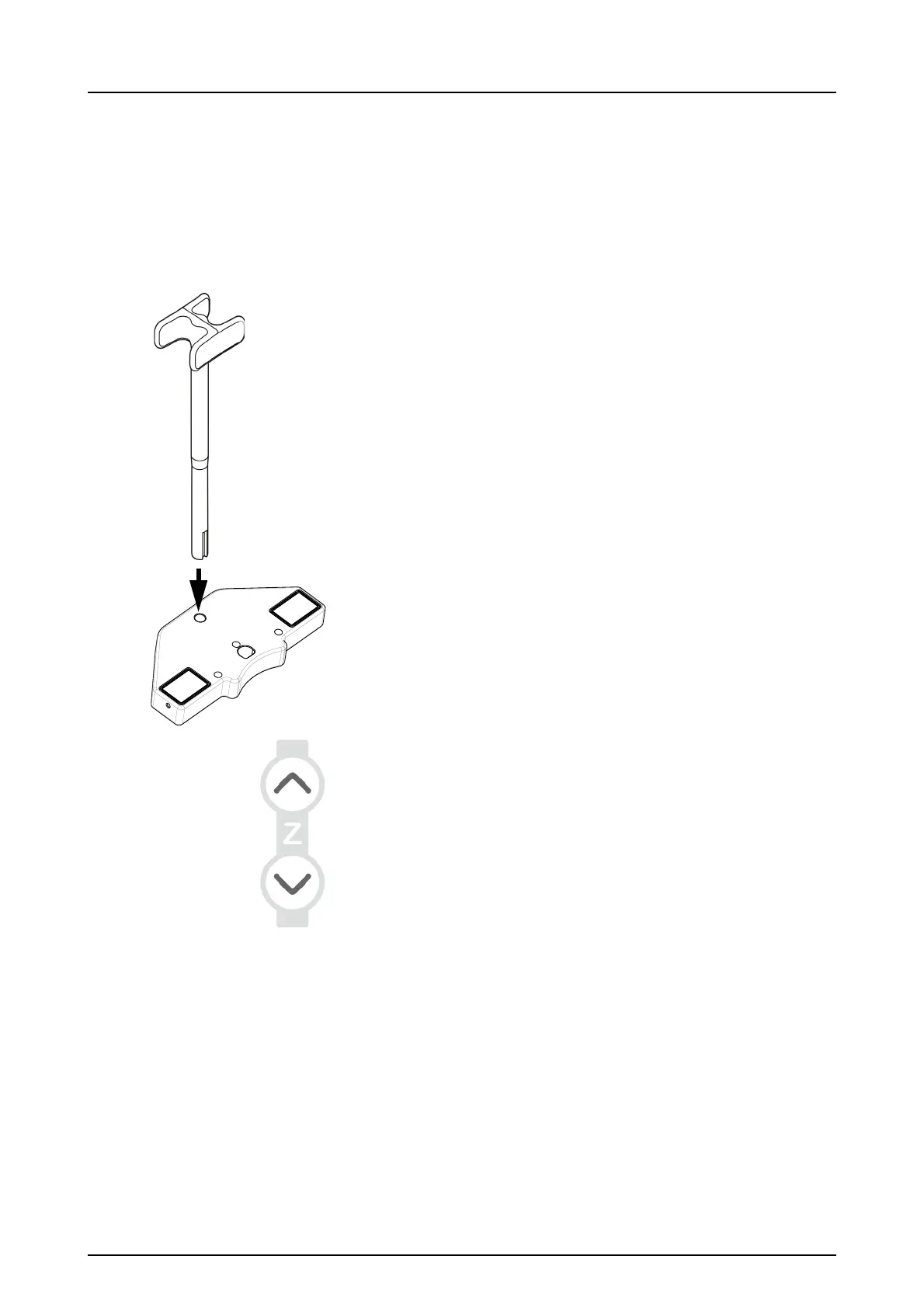
1. Insert the TMJ support. Place the disposable covers.
NOTICE! Use a new disposable cover for every patient.
2. Adjust the unit height.
3. Guide the patient to the unit and instruct to stand as
straight and tall as possible. Ask the patient to take grip
on the handles and set the TMJ support under the nose.



 To Next Page