8 Calibration and adjustment
92 SOREDEX
206718 rev 9
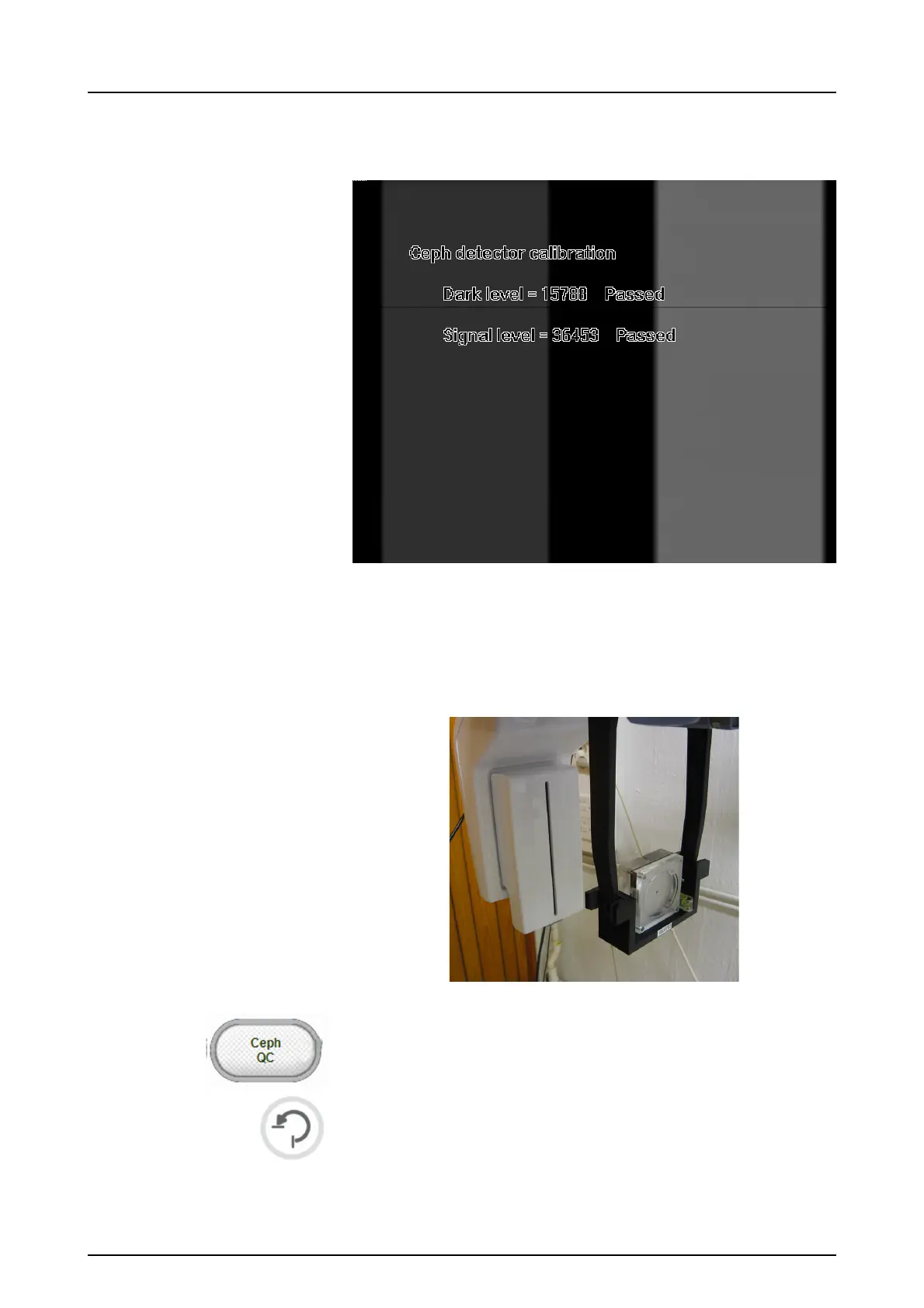
8.5.2 This calibration should always be a pass.Ceph
Quality check program (Optional)
1. Attach the QC phantom to the ceph unit and ensure that
it’s leveled from the spirit level.
2. Select the Ceph QC program.
3. Press Return.
4. Take an exposure.



 To Next Page