8 Calibration and adjustment
206718 rev 9
SOREDEX 89
8.4.3 3D Quality Check program
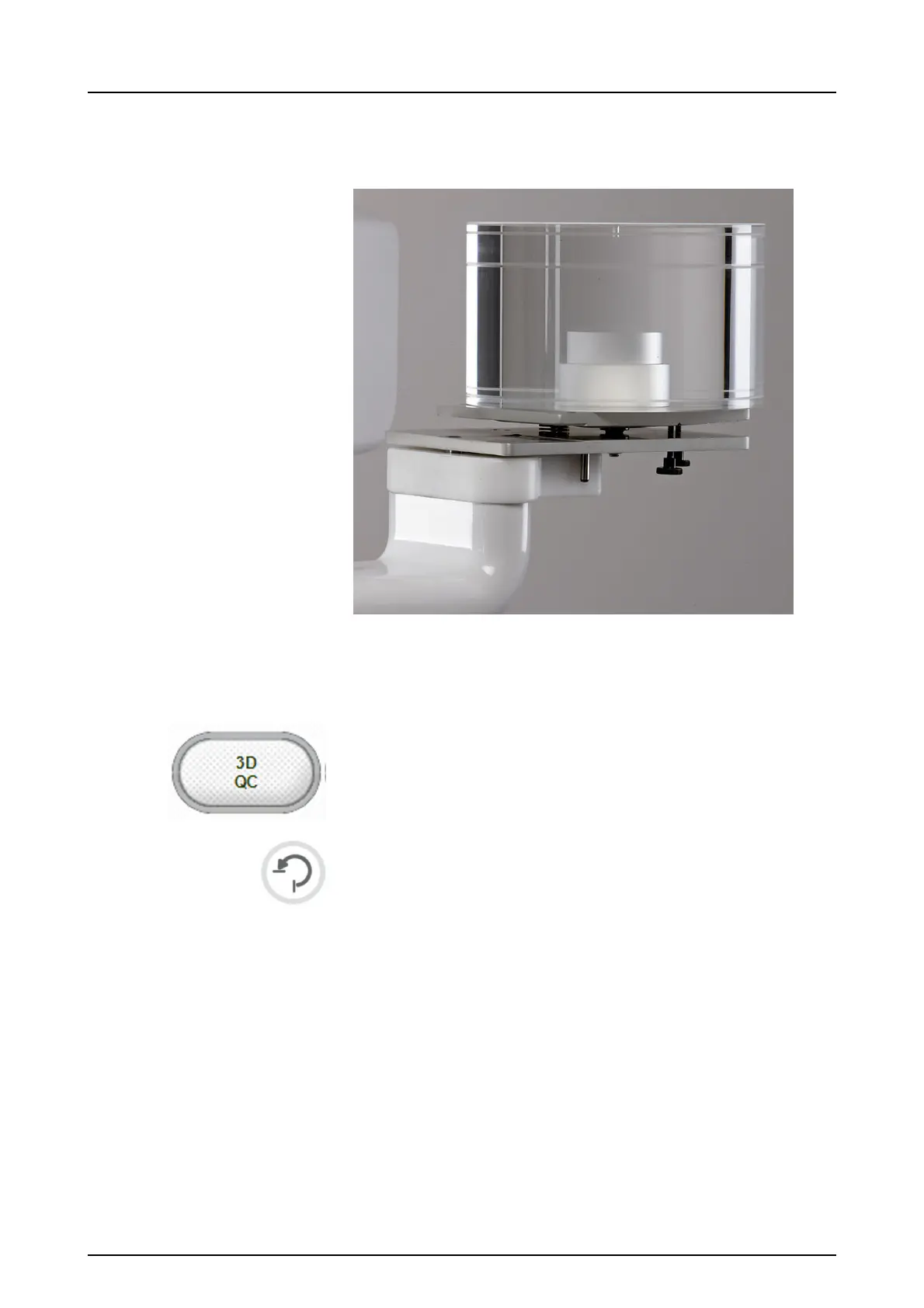
1. Attach the QC phantom to the 3D phantom base.
2. Ensure that QC phantom is aligned with the spirit level on
the phantom base. If it’s not, level it using the screws on
the bottom of the phantom base.
3. Select the 3D QC program.
4. Press Return.
5.
6. Take an exposure.
7. Review, with 3D viewing software from the axial view by
scrolling the slices the info about calibration result. The
resulting image contains information on whether the
quality check was passed. Repeat until quality check is
passed.



 To Next Page