5 Using the unit
206718 rev 9
SOREDEX 65
5.5.4 Taking a 3D image
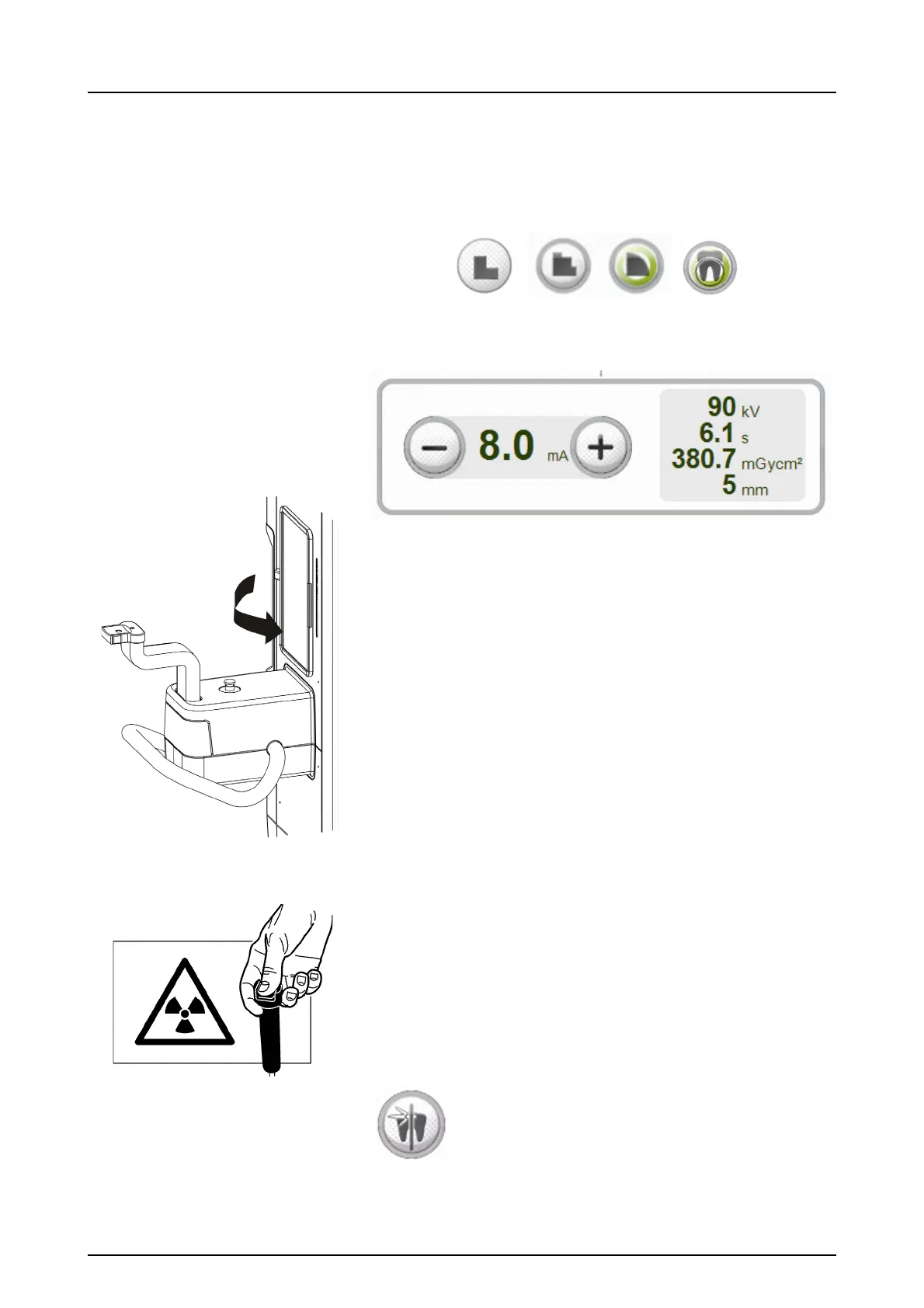
1. Select the Minidose (A), Standard (B), High resolution
(C) or Endo program (D). Endo program is only for 61 x
41 mm FOV.
2. Select mA.
WARNING! Close the patient positioning mirror before
taking any exposures.
3. Press and hold down the exposure button. During the ex-
posure you hear an audible signal and the exposure
warning symbol on the ClearTouch
™
control panel ap-
pears.
4. Select SMAR ON or OFF based on your estimation of the
need. See chapter 3.4.1. SMAR™, SOREDEX™
Metal
Artifact Reduction.



 To Next Page