5 Using the unit
206718 rev 9
SOREDEX 61
4. Select scout or resolution selection:
- Minidose
- Standard
- High
- Endo
5. Select mA (if AES is not selected).
6. Select the area of interest on the dental arch. The 3D
FOV is positioned more accurately by using the scout im-
age mode. The area of interest can be adjusted on the
ClearTouch
TM
control panel after the scout image has
been taken.
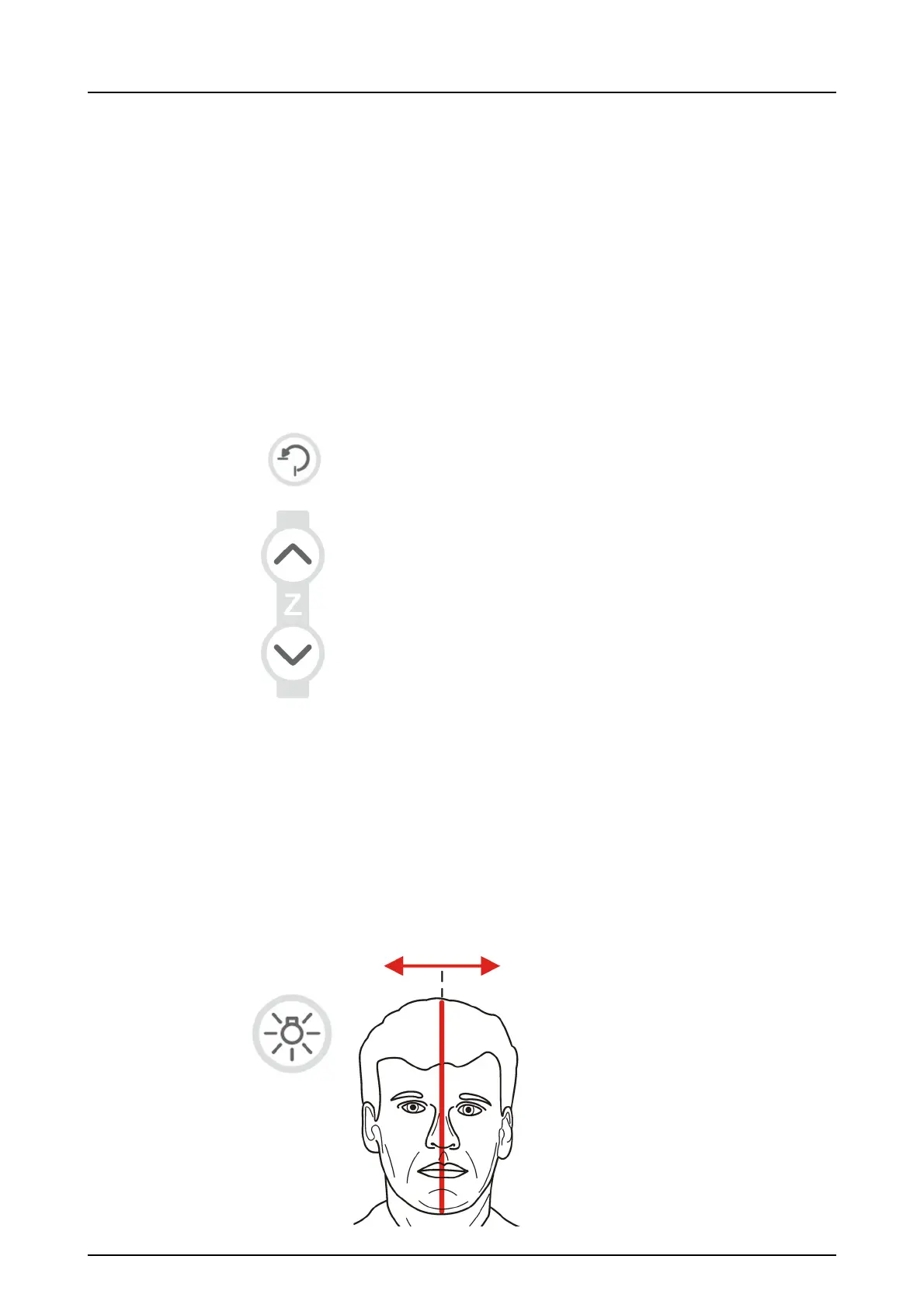
7. Press Return to rotate the unit to ‘patient in’ position.
8. Adjust the unit height.
9. Ask the patient to remove any spectacles, hearing aids,
removable dentures, jewellery and hair clips and pins.
10.Guide patient to the unit. Instruct patient to stand as
straight and tall as possible next to the unit. Patient can
also be imaged in sitting position. Ask the patient to take
grip on the handles and place chin on the chin cup.
11.Check the position of the midsagittal light. If it is not on
the midsagittal plane of the patient, adjust the patient’s
head.



 To Next Page