Digital Video Recorder
17
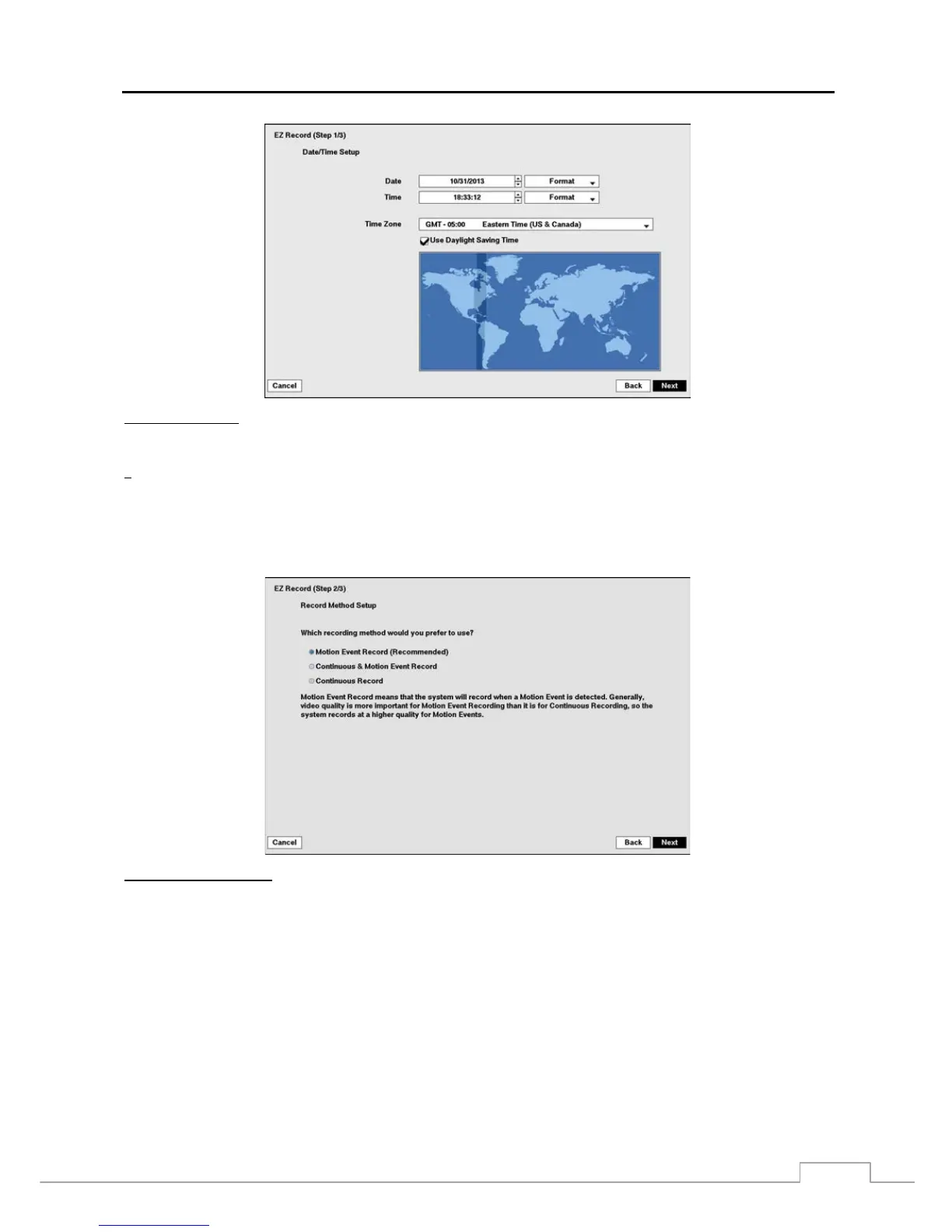
Date/Time Setup
Date: Set the system date and select the date format.
Time: Set the system time and select the time format.
Time Zone: Select your time zone.
Use Daylight Saving Time: Selecting the box sets the system to use daylight saving time.
NOTE: The Date/Time will be set, and the clock will start when you click the Next button.
The Time Zone can also be selected on the map below by pressing the Left and Right buttons or scrolling
the mouse wheel up and down.
Record Method Setup
Select the desired recording mode from:
– Motion Event Record (Recommended)
– Continuous & Motion Event Record
– Continuous Record
NOTE: You should understand each recording mode before setting the DVR’s recording method.



 To Next Page