Chapter 6 : Security
6-4 Lasair® Pro Aerosol Particle Counter Operations Manual
NOTE: When security is enabled, the Lasair Pro prevents the disable of the
Administrator account currently logged into the instrument.
NOTE: When security is enabled, the Lasair Pro prevents an administrator from
disabling their own account. In order to disable the current administrative
account, security must be disabled or another administrative user must log in
to the instrument.
Enabling Security
1. Go to the USERS tab and press
.
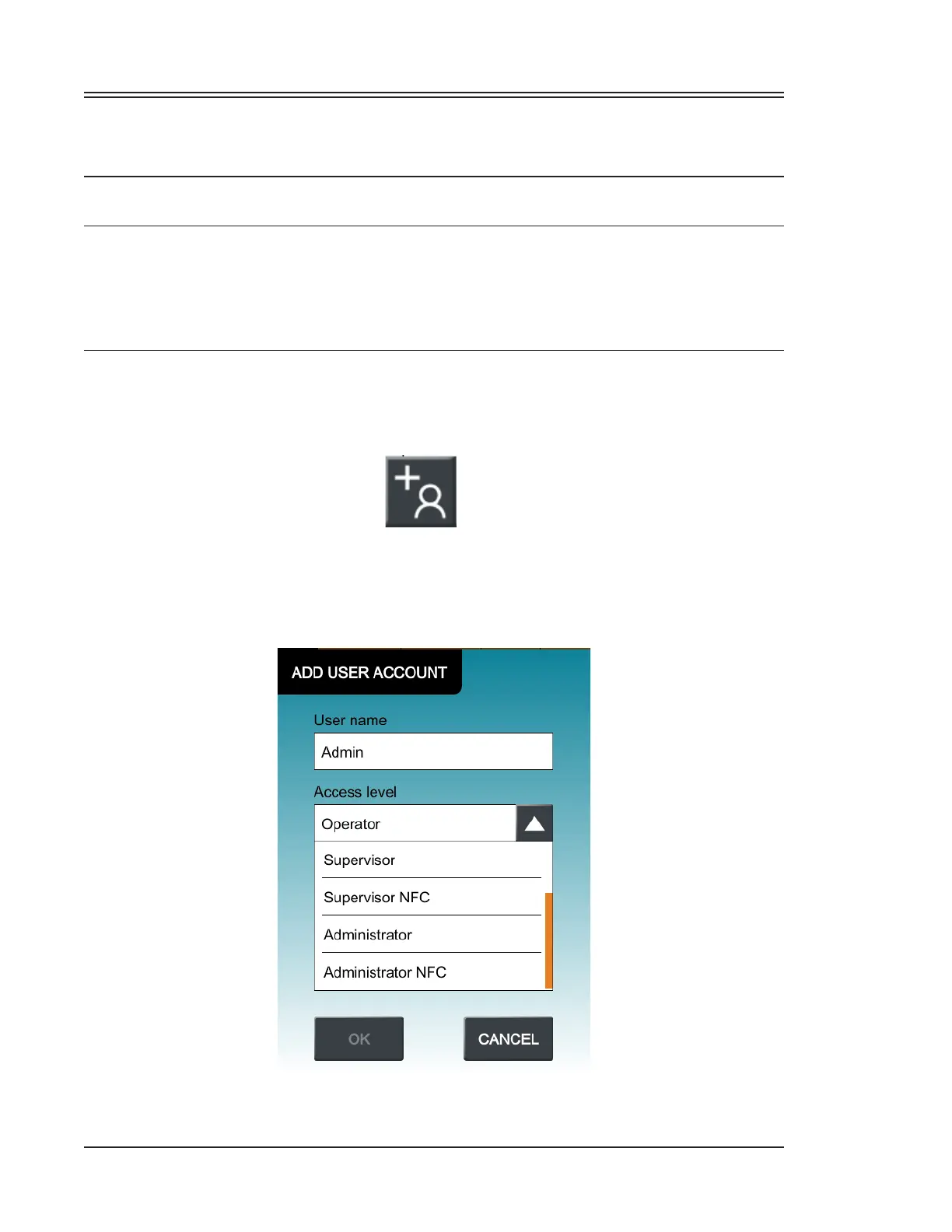
2. Select Administrator from the Access level dropdown.
3. Press inside the User name, Password, and Confirm Password fields to open the
keyboard screen and enter your chosen credentials.
4. Press OK to create the new user.
Figure 6-2. Access levels for a new user


 To Next Page