6-3Lasair® Pro Aerosol Particle Counter Operations Manual
Chapter 6 : Security
NOTE: Permissions are the same for NFC access levels. For example, Administrator
and Administrator NFC have the same permissions.
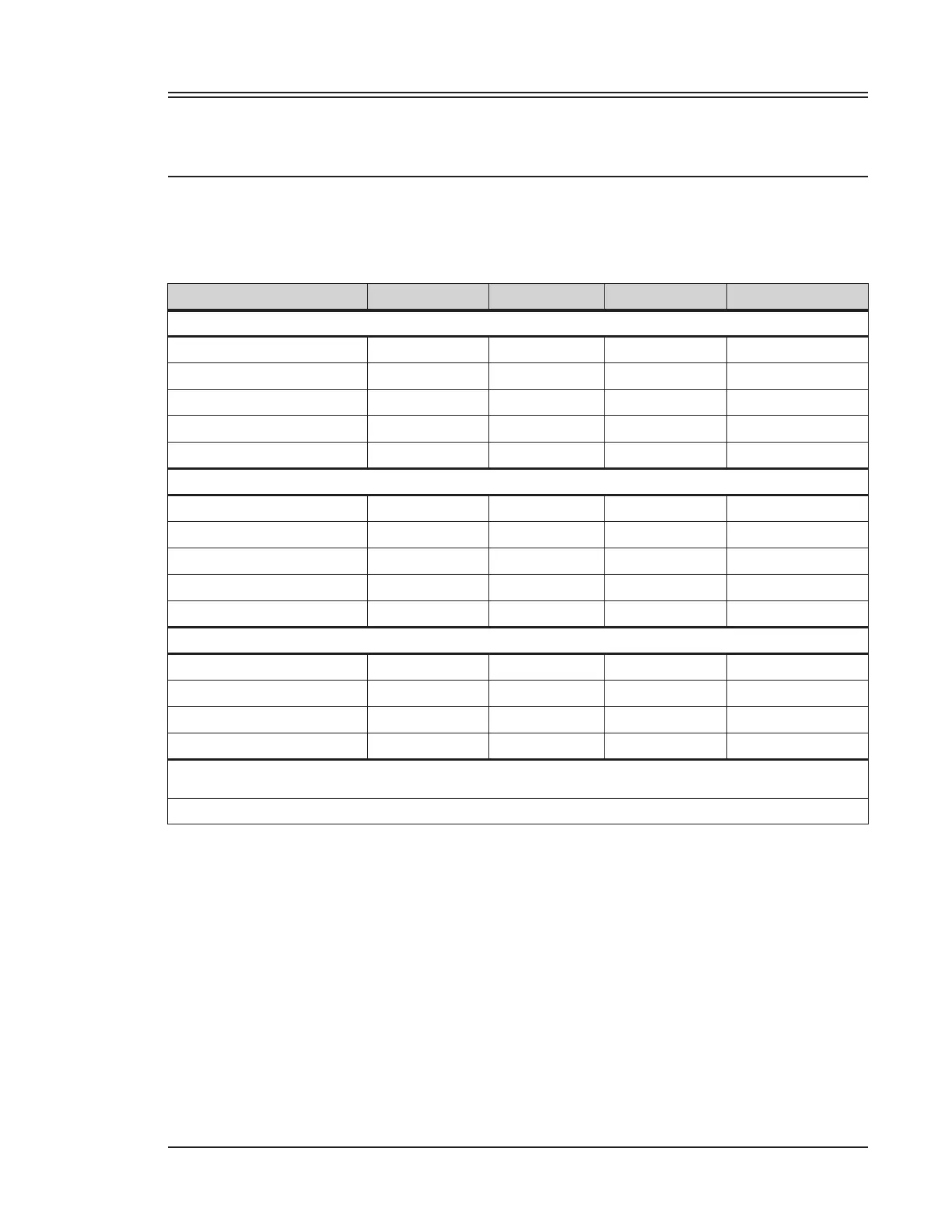
A summary of the accessible instrument screen/menu for each access level is provided in
Table 6-2.
Screen No Login Operator Supervisor Administrator
SAMPLE
SAMPLE X
ALARMS X X
LOCATIONS X X
STATISTICS X
RECIPES X
SETUP
DISPLAY X
SYSTEM X
SECURITY X X
COMM X X
IN/OUT X X
OTHER
DATA X
DIAGNOSTICS X X
LOGIN
HOME
Full Access Limited Access X No Access
Table 6-2. Screen accessibility by access level
The user’s access level is selected when the user is created. Like the username, it cannot
be changed at a later time. The only user data that can be changed is the password.
Activate/Deactivate Users
User accounts can be activated and deactivated from the USERS tab by administrators.
This is done by touching the ON/OFF column for a specific user. Orange indicates the user
is enabled, while gray indicates it is disabled.


 To Next Page