Chapter 5 : Sampling Options
5-2 Lasair® Pro Aerosol Particle Counter Operations Manual
SETTINGS Tab
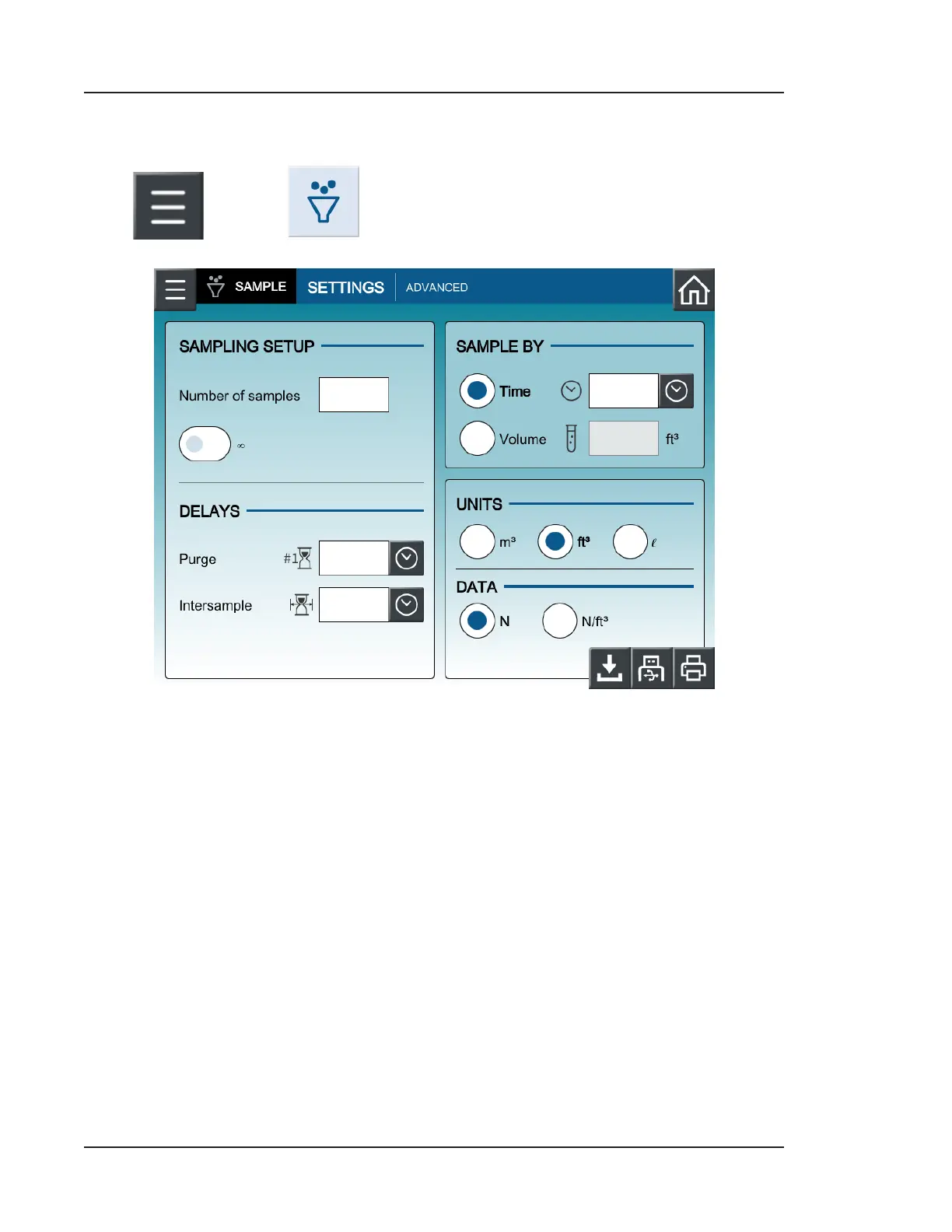
Press and then (SAMPLE). You should now see the SETTINGS tab.
Figure 5-1. Sampling configuration settings
Sampling Setup
The user can configure a set number of samples or enable continuous sampling (∞).
• Number of samples: The Lasair Pro will perform the number of samples indicated
here without the user needing to press the Start or Stop button on the HOME
screen.
• Continuous sampling (∞): Sampling will continue with the set configuration
until the user presses the Stop button on the HOME screen. For a full list of HOME
screen buttons, see Icons and Buttons of the HOME Screen on page 3-6.


 To Next Page