Chapter 5 : Sampling Options
5-6 Lasair® Pro Aerosol Particle Counter Operations Manual
ADVANCED Tab
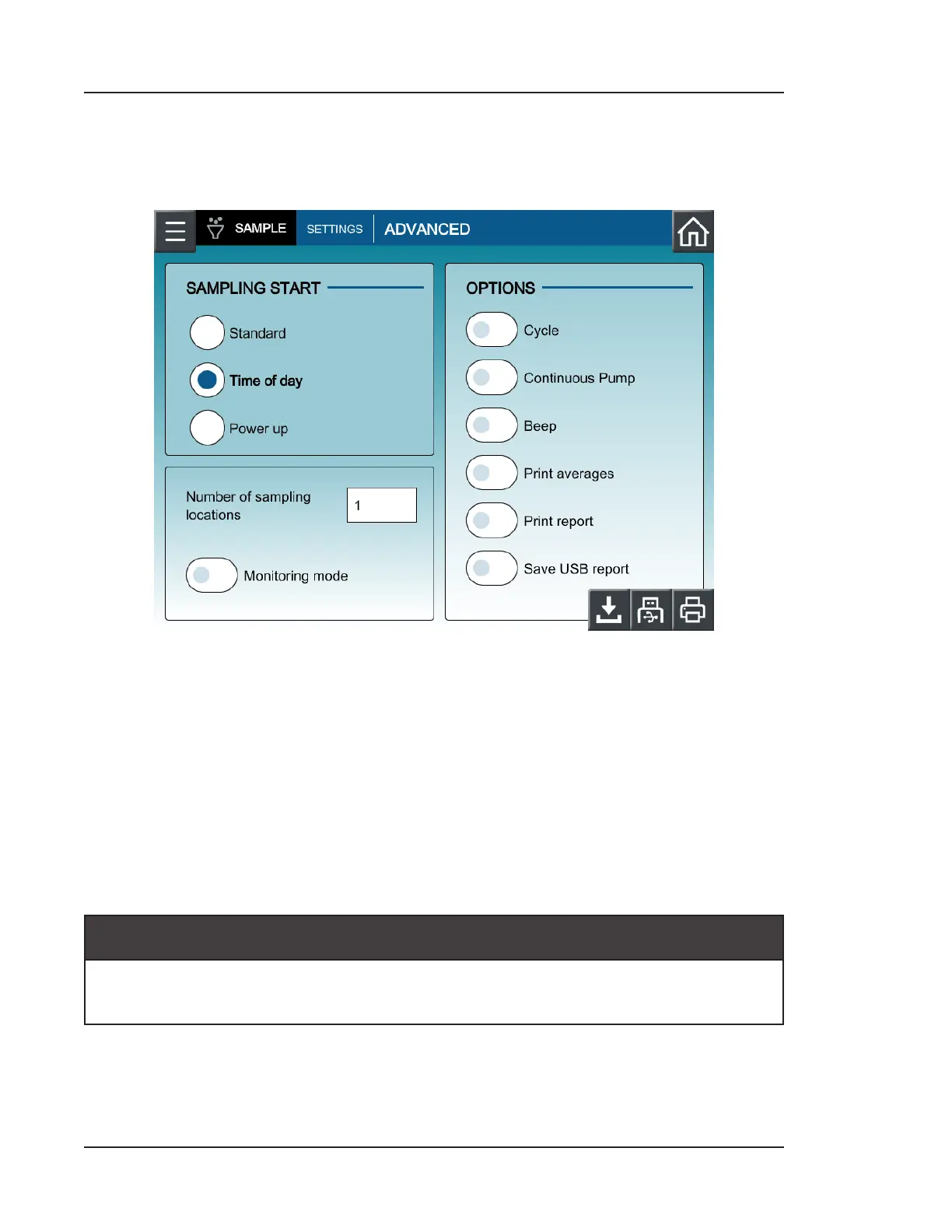
Press ADVANCED at the top of the screen to access this tab.
Figure 5-3. Advanced sampling settings
Sampling Start
The following choices determine how sampling will start on the Lasair Pro counter:
• Standard: Sampling start is determined with the HOME screen.
• Time of day: Sampling will automatically start based on the user-configured time.
The time is set on the HOME screen.
• Power up: Sampling automatically starts aer the Lasair Pro counter has been
turned on. The sampling configuration is whatever was used prior to shutdown.
-- NOTICE --
Note that NFC users will be unable to log into the Lasair Pro if the Power up
selection is chosen. Ensure a non-NFC user is enabled for logging in.



 To Next Page