Chapter 12 : System Configuration
12-10 Lasair® Pro Aerosol Particle Counter Operations Manual
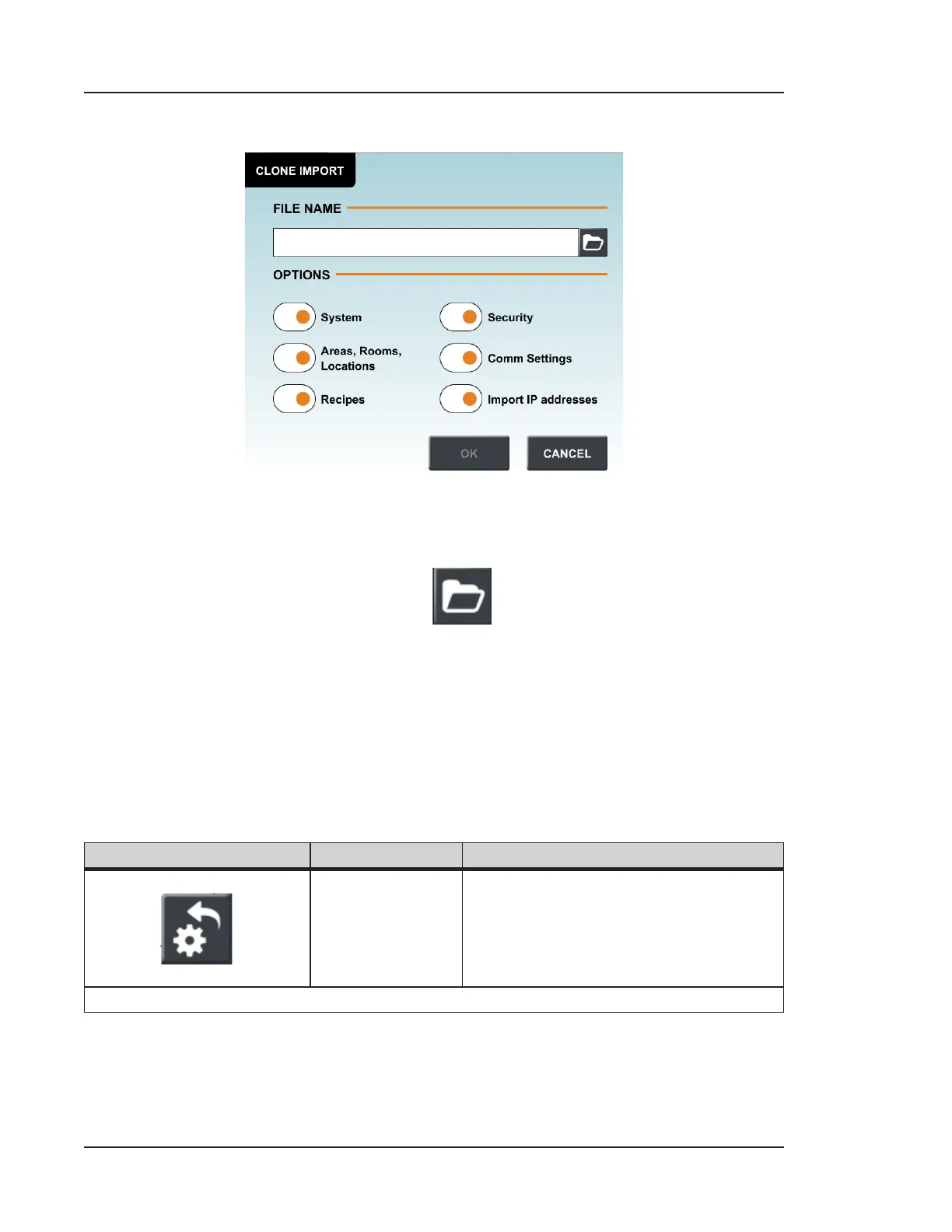
b. Choosing Clone Import opens the following window.
Figure 12-7. Clone Import window
i. Press inside the File Name field to open the keyboard to type the name
of the import file, or press
to select a file to import.
ii. Select the options to be imported and press OK.
iii. The Lasair Pro will logout any users and restart with the imported
options.
Buttons
Image Name Description
Restore Factory
Settings
Purges all data and settings on
the device and loads the factory
default settings. The system displays
a confirmation message before
completing the action.
Table 12-1. SETUP tab, SYSTEM


 To Next Page